3
2. Installation instructions
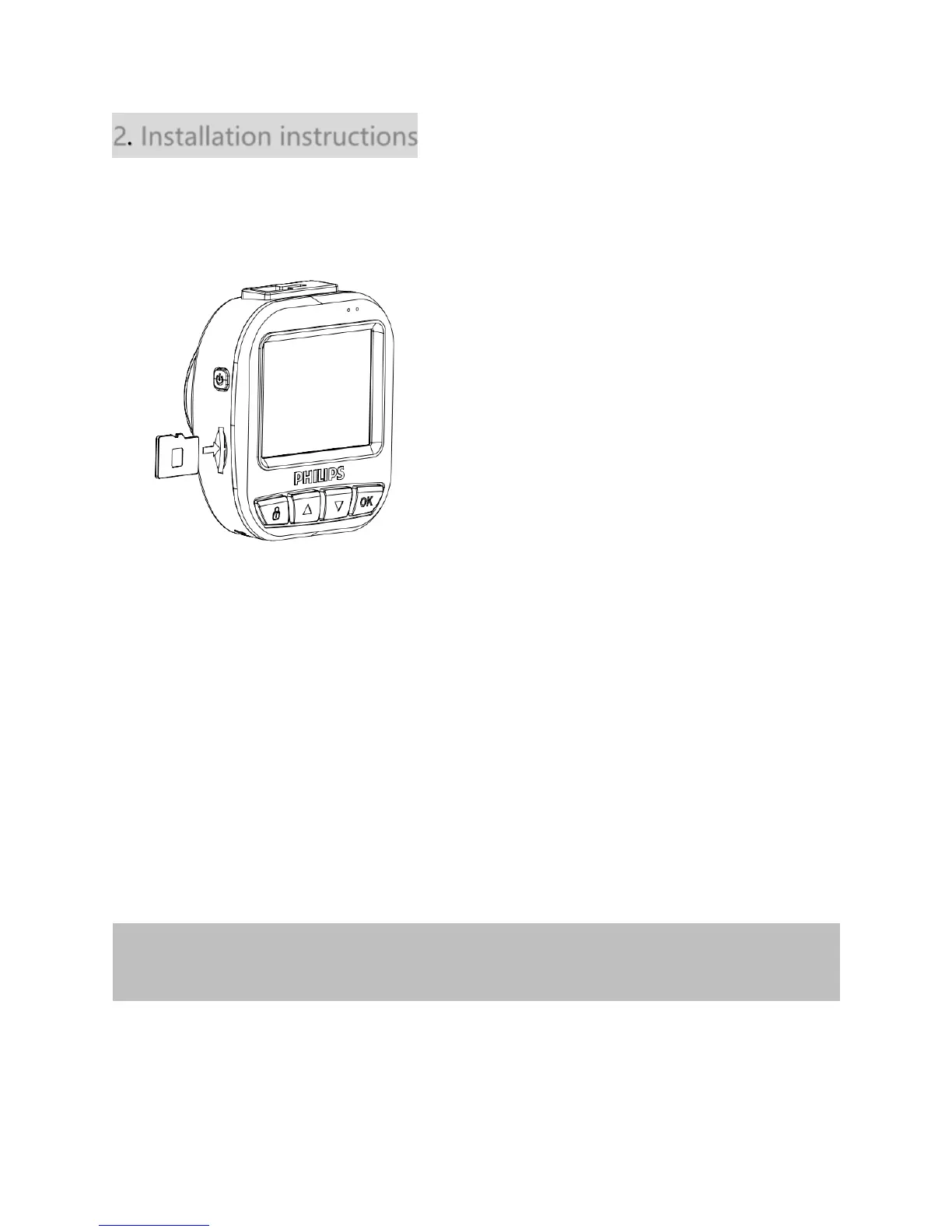
Insert MicroSD memory card
Insert memory card with the metal contacts facing to the back of device.
Remove MicroSD card
Push to eject the memory card out of the slot.
About MicroSD card
Please use MicroSD card with memory at least 8GB, CLASS 10 (capacity up to 32GB).
Before its first use, the MicroSD card must be formatted, by using the device's storage
menu.
The following information is for card capacity and recording time.














 To Next Page