12
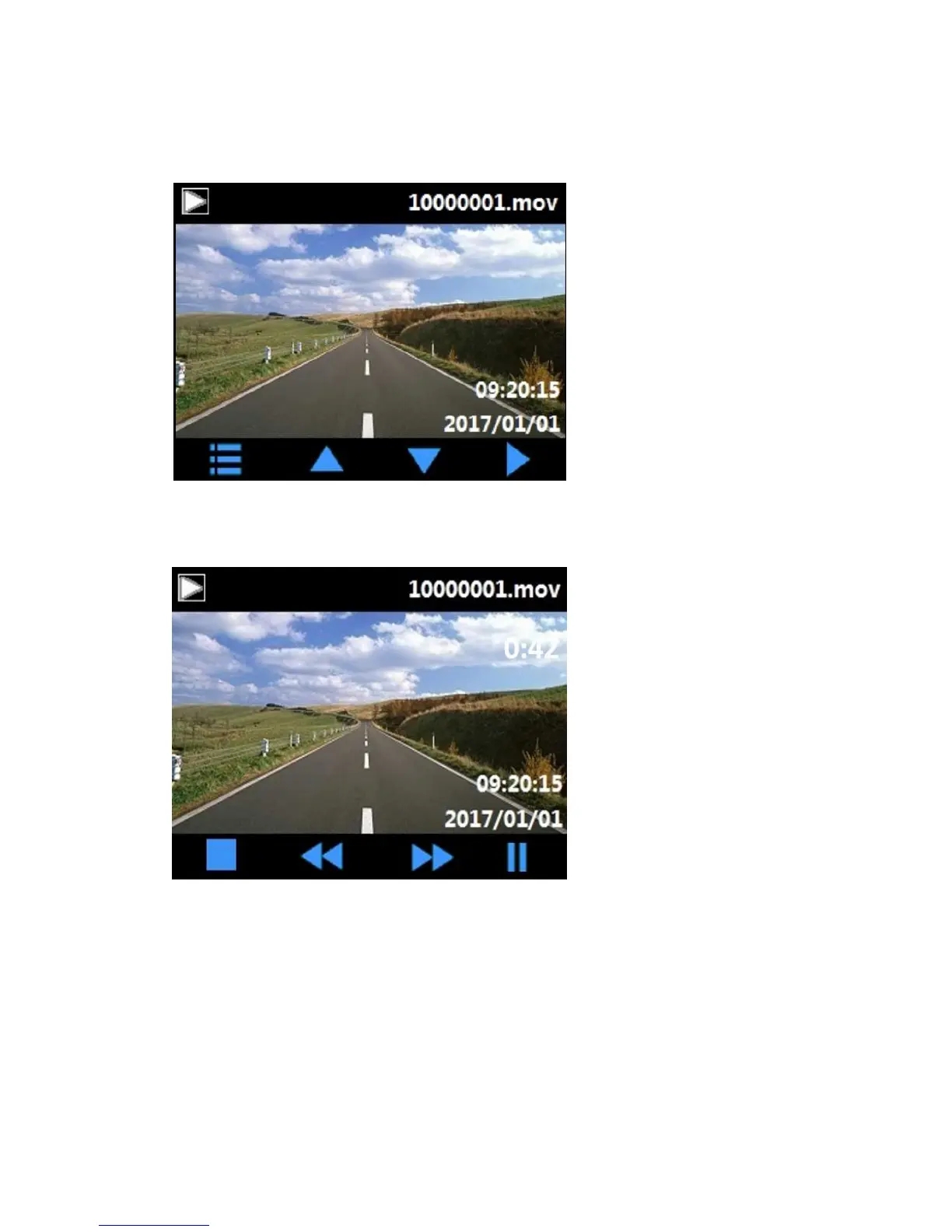
2. Press ▲/▼ button select desired video file to play, and press OK button enter video play
interface, press OK button play the selected video.
3. During playing video, press OK to pause, press ▲ to fast forward, press ▼ to fast
backward, or press emergency button to return to video play interface above.















 To Next Page