EasyManua.ls Logo

Philips AE 3650 - Recalling Preset Stations; Setting the Clock; Setting the Current Time

Philips AE 3650
22 pages
Print Icon
To Next Page IconTo Next Page
To Previous Page IconTo Previous Page
Loading...
Preset
stations
Clock
Calling
up
preset
stations
e
Select
the
wave
range
with
BAND
switch.
.
*
Press
one
of
the
PRESET
1...5
buttons.
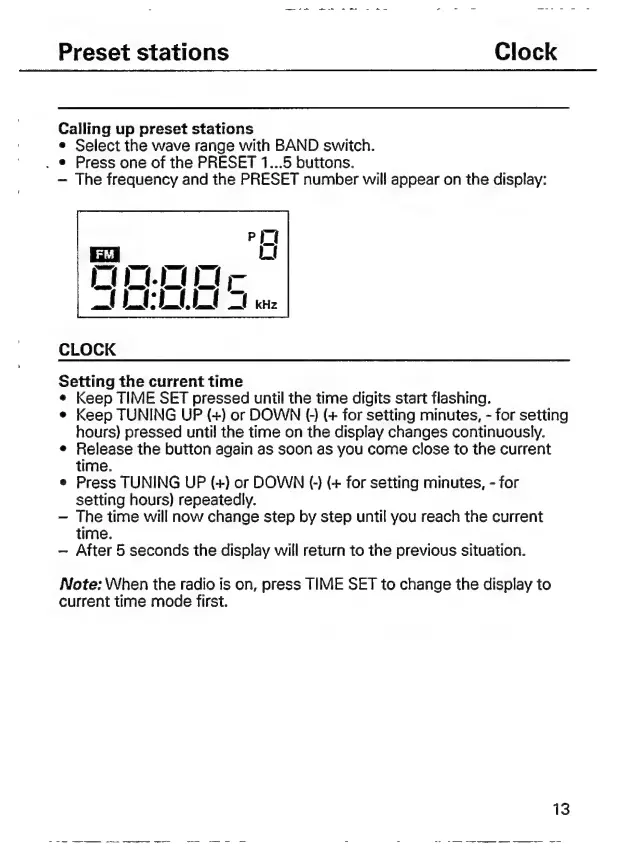
The
frequency
and
the
PRESET
number
will
appear
on
the
display:
CLOCK
Setting
the
current
time
e
Keep
TIME
SET
pressed
until
the
time
digits
start
flashing.
e
Keep
TUNING
UP
(+)
or
DOWN
(O)
(+
for
setting
minutes,
-
for
setting
hours)
pressed
until
the
time
on
the
display
changes
continuously.
e
Release
the
button
again
as
soon
as
you
come
close
to
the
current
time.
Press
TUNING
UP
(+)
or
DOWN
(-)
(+
for
setting
minutes,
-
for
setting
hours)
repeatedly.
The
time
will
now
change
step
by
step
until
you
reach
the
current
time.
After
5
seconds
the
display
will
return
to
the
previous
situation.
Note:
When
the
radio
is
on,
press
TIME
SET
to
change
the
display
to
current
time
mode
first.
13
——
me
La
A
e
2
Es
o
-
-
re
ee

Related product manuals