EasyManua.ls Logo

Philips AE 3650 - Device Controls Overview; Power Button Function; Sleep Timer Function; Tuning Buttons

Philips AE 3650
22 pages
Print Icon
To Next Page IconTo Next Page
To Previous Page IconTo Previous Page
Loading...
Introduction
Controls
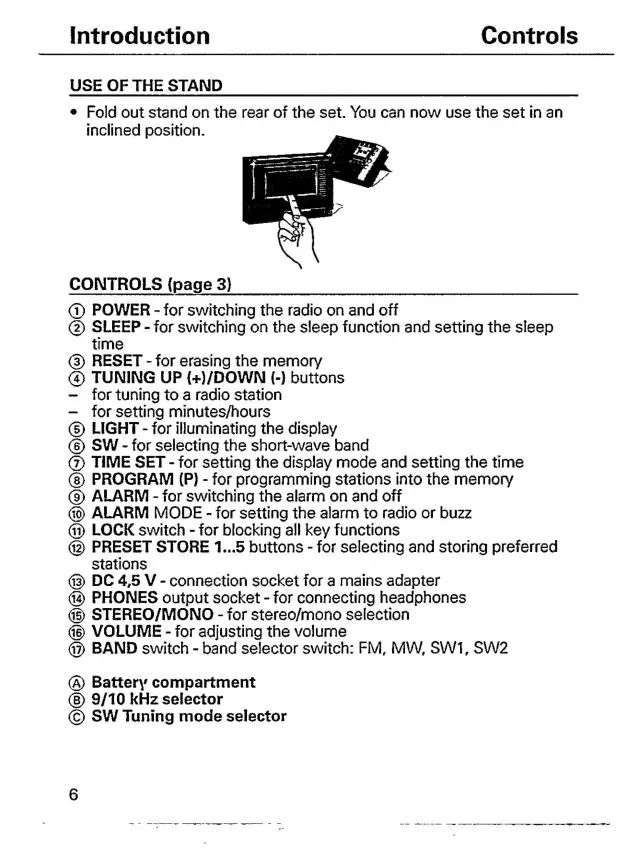
USE
OF
THE
STAND
e
Fold
out
stand
on
the
rear
of
the
set.
You
can
now
use
the
set
in
an
inclined
position.
CONTROLS
(page
3)
(1)
POWER
-
for
switching
the
radio
on
and
off
(2)
SLEEP
-
for
switching
on
the
sleep
function
and
setting
the
sleep
time
(3)
RESET
-
for
erasing
the
memory
@
TUNING
UP
(+)/DOWN
(-)
buttons
for
tuning
to
a
radio
station
for
setting
minutes/hours
(5)
LIGHT
-
for
illuminating
the
display
(6)
SW
-
for
selecting
the
short-wave
band
(7)
TIME
SET
-
for
setting
the
display
mode
and
setting
the
time
PROGRAM
(P)
-
for
programming
stations
into
the
memory
(9)
ALARM
-
for
switching
the
alarm
on
and
off
ALARM
MODE
-
for
setting
the
alarm
to
radio
or
buzz
Gi)
LOCK
switch
-
for
blocking
all
key
functions
42)
PRESET
STORE
1...5
buttons
-
for
selecting
and
storing
preferred
stations
43
DC
4,5
V
-
connection
socket
for
a
mains
adapter
PHONES
output
socket
-
for
connecting
headphones
45
STEREO/MONO
-
for
stereo/mono
selection
VOLUME
-
for
adjusting
the
volume
BAND
switch
-
band
selector
switch:
FM,
MW,
SW1,
SW2
(A)
Battery
compartment
9/10
kHz
selector
©
SW
Tuning
mode
selector

Related product manuals