14 EN
Option B:
1 In DAB mode, tune to a DAB radio station.
2 Use the numeric keypad to store the radio
station.
• To preset number 1 - 5, press and
hold the numeric keypad (1-5) for two
seconds.
• To preset number 6 - 10, press and
hold 5+ for two seconds, then press
the corresponding number key. (For
example, if you want to preset 6, press
and hold 5+ for two seconds, and then
press 1.)
» [Preset stored] is displayed.
» The station is stored in the selected
position.
Tip
• To remove a pre-stored station, store another station
in its place.
Select a preset DAB radio
station
In DAB mode, you have two ways to select a
preset radio station.
Option A:
1 Press PRESET.
2 Press / to select a number.
3 Press OK to conrm.
Option B:
• Press the numeric keypad to select a
preset number.
Tip
• To select the preset number 6-10, press 5+ rst,
and then press the corresponding number key. (For
example, if you want to select 6, press 5+, and then
press 1.)
Use menu in DAB mode
1 In DAB mode, press MENU to access
DAB menu.
2 Press / to scroll through the menu
options:
• [Station list]: display all DAB radio
stations. If no station is found, the radio
starts to scan DAB stations and add
them to the station list.
• [Scan]: scan and store all the available
DAB radio stations.
• [Manual tune]: tune to a specic
channel/frequency manually and add it
to the station list.
• [Prune invalid]: remove all the invalid
stations from the station list.
• [DRC]: compress the dynamic range
of a radio signal, so that the volume
of quiet sounds is increased, and the
volume of loud sounds is reduced.
• [Station order]: enable you to dene
how the stations are arranged when
scrolling the station list.
• [System settings]: adjust system
settings (see the Chapter "Use system
settings menu").
• [Main menu]: access main menu (see
the Chapter "Use main menu").
3 To select an option, press OK.
4 Repeat steps 2 to 3 if any sub-option is
available under one option.
• To return to the previous menu, press
.
• To return to the top menu, press .
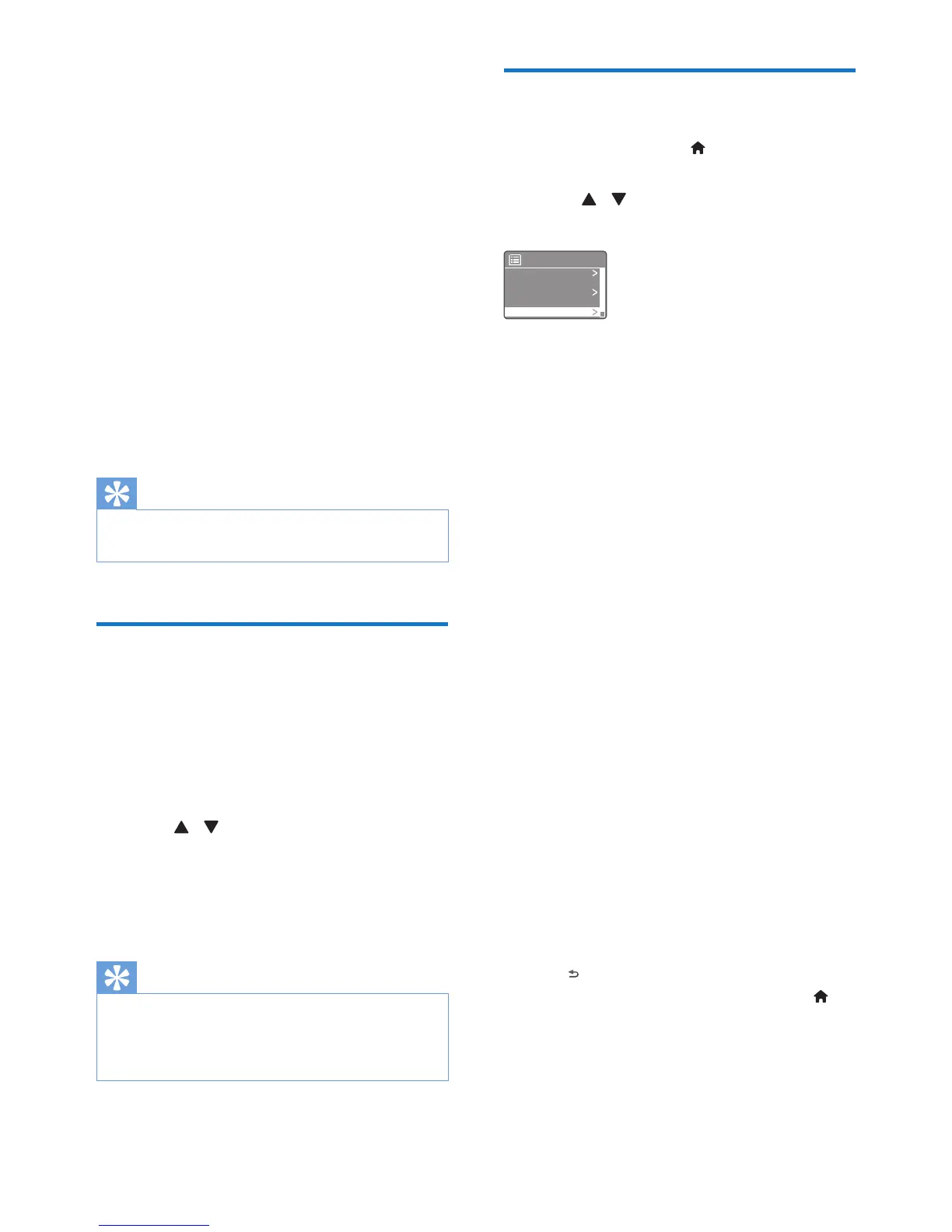
[Prune invalid]
• [YES]: remove all the invalid stations
from the station list.
• [No]: return to the previous menu.
Scan
Prune invalid
DAB
Station list
Manual tune


 To Next Page