5EN
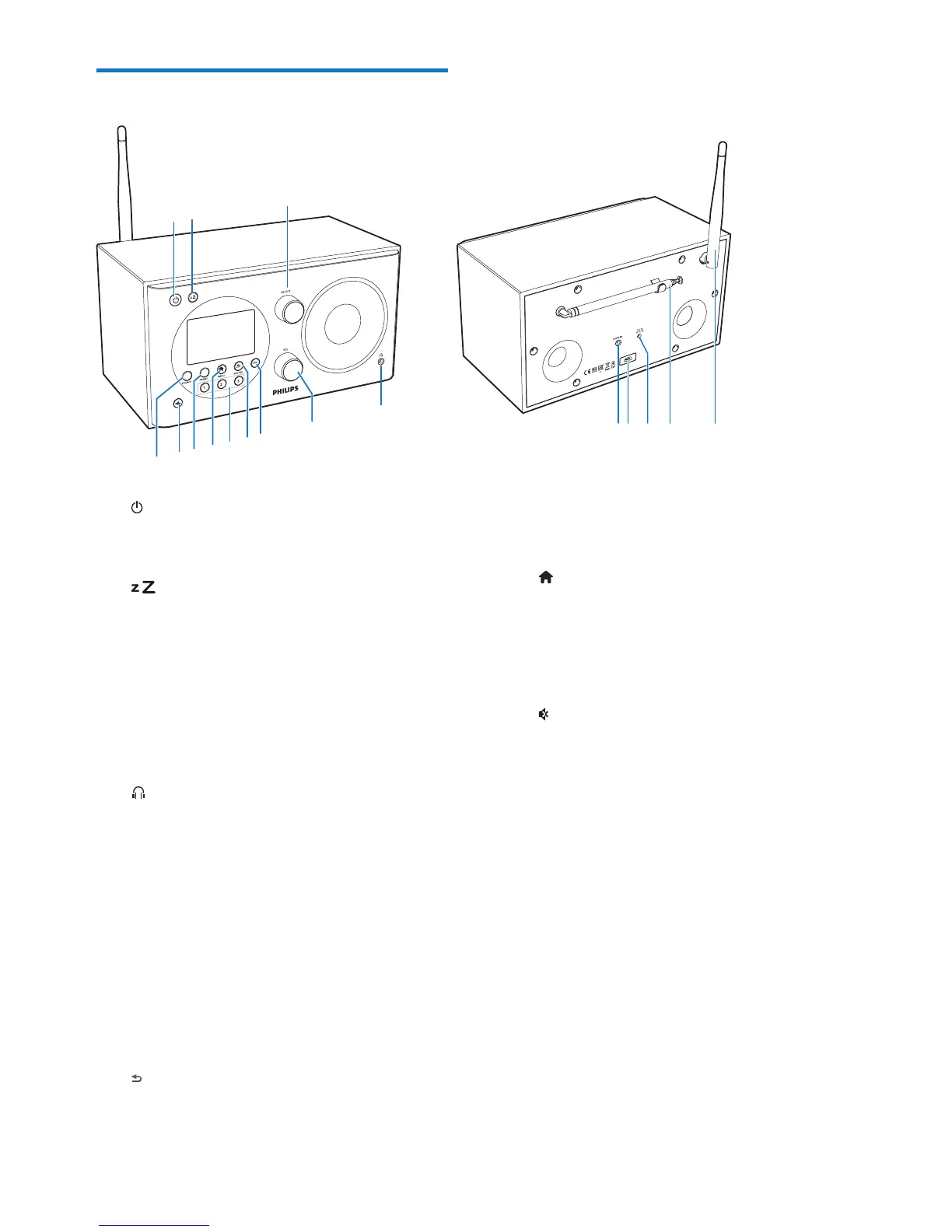
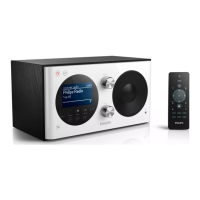
Overview of the clock radio
a
• Turn on the radio.
• Switch to standby mode.
b
• Set sleep timer.
c SELECT knob
• Turn clockwise or anticlockwise to
tune to radio stations.
• Turn clockwise or anticlockwise to
navigate through the menu list.
• Press to conrm a selection.
d
• Connect a headphone.
e VOL knob
• Adjust volume.
f INFO
• In DAB mode, display information of
DAB stations.
• In Internet radio mode, display
information of Internet radio stations.
• In FM mode, display information of
RDS stations.
g /SNOOZE
• Return to the previous menu.
• Snooze the alarm.
a
h
i
j
k
b
h Numeric keypad (1-3)
• Select a preset radio station.
• Select a number to store radio station.
i MENU
• In working mode, access the top menu.
j PRESET
• Store radio stations.
• Display the preset station list.
k
• Mute or resume sound.
l SOURCE
• Select a source: DAB radio, FM radio,
AUX IN, or Internet radio.
m AUDIO IN
• Connect an external audio device.
n USB socket
• For software upgrade only (if
necessary).
o DC IN
• Connect AC power.
p Radio antenna
• Improve radio reception.
q Wi-Fi antenna
• Improve Wi-Fi reception.


 To Next Page