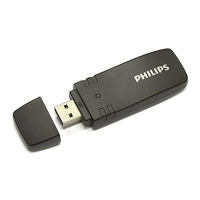
2. Your AirBridge
We are delighted that you have chosen a Philips device.
Visit our website for comprehensive support, such as user
manuals, software downloads, warranty information and
more: www.philips.com/dictation.
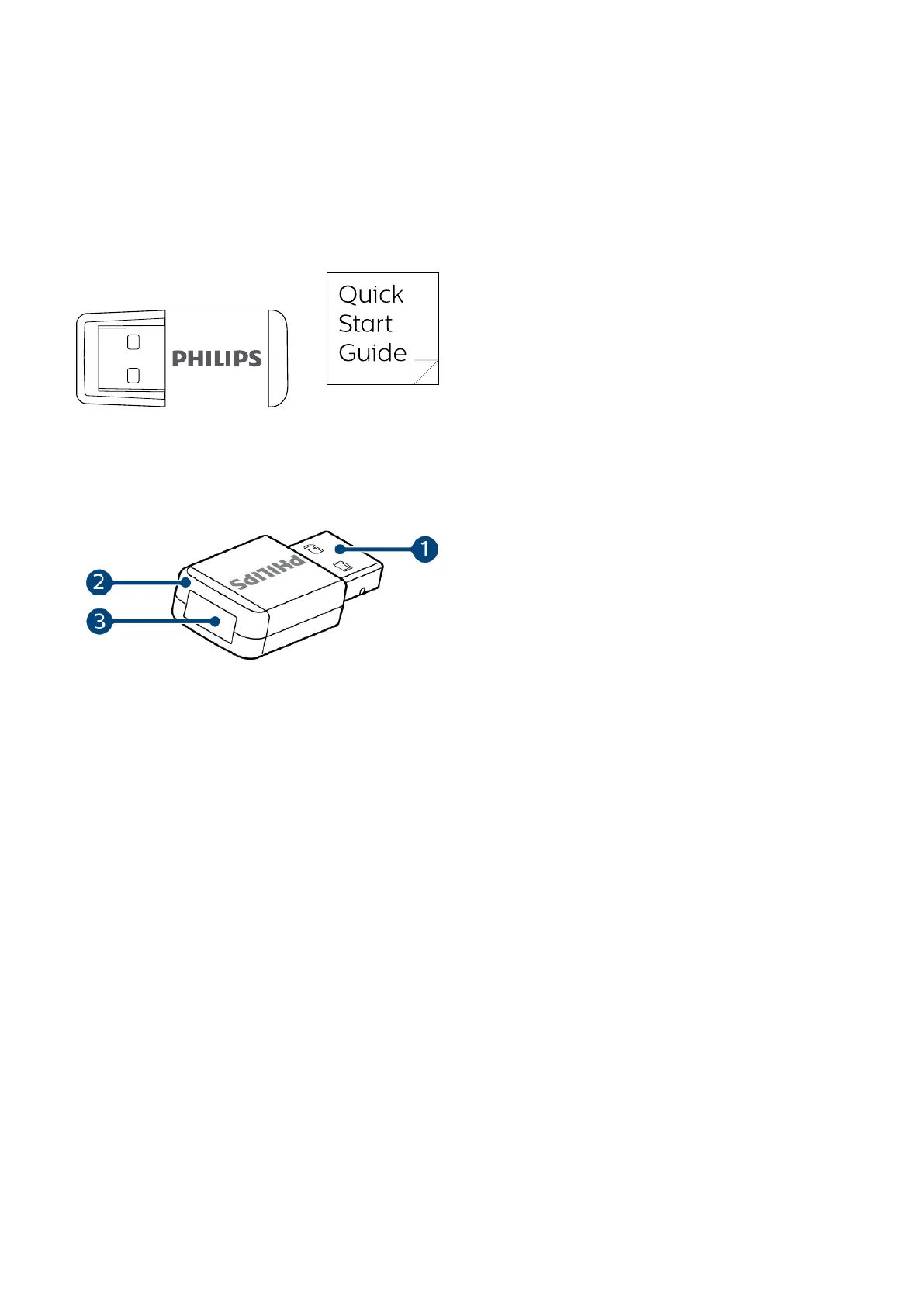
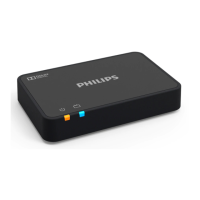
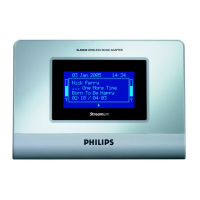
What's in the box
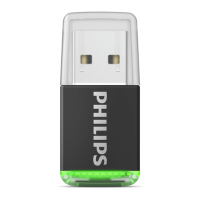
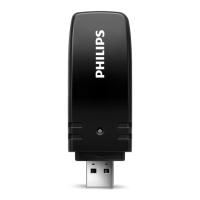
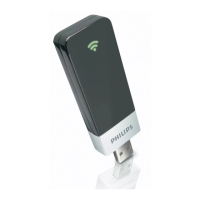
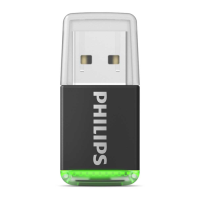
Overview of your AirBridge
1. USB plug
2. Status LED
3. Pairing button
5


 To Next Page