Power down your SpeechOne
If the SpeechOne is not used for more than 6 hours, it auto-
matically turns o to save battery life. You can also power
down your SpeechOne manually:
1. Remove the headset from the docking station.
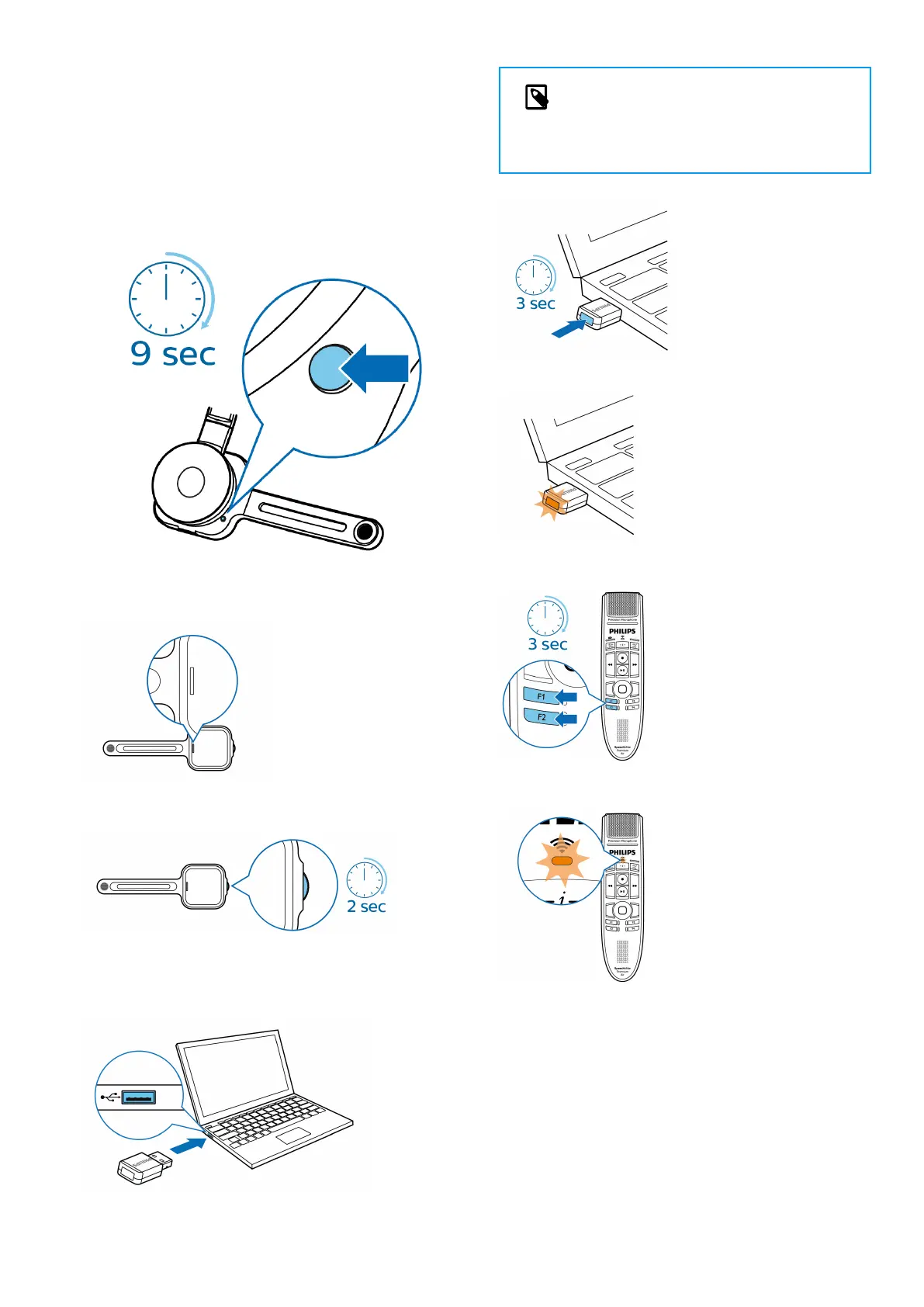
2. Hold the Pairing button of your SpeechOne headset for
9 seconds.
3. The status LED of your SpeechOne headset is no longer
illuminated, indicating that you turned o the device.
To turn the device on again, press the Headset button
for 2 seconds.
SpeechMike Premium Air
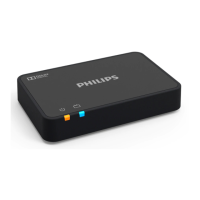
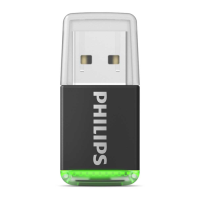
1. Connect the AirBridge to your computer.
NOTE
Do not use any extension cables to connect
the AirBridge to your computer to avoid con-
nection problems.
2. Hold the Pairing button of your AirBridge for 3 seconds.
3. The status LED of your AirBridge starts to ash orange.
4. Hold both the F1 and F2 button of your SpeechMike for
3 seconds.
5. The status LED of your SpeechMike headset starts to
ash orange.
6. The SpeechMike automatically connects to the Air-
Bridge. Once successfully connected, the status LED of
both devices illuminates green.
7


 To Next Page