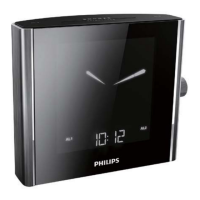
Select a preset radio station
In tuner mode, press PRESET, then rotate the main knob to select a
preset number.
Adjust volume F
5 Other features
Display indoor/outdoor temperature
Adjust temperature display
1 Press DISPLAY.
2 Rotate the knob to select a temperature display mode for the
main unit:
• Display indoor temperature;
• Display outdoor temperature detected from channel
1/2/3; or
• Display indoor and outdoor temperature alternatively.
3 Presstheknobtoconrm.



 To Next Page