To deactivate the sleep timer:
In sleep timer setting mode, rotate the knob until [OFF] (off)appears,
then press the knob.
Select DST (daylight saving time) mode
Forcountrieswithdaylightsavingtime(DST),theclockradiooffersyou
DSToptiontoadjustsummertime.
In standby mode, press and hold DST for 3 seconds.
» The clock advances by one hour and [DST] is displayed.
Adjust display brightness
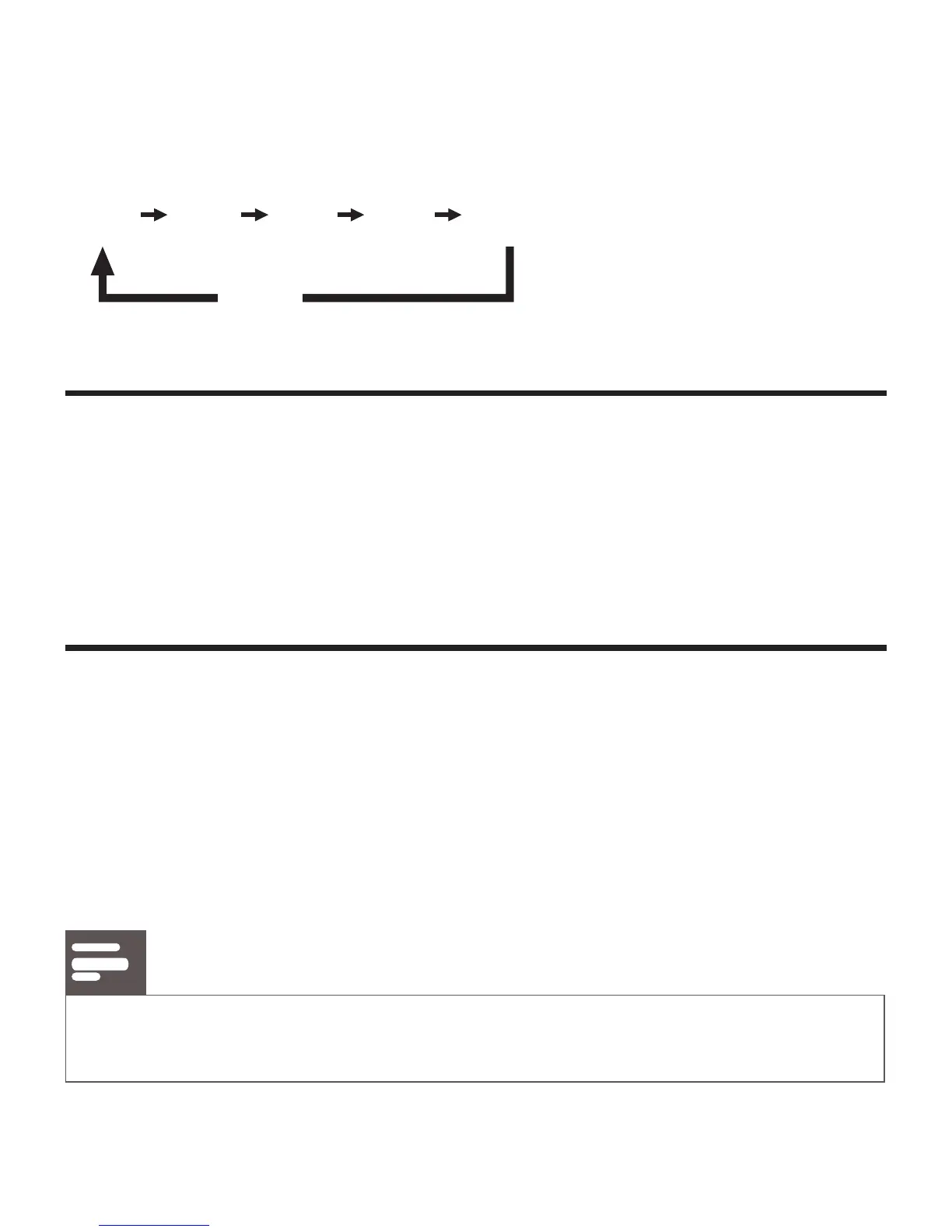
Press BRIGHTNESS repeatedly to select different brightness levels: [HI]
(high),[MID](mid),and[LOW](low).
6 Product information
Note
• Product information is subject to change without prior notice.



 To Next Page