13 October, 2017
Antumbra 12 Product Overview
1.4.4 Base Unit
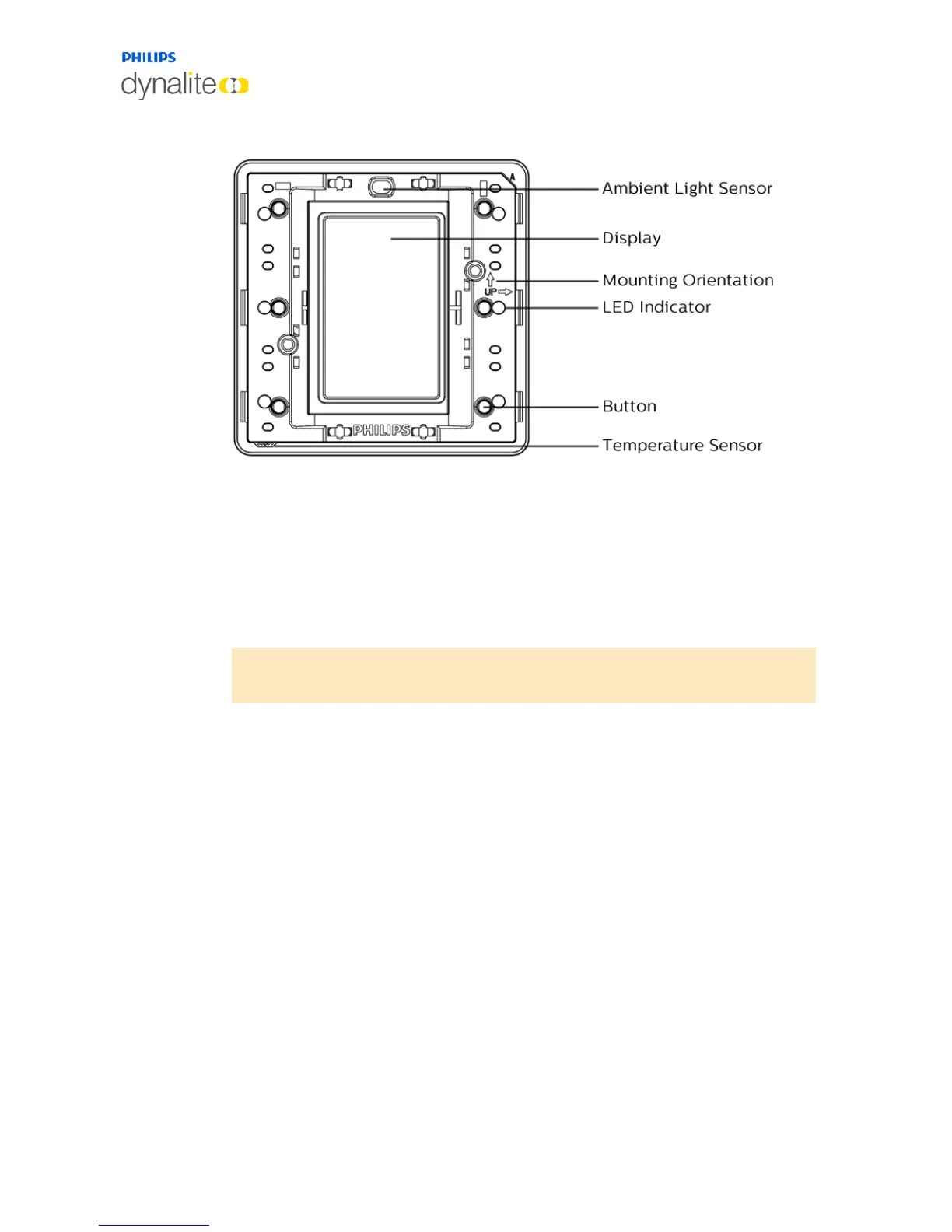
The AntumbraDisplay Panel application module consists of six buttons, LED indicators, a
temperature sensor, an ambient light sensor and a proximity sensor.
Refer to the ‘up’ arrows on the application module to indicate the side that has to be at the
top when the panel is mounted in either portrait or landscape orientation.
When attaching the rim, ensure that the holes on the rim are positioned over the
temperature sensor.
Note: To remove the buttons from the panel, lift the button from the left and/or
right edge of the panel before lifting the button at the center.



 To Next Page