13 October, 2017
Antumbra 22 Installation
2.2.4 Button Installation (AntumbraDisplay)
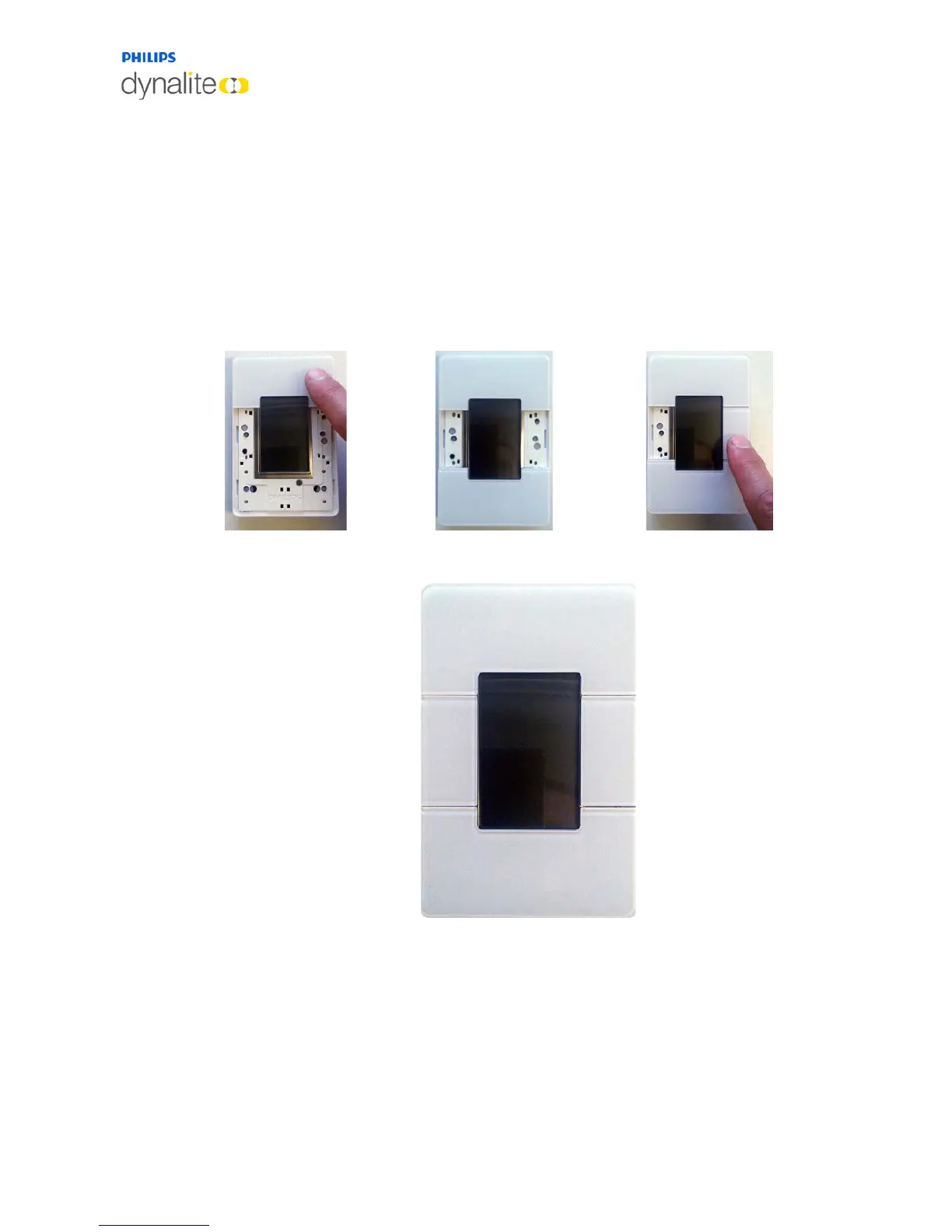
This panel has two large buttons and two small buttons that fit around the display.
To attach the large buttons, carefully line up each button with the application module, then
press the center of the button until it clicks into place. Press each side of the button into
place.
To attach the small buttons, ensure that the raised ridge on each button is aligned with the
corresponding space between the application module and the rim. Press down on the top
and bottom of the button until it clicks into place.
Once correctly attached, each button will have a smooth tactile click when pressed.



 To Next Page