- 5 -
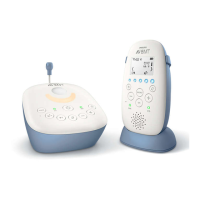
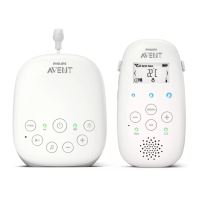
Linking parent unit and baby unit
1 Press and hold the button on the baby unit for 2 seconds until the
power-on light goes on.
2 Press and hold the button on the parent unit for 2 seconds until the
display lights up. The 'link' light on the parent unit starts ashing red
and the message 'LINKING' appears on the display.
When the parent unit and baby unit are linked, the 'link' light turns
solid green. The signal strength indicator and the message 'LINKED'
appear on the display.
If no connection is established, the message 'NOT LINKED' is displayed
and the parent unit starts and the parent unit starts to beep.
What to do if no link is established
- If the parent unit is out of range, place it closer to the baby unit, but
not closer than 1 metre/3.5 feet.
- If the baby or parent unit is too close, <2 m/6.5 ft away from another
DECT appliance (e.g. a cordless phone), switch o this appliance or
move the unit away from this appliance.
- If the baby unit is switched o, switch it on.
Operating range
- The operating range is 330 metres/1000 feet outdoors and up to
50metres/150 feet indoors.
- The operating range of the baby monitor varies depending on the
surroundings and factors that cause interference. Wet and moist
materials cause so much interference that the range loss is up to
100%. For interference from dry materials, see the table below.
Dry materials Material thickness Loss of range
Wood, plaster, cardboard, glass
(without metal, wires or lead)
< 30 cm (12 in) 0-10 %
Brick, plywood < 30 cm (12 in) 5-35 %
Reinforced concrete < 30 cm (12 in) 30-100 %
Metal grilles or bars < 1 cm (0.4 in) 90-100 %
Metal or aluminium sheets < 1 cm (0.4 in) 100 %








 To Next Page