- 9 -
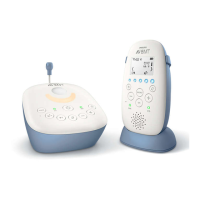
Menu of the parent unit
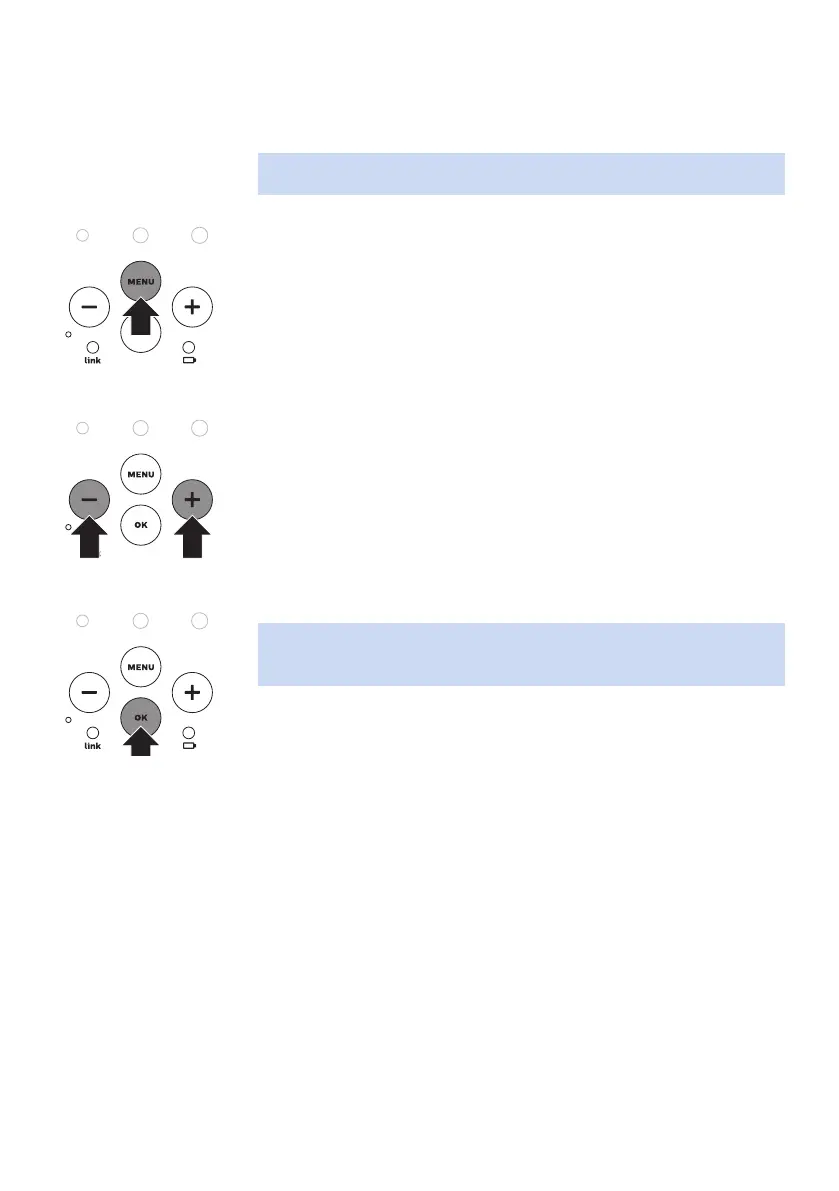
Navigating the menu
Note: Some menu functions only work when the baby unit and the parent
unit are linked.
1 Press the MENU button to open the menu and to make the rst menu
option appear.
2 Use the + button to go to the next option or the - button to go to the
previous option. The arrow on the display indicates in which direction
you can navigate.
3 Press OK to conrm your selection.
Note: Press the MENU button if you want to leave the menu without
making any changes. If there is no input in the menu for more than 20
seconds, the menu closes automatically.










 To Next Page