- 17 -
Purple
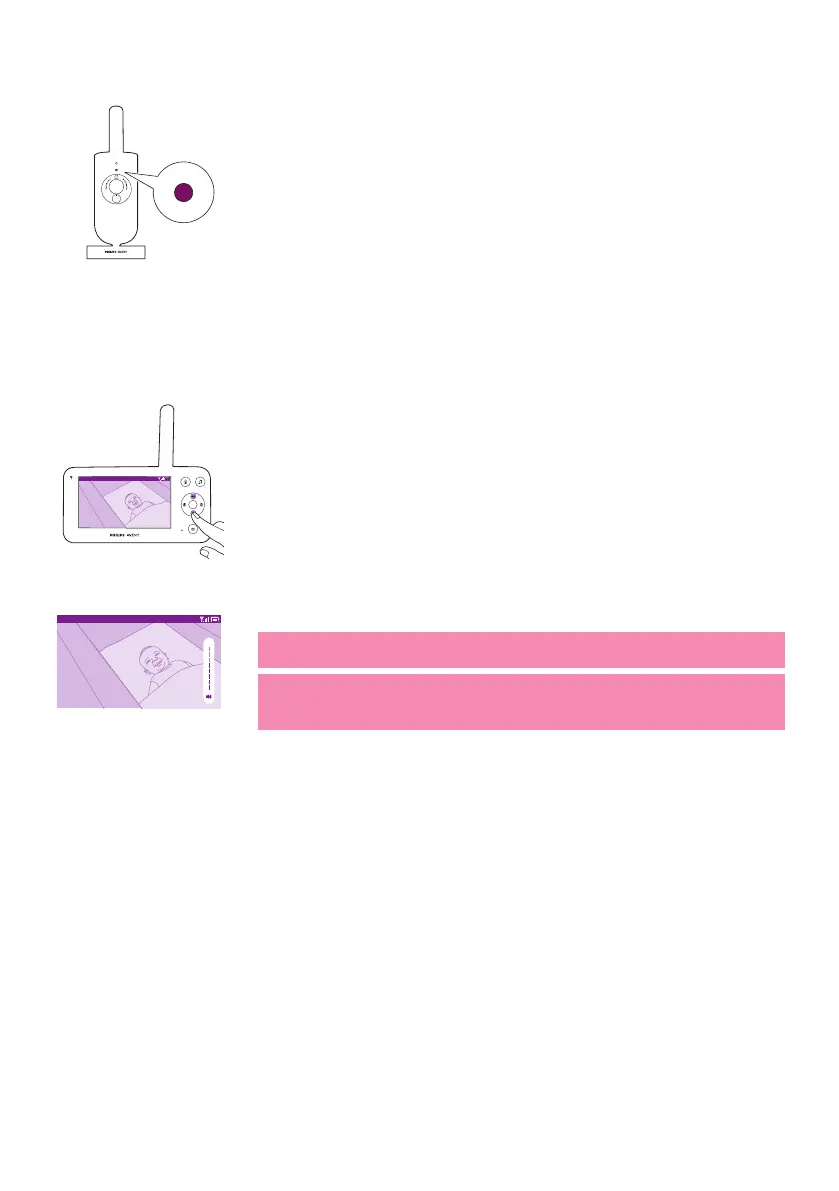
Solid purple: Video live streaming is turned on for one or more app users�
Volume
You can adjust the speaker volume of the parent unit to the level you
prefer�
Video 20.3
o
C
1 Press the top or bottom part of the control button to adjust the
volume�
Video 20.3
o
C
2 The volume bar appears on the display to show the selected volume
level�
Note: If the volume is set to a high level, the parent unit consumes
more power�
Note: When the volume bar is at its minimum, the volume is muted.
The parent unit shows a mute icon in the status bar and you will only
receive alerts and video from the parent unit�














 To Next Page