- 22 -
Privacy function
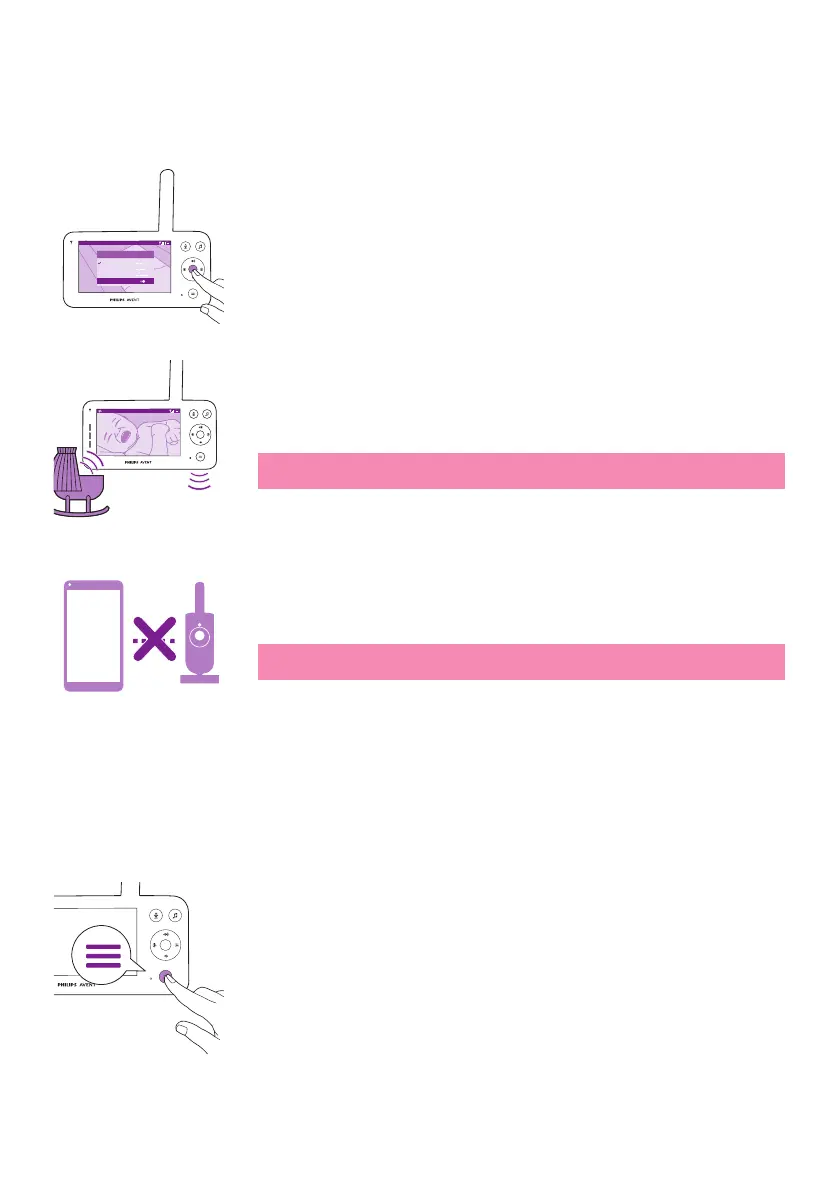
Privacy mode allows you to temporarily disable the camera's live feed
to the app� You can still monitor your baby from the parent unit in the
selected mode�
Video 20.3
o
C
Modes and Sensitivity
Video
Audio
Eco
Privacy
1 Press the mode button on the top left of the parent unit�
2 Press the bottom part of the control button to switch to Privacy
function�
3 Press the conrm button to activate the Privacy function�
20.3
o
C
Video
When the Privacy mode is activated, you can still monitor your baby from
the parent unit in the selected mode�
Note: When the display is on, the privacy function indicator is shown in
the status bar. The status bar is not visible when the display is o.
App
You cannot monitor your baby from the app when the privacy function is
activated�
Tip: You will receive a push notication from the app when the privacy
function is activated�
Nightlight
You can activate the nightlight function from the parent unit, the baby
unit or the app�
To activate the nightlight function from the parent unit, follow the
instructions below:
1 Press the menu button on the bottom right of the parent unit�













 To Next Page