EasyManua.ls Logo

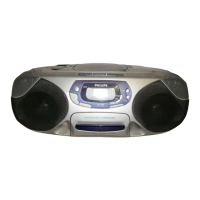
Philips AZ 1209 - CD Player Operation; Playing a CD

Philips AZ 1209
16 pages
Print Icon
To Next Page IconTo Next Page
To Previous Page IconTo Previous Page
Loading...
CD
PLAYER
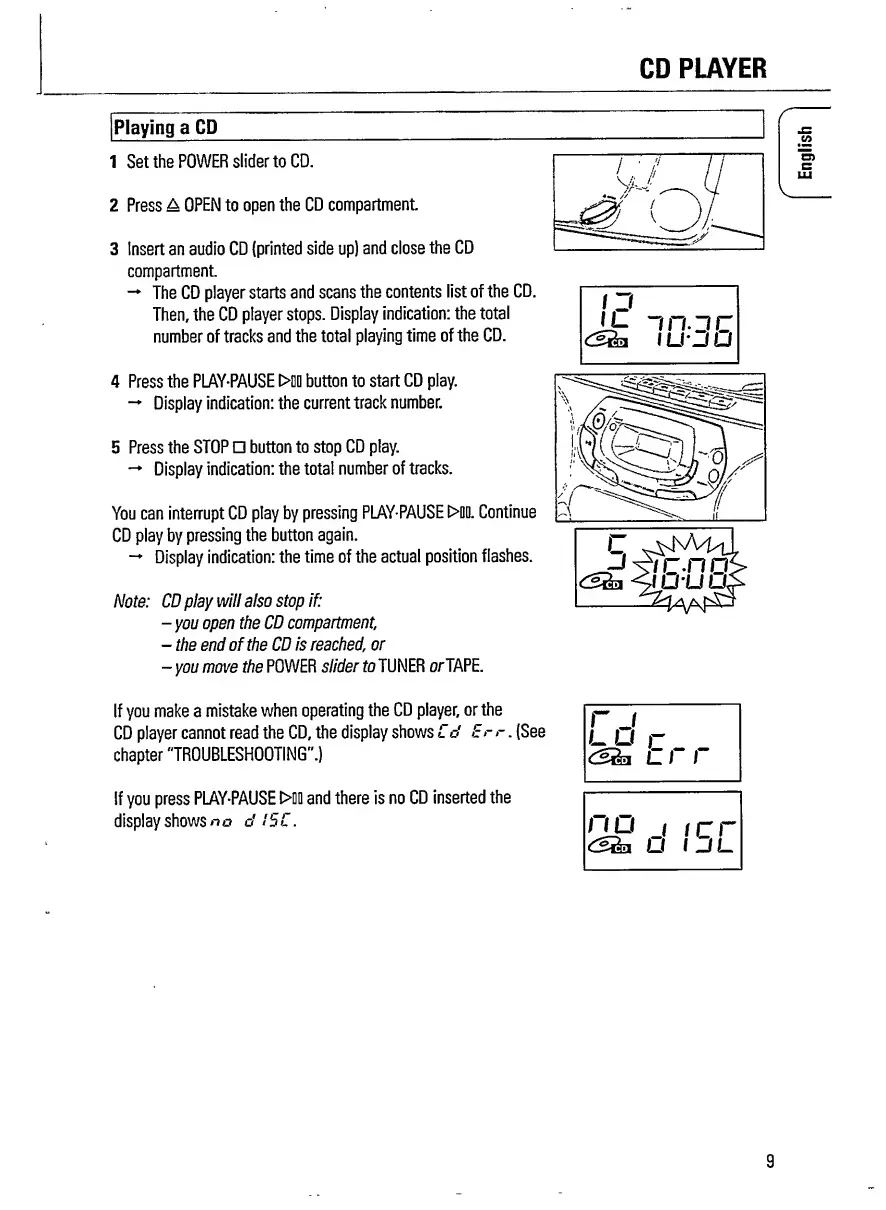
Playing
a
CD
1
Set
the
POWER
slider
to
CD.
2
Press
a
OPEN
to
open
the
CD
compartment
3
Insert
an
audio
CD
(printed
side
up)
and
close
the
CD
compartment.
The
CD
player
starts
and
scans
the
contents
list
of
the
CD.
Then,
the
CD
player
stops.
Display
indication:
the
total
number
of
tracks
and
the
total
playing
time
of
the
CD.
4
Press
the
PLAY-PAUSE
>00
button
to
start
CD
play.
Display
indication:
the
current
track
number.
5
Press
the
STOP
button
to
stop
CD
play.
Display
indication:
the
total
number
of
tracks.
You
can
interrupt
CD
play
by
pressing
PLAY-PAUSE
>00.
Continue
CD
play
by
pressing
the
button
again.
Display
indication:
the
time
of
the
actual
position
flashes.
Note:
CD
play
will
also
stop
if:
-
you
open
the
CD
compartment
,
-
the
end
of
the
CD
is
reached,
or
-
you
move
the
POWER
slider
to
TUNER
or
TAPE.
1
J
IL
mjc
dSthi
1
U_f
u
r
If
you
make
a
mistake
when
operating
the
CD
player,
or
the
CD
player
cannot
read
the
CD,
the
display
shows
Cd
Er
r
.
(See
chapter
"TROUBLESHOOTING".)
If
you
press
PLAY-PAUSE
>00
and
there
is
no
CD
inserted
the
display
shows
no
d
ISC.
r
j
l
u
r
L
I
I
no
j
icr\
U
IJL
9
English

Related product manuals