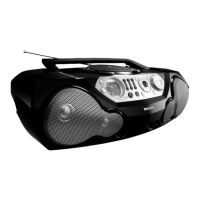
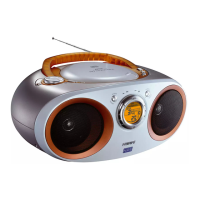
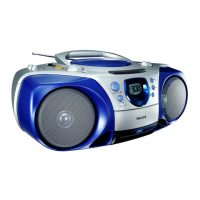
CD/VCD/MP3-CD
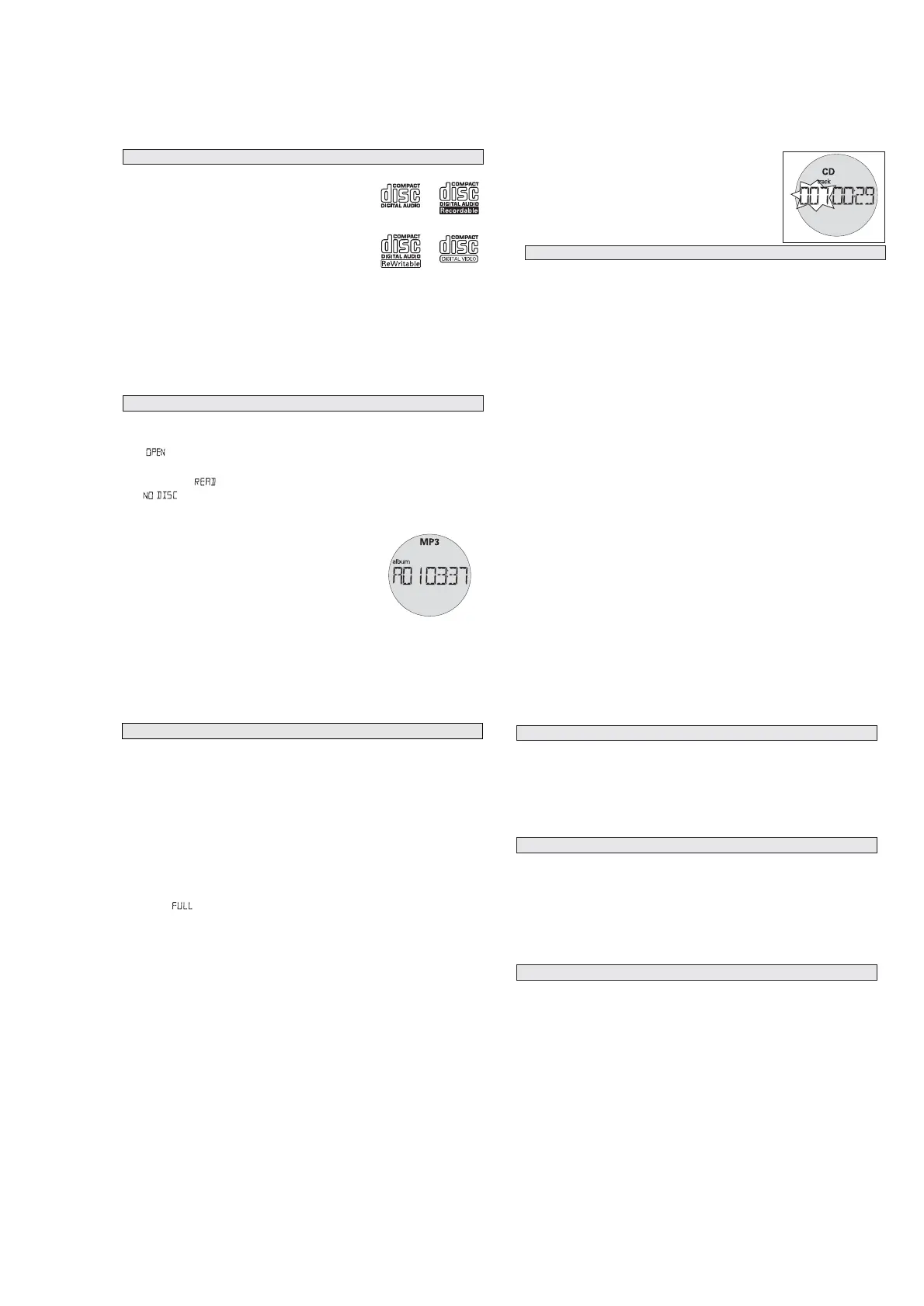
This set can play all digital audio CD, video CD, finalised digital
audio CD-Recordable (CDR) discs and finalised digital audio CD-
Rewritable (CDRW) discs.
Support following MP3-CD formats:
•
ISO 9660 or ISO 9660 + Joliet format - Max. 30 characters
•
Max. Track number is 400
•
Max. nested directory is 8 levels
•
The max. album number is 99
•
The max. MP3 programme track number is 20
•
The max. length of each track is 99 minutes 59 seconds
•
The player can play mixed mode disc of CD / MP3-CD
•
Supported VBR bit-rate
•
Supported sampling frequencies for MP3 disc : 8 kHz to 48 kHz (44.1kHz preferably)
•
Supported bit-rates of MP3 disc are: 32 - 320 kbps (128 kbps preferably)
Following formats are not supported
•
The files like *.WMA, *AAC, *.DLF, *.M3U, *.PLS, MP3 PRO
•
The non-session closed discs
1. Press
STANDBY ON y
once or more to on, then select
CD • VCD
SOURCE.
2. Press OPEN
•
CLOSE to open the CD door.
™
is displayed when the CD door is open.
3. Insert a CD with the printed side facing up and press down on OPEN
•
CLOSE to close the CD door.
™
Display show , then 001 (track number) and elapsed time.
™
will be displayed if no disc is inserted or error in CD operation.
4. Playback starts from the beginning of the 1st track automatically.
For MP3-CD only
™ The current track number "XXX" and current album number
“AXX" will be displayed interchangeably.
™ On TV screen, the album list appears on the left and track list
on the right (max. 10 lines per page). The current selected
music is highlighted, with the elapsed time shown at the upper
right corner.
Helpful hints:
- To ensure good system performance, wait until the disc completely reads before proceeding.
- For MP3-CD, the disc reading time may exceed 1 minute due to the large number of songs
compiled into one disc.
PLAYING A DISC
DISCS FOR PLAYBACK
CD/VCD/MP3-CD
•
Press
2;
to start playback if in the stop position.
™ The current track number and elpased time appear on the
display.
•
To interrupt playback, press
2;
.
™ The current track number will start flashing.
•
To resume playback, press
2;
again.
•
To stop playback, press 9.
To select a desired track
•
Press
or §
§
§
§
§
§§
on the set repeatedly (or use digits 0 - 9 buttons or press
¡ , ™
on the remote
control) until the desired track appears on the display.
•
If playback is stopped, press
2;
to start playback.
To search for a particular passage during playback
•
Either press and hold
or §
on the set for 1 second, and then release
or §
to select the
passage
or press
5 or 6
on the remote control and then press
2;
to select the passage.
™ During searching, the volume will be muted.
For MP3-CD only
To select a desired album
•
Press
ALBUM/PRESET -, +
on the set repeatedly (or press
3 or 4
on the remote control ) until the
desired album number appear on the display.
™ "AXX" will be displayed.
™ On TV screen, the arrow will move forward/backward in the ALBUM menu.
To select a desired track
•
Press
or §
on the set repeatedly (or on the remote control, press
¡ , ™
) to select a desired track
from the current album.
™ "XXX" will be displayed.
™ On TV screen, the arrow will move forward/backward in the TRACK menu.
•
Use the digital keys on the remote control to select the track under current album directly.
For VCD only
•Either p
ress
5 or 6
on the remote control repeatedly to select fast search speed (x1, x2, x3 or x4)
or press & hold
or §
on the set for 1 second and then release
or §
to select fast search
speed (x1). Repeat this step to select other speed (x2, x3 or x4).
SELECTING A DESIRED TRACK/PASSAGE
CD/VCD/MP3-CD
Programming tracks of disc is possible when playback is stopped. Up to 20 tracks can be stored in
the memory in any order.
1.
In stop mode, press PROG to enter program setting.
™
PROG
will start flashing and " P01" will be displayed.
™ On TV screen, "PROG" program list (5 lines per page) will be displayed.
2.
Press
/ §
§
§
(or use digits 0 - 9 or press
¡, ™
on the remote control) to select the desired track.
•
MP3-CD mode only:
First press
ALBUM/PRESET -, +
once or more (or press digits 0 - 9 or
3/ 4
on the remote
control) to find your album, press PROG to store the selected album, and then press
/ §
(or use digits 0 - 9 or press
¡, ™
on the remote control) to select the desired track.
3.
Press PROG to confirm the track number to be stored.
™ Display shows " P02", indicating the next program location available.
4.
Repeat steps 1-3 to select and store all desired tracks.
™ Display: if you try to program more than 20 tracks.
5.
Press
2;
to play the programmed tracks.
•
If you select REPEAT/REPEAT ALL during program playback, the current track or all programmed
tracks will be played repeatedly.
™ REPEAT/REPEAT ALL icon and PROG will appear on the display.
Reviewing the program
In the stop position, press PROG repeatedly to see your stored track numbers.
™ The display first shows the number of program location and then, the number of the track stored
here.
™ For MP3-CD only: The display first shows the number of program location and then, the album
number for the track stored here. To see the track number, press PROG again.
Erasing a program
You can erase the contents of the memory by:
• opening the CD door;
• selecting FM, MW or TAPE sound sources;
•pressing
9
twice during playback or once in the stop position.
= PROG disappears.
PROGRAMMING TRACKS
CD/VCD/MP3-CD
You can play all the tracks in random order.
1. During playback, press MODE once or more.
™ SHUFFLE will appear on the display.
2. To select normal playback, press MODE repeatedly until the various modes are no longer
displayed.
–You can also press the
9
to cancel your play mode in playing.
You can play the current track, the program or the whole disc repeatedly.
1. During playback, press MODE once or more.
REPEAT - plays the current track continuously
REPEAT ALL - repeats the entire CD/ program
2.To select normal playback, press MODE repeatedly until the various modes are no longer
displayed.
–You can also press the
9
to cancel your play mode in playing.
Adjusting the TV System
Before viewing the Video CD, ensure that the set is switched to corresponding PAL or NTSC system
of your TV set (except for Multi - system TV).
1. On the remote control, press NTSC/PAL to switch between NTSC and PAL TV system.
OSD - On Screen Display
If you insert VCD/CD, your TV screen will serve as an additional display for messages (e.g. PLAY,
STOP), and information stored on the VCD/CD.
•
Press OSD on the remote control to select viewing various information.
™ The elapsed time, remaining time in the track/disc (SINGLE REMAIN / TOTAL REMAIN) and
EQUALIZER bars appear on the display.
Helpful hints:
- For a MP3-CD, TOTAL REMAIN is not available.
- For a VCD, SINGLE REMAIN is not available.
VIDEO CD
REPEAT
SHUFFLE


 To Next Page
 Loading...