Select a preset radio station.
•
Skip to the previous/next album.
•
7 PROGRAM
Program tracks and browse the program.
•
MODE
Select a play mode: REPEAT or SHUFFLE.
•
8 SOURCE
Select a source.
•
9 IR
Remote control sensor.
•
10 - VOLUME +
Adjust volume.
•
11 Display panel
Display current status.
•
12
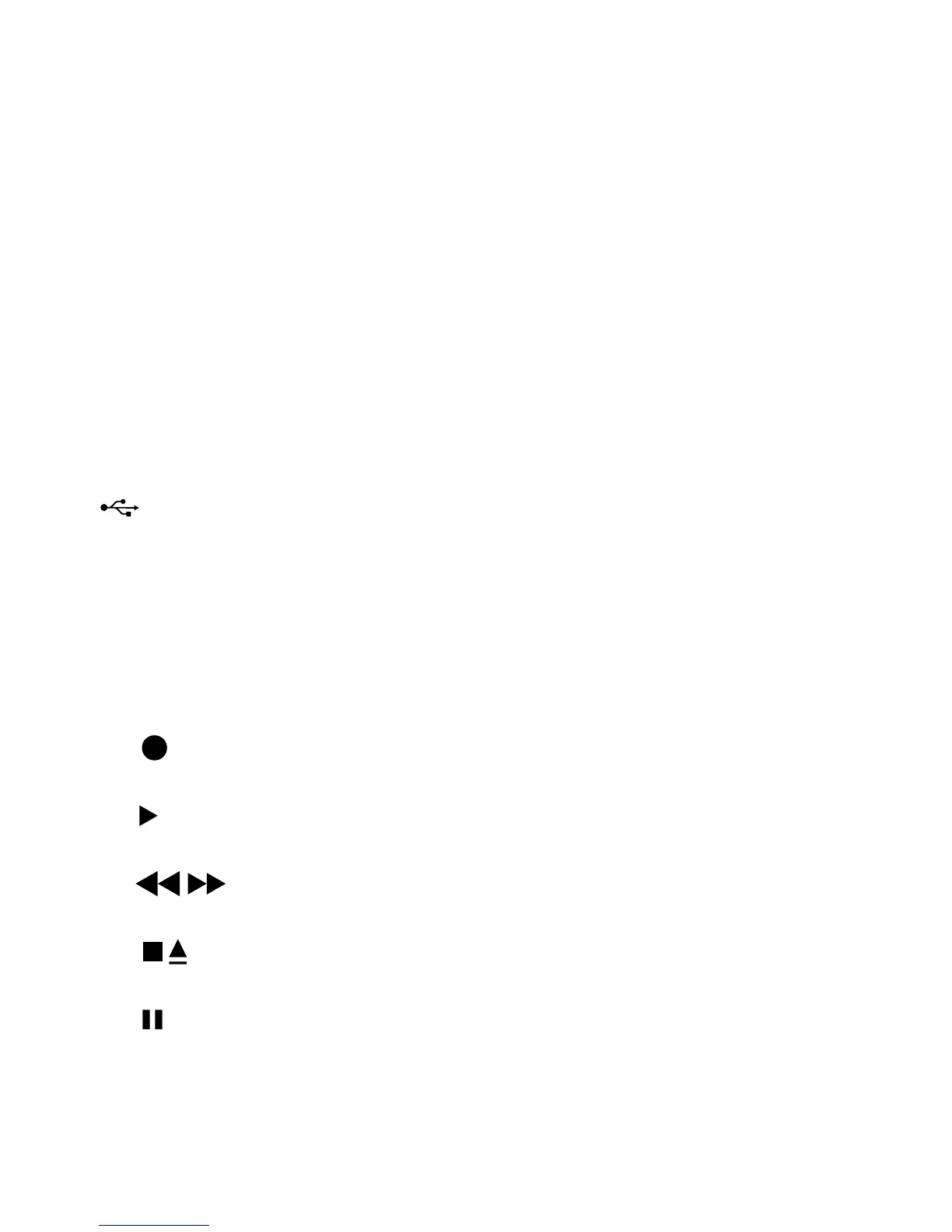
USB socket.
•
13 DBB
Turn on/off dynamic bass boost.
•
DSC
Select a preset sound setting.
•
14 Tape controls
•
Start to record.
•
Start tape play.
•
/
Fast rewind/wind the tape.
•
Stop the tape play or open the tape door.
•
Pause tape play or pause recording.
15 OPEN•CLOSE
Open/close the disc compartment.
•
16 Antenna



 To Next Page