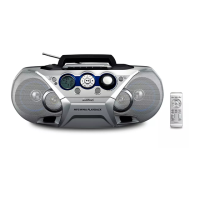
Overview of the remote control (See 2)
1 CD
Select disc source.
•
2 /
Skip to the previous/next album.
•
Select a preset radio station.
•
/
Tune to a radio station.
•
Skip to the previous/next track.
•
Start or pause play.
•
3 /
Search within a track.
•
4 PROGRAM
Program radio stations.
•
Program tracks.
•
5 REPEAT
Select repeat play modes.
•
SHUFFLE
Select shufe play modes.
•
6 DBB
Turn on/off dynamic bass boost.
•
7 DSC
Select a preset sound setting.
•
8 VOL +/-
Adjust volume.
•
9 SLEEP/
Set the sleep timer.
•
Turn on/off the screen backlight of main unit.
•
10 MUTE
Mute or restore volume.
•
11
Stop play.
•
Erase a program.
•



 To Next Page