EasyManua.ls Logo

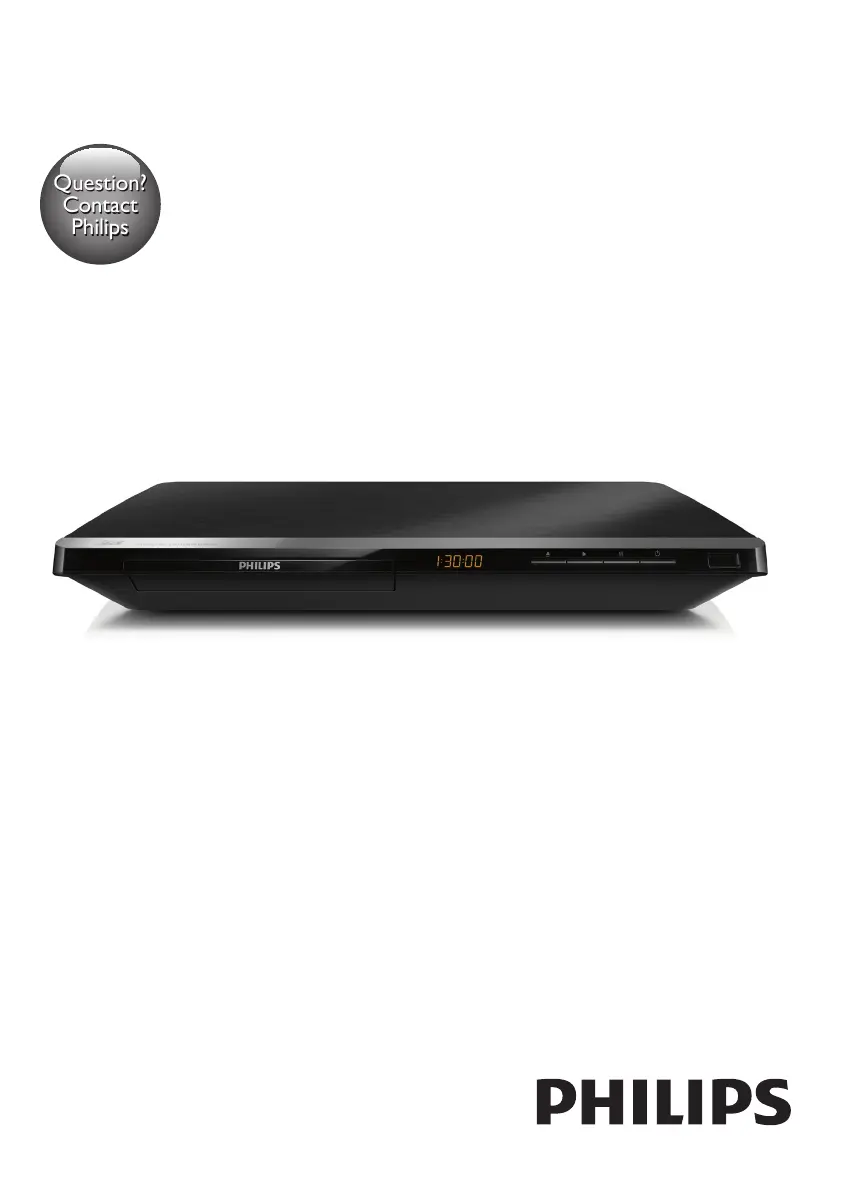
Philips BDP5650 - User Manual

Philips BDP5650
30 pages
Print Icon
To Next Page IconTo Next Page
Loading...
BDP5650
www.philips.com/welcome
User manual
Always there to help you
Register your product and get support at
Question?
Contact
Philips

Questions and Answers

  • M
    Mark BrownAug 30, 2025
    Why no sound on HDMI connection with Philips BDP5650 Blu-ray Player?
    • F
      frank69Aug 30, 2025
      If you're not hearing any sound on the HDMI connection with your Philips Blu-ray Player, it might be because the connected device is non-HDCP compliant or only DVI-compatible.
  • J
    Jason DavisSep 8, 2025
    Why is there no secondary audio output for the Picture-in-Picture feature on my Philips Blu-ray Player?
    • C
      Charles SnowSep 8, 2025
      When [Bitstream] is selected under the [HDMI Audio] or [Digital Audio] menu, interactive sound like secondary sound for Picture-in-Picture feature is muted. Deselect [Bitstream].
  • S
    stephanieburgessAug 29, 2025
    Why Smart TV does not work on Philips Blu-ray Player?
    • H
      Hannah SanfordAug 29, 2025
      If the Smart TV function isn't working on your Philips Blu-ray Player, verify that the network is correctly connected and the network installation is complete. You may also need to check the router connection.
  • J
    John HernandezSep 18, 2025
    How to fix cannot read USB storage on Philips Blu-ray Player?
    • R
      Roger LopezSep 18, 2025
      If your Philips Blu-ray Player cannot read the contents of a connected USB storage device, make sure that the format of the USB storage device is compatible with the player and that the file system is supported. For a USB HDD, an external power source may be needed.
  • J
    Joseph PerezSep 9, 2025
    What to do if the Philips BDP5650 Blu-ray Player cannot read the contents of a connected USB storage?
    • S
      Steven ByrdSep 9, 2025
      If your Philips Blu-ray Player isn't reading the USB storage, verify that: * The USB storage device's format is compatible with the player. * The file system on the USB storage device is supported. * If using a USB HDD, ensure it has an external power source.
  • J
    Jessica LongSep 12, 2025
    What to do if Philips Blu-ray Player disc does not play high-definition video?
    • M
      Mr. Kyle Griffith Jr.Sep 12, 2025
      If the disc does not play high-definition video, make sure that the disc contains high-definition video and that the TV supports high-definition video.
  • M
    Melanie GraySep 18, 2025
    Why I cannot access BD-Live features on Philips Blu-ray Player?
    • J
      Jennifer RomeroSep 18, 2025
      If you cannot access BD-Live features on your Philips Blu-ray Player, ensure that the player is connected to the network and that the network installation is complete. Also, verify that the Blu-ray disc supports BD-Live features. As a last resort, clear memory storage.
  • J
    jacob08Aug 27, 2025
    What to do if Philips BDP5650 EasyLink feature does not work?
    • A
      Andrew BryanAug 27, 2025
      If the EasyLink feature is not working, ensure that the player is connected to a Philips brand EasyLink TV and that the EasyLink option is turned on.
  • K
    Kelly HollowayAug 26, 2025
    How to troubleshoot wireless network not found or distorted on Philips BDP5650 Blu-ray Player?
    • A
      Amanda RobertsAug 26, 2025
      If your wireless network is not found or is distorted: * Ensure the network is correctly connected and installed. * Make sure the wireless network is not disturbed by microwave ovens, DECT phones, or other neighboring Wi-Fi devices. * If the wireless network does not work properly, try a wired network installation.
  • C
    Crystal GrayAug 25, 2025
    What to do if my Philips BDP5650 cannot play a disc?
    • A
      Allison MooreAug 26, 2025
      If your Philips Blu-ray Player won't play a disc: * Clean the disc. * Make sure the disc is correctly loaded. * Ensure the player supports the disc type and region code. * If it's a DVD±RW or DVD±R, make sure the disc is finalized.

Philips BDP5650 Specifications

General IconGeneral
BrandPhilips
ModelBDP5650
CategoryBlu-ray Player
LanguageEnglish

Related product manuals