EasyManua.ls Logo

Philips BDP5650 - User Manual

Philips BDP5650
30 pages
Print Icon
To Next Page IconTo Next Page
Loading...
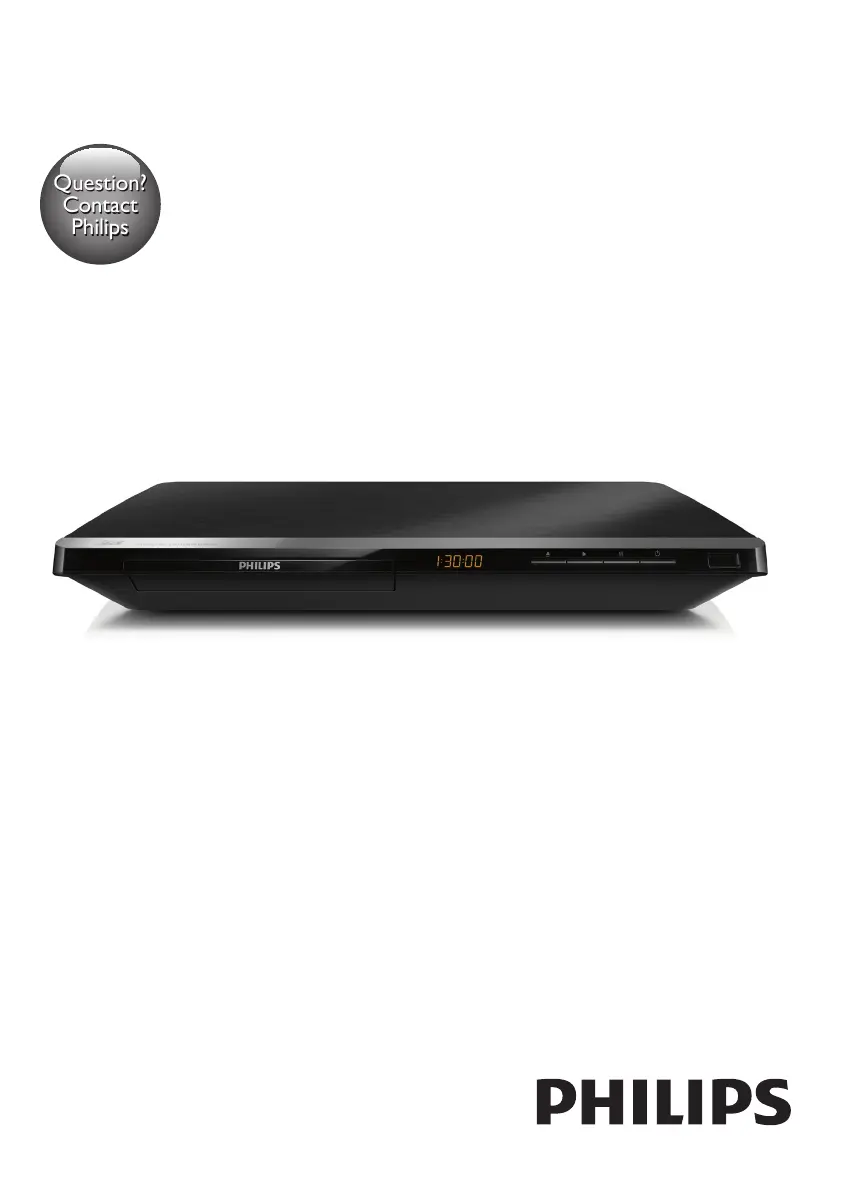
BDP5650
www.philips.com/welcome
User manual
Always there to help you
Register your product and get support at
Question?
Contact
Philips

Questions and Answers

  • J
    Jeffrey TaylorAug 27, 2025
    What to do if Philips BDP5650 Blu-ray Player buttons do not work?
    • T
      Theodore CampbellAug 27, 2025
      If the buttons on the Philips Blu-ray Player do not work, disconnect the player from the power supply for a few minutes, and then reconnect it.
  • K
    Keith MitchellAug 27, 2025
    What to do if there is no picture on Philips BDP5650?
    • G
      Gabriel ParkAug 27, 2025
      Make sure that the TV is switched to the correct source input for this player.
  • S
    Stephanie RiveraAug 28, 2025
    What to do if there is no picture on HDMI connection on Philips Blu-ray Player?
    • T
      Timothy WilliamsAug 28, 2025
      If you're getting no picture on your Philips Blu-ray Player via HDMI, first, verify that the HDMI cable isn't faulty, and replace it if necessary. You can also try pressing the button on the remote control and then pressing “731” on the numeric buttons to restore the picture display. The picture should also recover automatically after 10 seconds. If the Blu-ray player is connected to an unauthorized display device with an HDMI cable, the audio and video signals may not be output.
  • M
    michele49Aug 28, 2025
    How to fix no audio output from the TV with Philips BDP5650?
    • G
      gina35Aug 29, 2025
      If you're not getting any audio output from the TV with your Philips Blu-ray Player, ensure that the audio cables are correctly connected to the audio input of the TV. Also, make sure that the TV is switched to the correct source input for the Blu-ray player.
  • S
    stephanieburgessAug 29, 2025
    Why Smart TV does not work on Philips Blu-ray Player?
    • H
      Hannah SanfordAug 29, 2025
      If the Smart TV function isn't working on your Philips Blu-ray Player, verify that the network is correctly connected and the network installation is complete. You may also need to check the router connection.
  • D
    Douglas TaylorAug 30, 2025
    How to fix no audio from external audio device on Philips Blu-ray Player?
    • Y
      youngrickyAug 30, 2025
      If you're experiencing no audio output from the loudspeakers of the external audio device (home theater or amplifier) when using your Philips Blu-ray Player, check that the audio cables are connected to the audio input of the audio device. Additionally, switch the external audio device to the correct audio source input.
  • M
    Mark BrownAug 30, 2025
    Why no sound on HDMI connection with Philips BDP5650 Blu-ray Player?
    • F
      frank69Aug 30, 2025
      If you're not hearing any sound on the HDMI connection with your Philips Blu-ray Player, it might be because the connected device is non-HDCP compliant or only DVI-compatible.
  • D
    David SanfordAug 31, 2025
    What to do if the buttons on Philips Blu-ray Player do not work?
    • B
      Benjamin JacksonAug 31, 2025
      If the buttons on your Philips Blu-ray Player do not work, disconnect the player from the power supply for a few minutes, and then reconnect it.
  • M
    Mark MorganAug 25, 2025
    How to fix Philips BDP5650 Blu-ray Player buttons that do not work?
    • J
      jacksonwilliamsonAug 25, 2025
      If the buttons on your Philips Blu-ray Player aren't working, disconnect the player from the power supply for a few minutes, and then reconnect it.
  • M
    Michelle LopezSep 1, 2025
    Why is there no picture on my Philips BDP5650 HDMI connection?
    • T
      Terri MorganSep 1, 2025
      If you're not getting a picture via HDMI, first ensure the HDMI cable isn't faulty, and replace it if necessary. You can also try pressing the button on the remote control, then pressing “731” on the numeric buttons to recover the picture display, or wait 10 seconds for auto recovery. Additionally, the audio and video signals may not be output if the player is connected to an unauthorized display device.

Philips BDP5650 Specifications

General IconGeneral
BrandPhilips
ModelBDP5650
CategoryBlu-ray Player
LanguageEnglish

Related product manuals