EasyManua.ls Logo

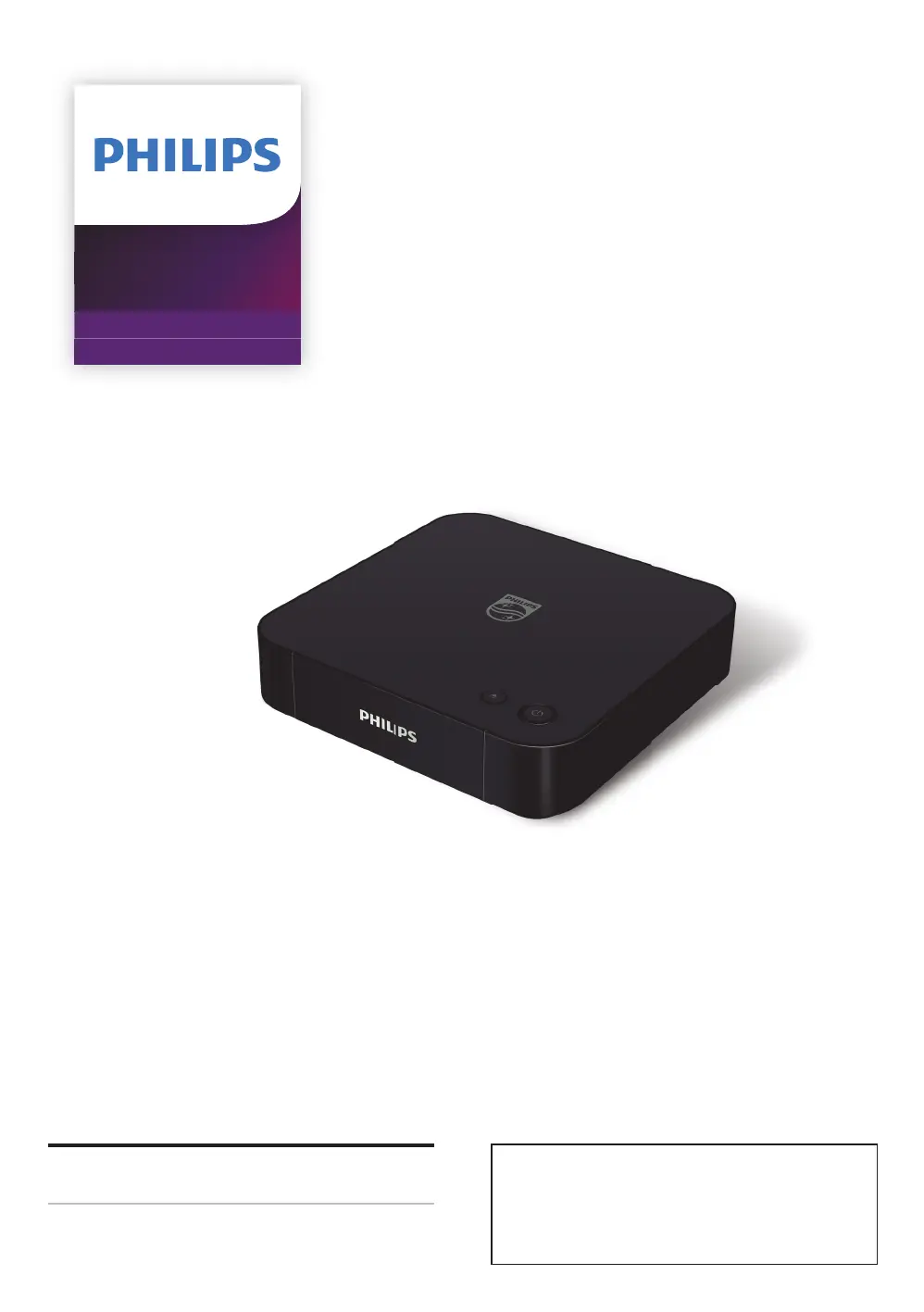
Philips BDP7301 - User Manual

Philips BDP7301
60 pages
Print Icon
To Next Page IconTo Next Page
Loading...
Register your product and get support at
www.philips.com/welcome
User Manual
BDP7301
4K Ultra HD
Blu-ray Player
For further assistance, call the customer support
service in your country.
To obtain assistance, contact Philips Customer
Care Center;
In the U.S.A., Canada, Puerto Rico, or the U.S.
Virgin Islands; 1-866-202-5960

Table of Contents

Questions and Answers

  • C
    Cheryl RodriguezSep 7, 2025
    Why Philips BDP7301 Blu-ray Player cannot connect to the network while PC is connected?
    • A
      Ann FreemanSep 7, 2025
      If your Philips Blu-ray Player cannot connect to the network while your PC is connected, check your Internet service contract to see if your Internet Service Provider prevents multiple terminals from connecting at the same time.
  • G
    Gwendolyn ParkAug 22, 2025
    What to do if there is no audio/video signal on Philips BDP7301 via HDMI cable?
    • C
      Casey LoveAug 22, 2025
      If you're not getting any video signal on your display device when using an HDMI cable, perform an HDMI cable hotplug. Disconnect the HDMI cable from both the TV and the Philips Blu-ray Player, then reconnect it to both devices while they are powered on. Also, ensure that your HDMI cable is certified, as using an uncertified cable can cause issues.
  • R
    Rachel MullenSep 4, 2025
    What to do if YouTube videos do not play correctly on Philips BDP7301 Blu-ray Player?
    • H
      heatherbenderSep 4, 2025
      To address issues with YouTube™ videos not playing correctly on your Philips Blu-ray Player, turn the unit off and then back on, and try playing the YouTube™ video again. The issue may be due to defects in the video sources.
  • S
    Scott WelchSep 3, 2025
    What to do if Philips Blu-ray Player is not showing 3D video?
    • G
      George MurraySep 3, 2025
      If you're experiencing issues with 3D video playback on your Philips Blu-ray Player: * Check if your TV is 3D capable. * Use a 3D compatible HDMI cable to connect the 3D capable TV. * Set “3D BD-Video Playback” to “Auto”. * Ensure you are wearing 3D glasses, and that they are switched on and synced with your TV. * Check the battery levels of your glasses.
  • G
    Gwendolyn HardinSep 2, 2025
    Why is my Philips BDP7301 not showing high-definition video?
    • R
      robertboydSep 2, 2025
      If you're not getting a high-definition video signal on your TV screen with the Philips Blu-ray Player: * Confirm the disc contains high-definition video. * Check if your TV supports high-definition video.
  • J
    Jennifer McdanielAug 31, 2025
    Why Philips BDP7301 cannot play a disc?
    • O
      Oscar SloanSep 1, 2025
      If you cannot play back a disc on your Philips Blu-ray Player: * Ensure that the player supports the disc type. * Check the region code of the disc; this unit supports Blu-ray Disc™ region code “A” and DVD region codes “ALL” or “1”. * For DVD-RW/-R discs, ensure that the disc is finalized. * Try cleaning the disc.
  • J
    Joshua HallAug 30, 2025
    How to fix no audio signal from Philips BDP7301 Blu-ray Player to TV speakers?
    • R
      Richard MartinezAug 30, 2025
      If you're not getting any audio signal from the loudspeakers of the TV when using your Philips Blu-ray Player: * Assign the audio input of the TV to the corresponding video input. * Ensure that the TV's speakers are turned on in the TV menu. * Make sure that the TV's speakers are not muted.
  • K
    Kimberly RodriguezAug 29, 2025
    How to fix no audio signal from Philips BDP7301 Blu-ray Player to audio system?
    • M
      Michael WardAug 29, 2025
      If you are not getting an audio signal from the loudspeakers of your audio system when using the Philips Blu-ray Player: * Ensure that the audio system is turned on. * Set the audio system to the correct external audio input. * Increase the volume level of the audio system.
  • J
    Jamie TapiaAug 27, 2025
    How to troubleshoot Philips BDP7301 that cannot connect to the network?
    • M
      michaelcarpenterAug 27, 2025
      If your Philips Blu-ray Player cannot connect to the network: * Check if the network connection is properly made. * Ensure the modem or router is turned on. * Verify the network settings. * Check if the router and/or modem is correctly connected. * Check the BD-Live™ setting in “BD-Live Internet Access”. * If connecting directly to a modem via a LAN cable, power cycle the modem to reset settings. * Turn off the unit and the modem/router, unplug their AC power cords for 30 seconds, then plug them back in and turn the devices back on.
  • V
    Valerie BrownAug 27, 2025
    How to enable Ultra HD video on Philips BDP7301?
    • R
      Randy MackAug 27, 2025
      To resolve issues with playing Ultra HD video on your Philips Blu-ray Player: * Verify that your TV is 4K/HDR capable. * Use an 18Gbps high-speed HDMI cable to connect the 4K/HDR capable TV. * Set “4k/60p Output” to “4K/60p(4:4:4)”. * If the image is not output correctly after changing this setting, stop playback, then start playback again.

Philips BDP7301 Specifications

General IconGeneral
4K UpscalingYes
Dolby AtmosNo
DTS:XNo
Video OutputHDMI
Audio OutputHDMI
Supported FormatsMKV
Disc CompatibilityBlu-ray, DVD, CD
Internet ConnectivityEthernet, Wi-Fi
HDMI Output1
USB Port1
Smart FeaturesNetflix, YouTube
Power Consumption0.5W (standby)

Related product manuals