EasyManua.ls Logo

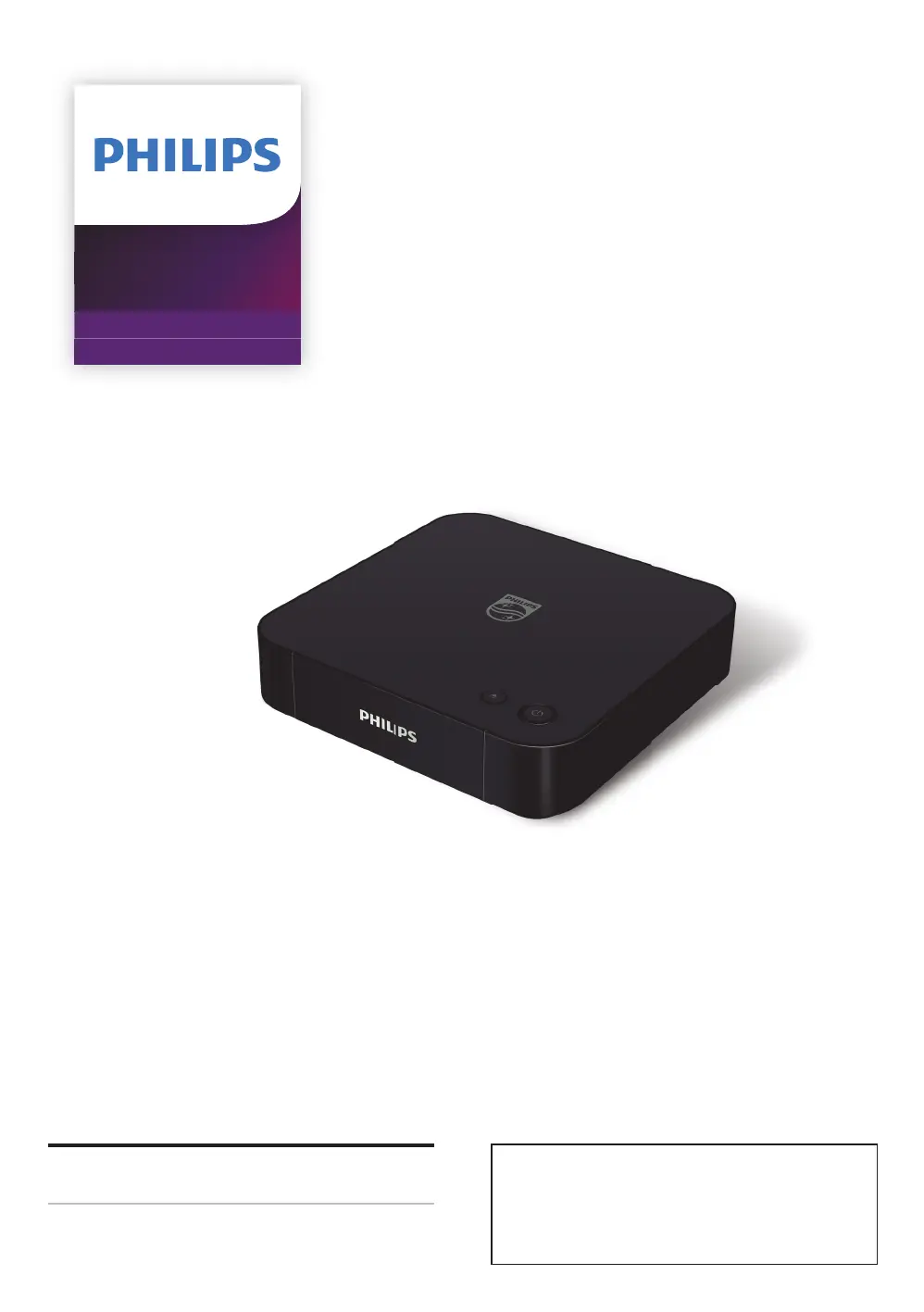
Philips BDP7301 - User Manual

Philips BDP7301
60 pages
Print Icon
To Next Page IconTo Next Page
Loading...
Register your product and get support at
www.philips.com/welcome
User Manual
BDP7301
4K Ultra HD
Blu-ray Player
For further assistance, call the customer support
service in your country.
To obtain assistance, contact Philips Customer
Care Center;
In the U.S.A., Canada, Puerto Rico, or the U.S.
Virgin Islands; 1-866-202-5960

Table of Contents

Questions and Answers

  • B
    Brenda BrownAug 25, 2025
    What to do if there is no video signal on Philips Blu-ray Player?
    • K
      Katherine ChavezAug 26, 2025
      To resolve the issue of no video signal on the display device with your Philips Blu-ray Player: * Make sure your TV is turned on. * Set your TV to the correct external input. * Ensure that the HDMI OUT (AUDIO) port is not connected to the TV, as this port outputs audio only.
  • C
    Christopher LeeAug 23, 2025
    How to fix a Philips BDP7301 Blu-ray Player remote control that is not working?
    • S
      Sara MorseAug 25, 2025
      If the remote control is not working with your Philips Blu-ray Player: * Ensure the Blu-ray Player is connected to a power outlet. * Point the remote control directly at the Blu-ray Player. * Check that the batteries are inserted with the correct polarity. * Try inserting new batteries into the remote control.

Philips BDP7301 Specifications

General IconGeneral
4K UpscalingYes
Dolby AtmosNo
DTS:XNo
Video OutputHDMI
Audio OutputHDMI
Supported FormatsMKV
Disc CompatibilityBlu-ray, DVD, CD
Internet ConnectivityEthernet, Wi-Fi
HDMI Output1
USB Port1
Smart FeaturesNetflix, YouTube
Power Consumption0.5W (standby)

Related product manuals