15EN
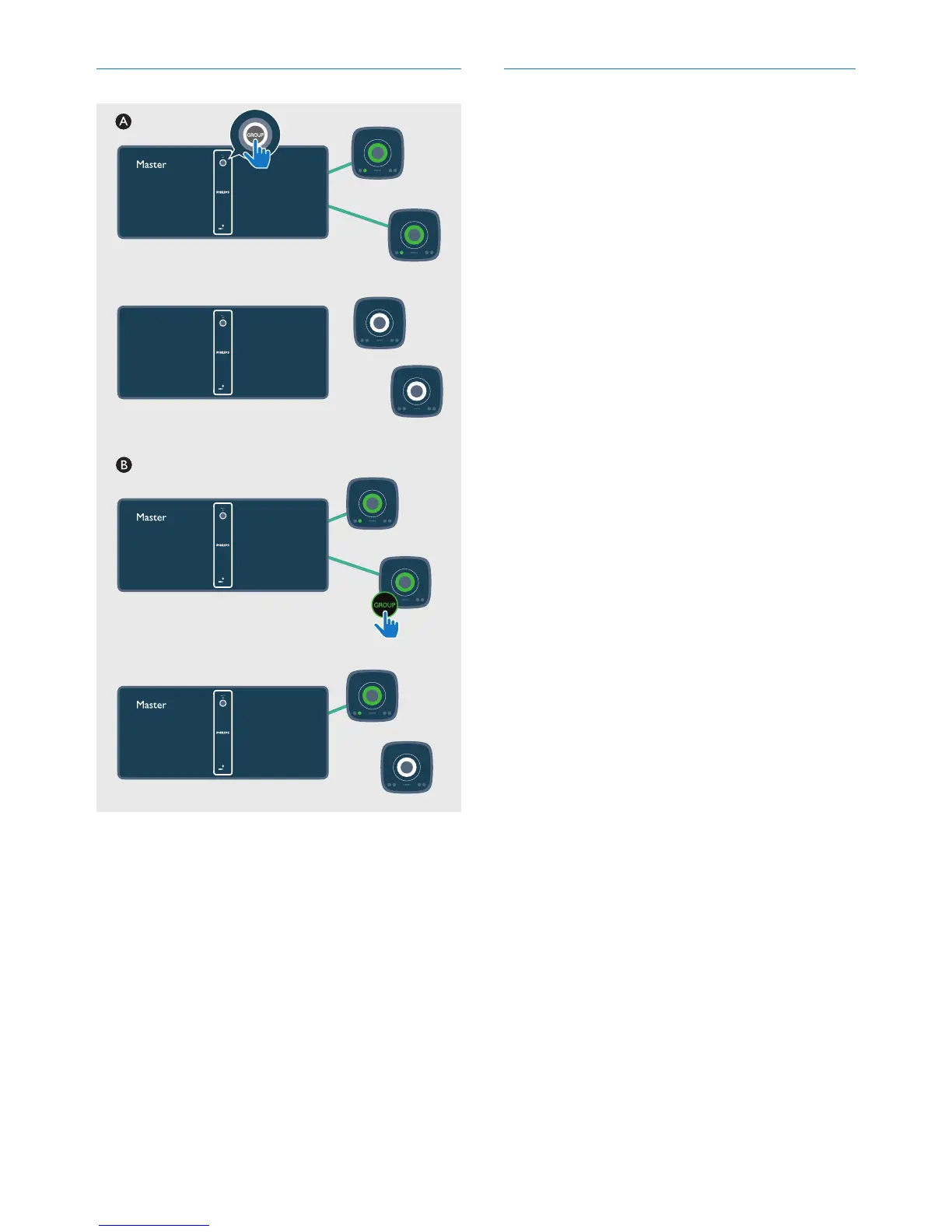
Switch to single mode
A Press GROUP on the master to enter single
mode.
» The slaves keep looking for the master
until timeout in 15 minutes.
» You can create a new group with the
slaves or press GROUP on a slave to
enter single mode.
• Press GROUP on the master again to
resume group mode.
B Press GROUP on a slave to switch to single
mode. Press GROUP again to rejoin.
Reset group status
• In case of any grouping issues, hold
GROUP for 8 seconds to reset..













 To Next Page