12 EN
Buttons Functions
/ Press to skip to the previous or next
track.
Stop play.
Clear the pairing information
In Bluetooth mode, press and hold on the
remote control for 8 seconds.
7 Listen to FM
radio
Tune to an FM radio station
Note
• Make sure that you have connected and fully extended
the FM antenna.
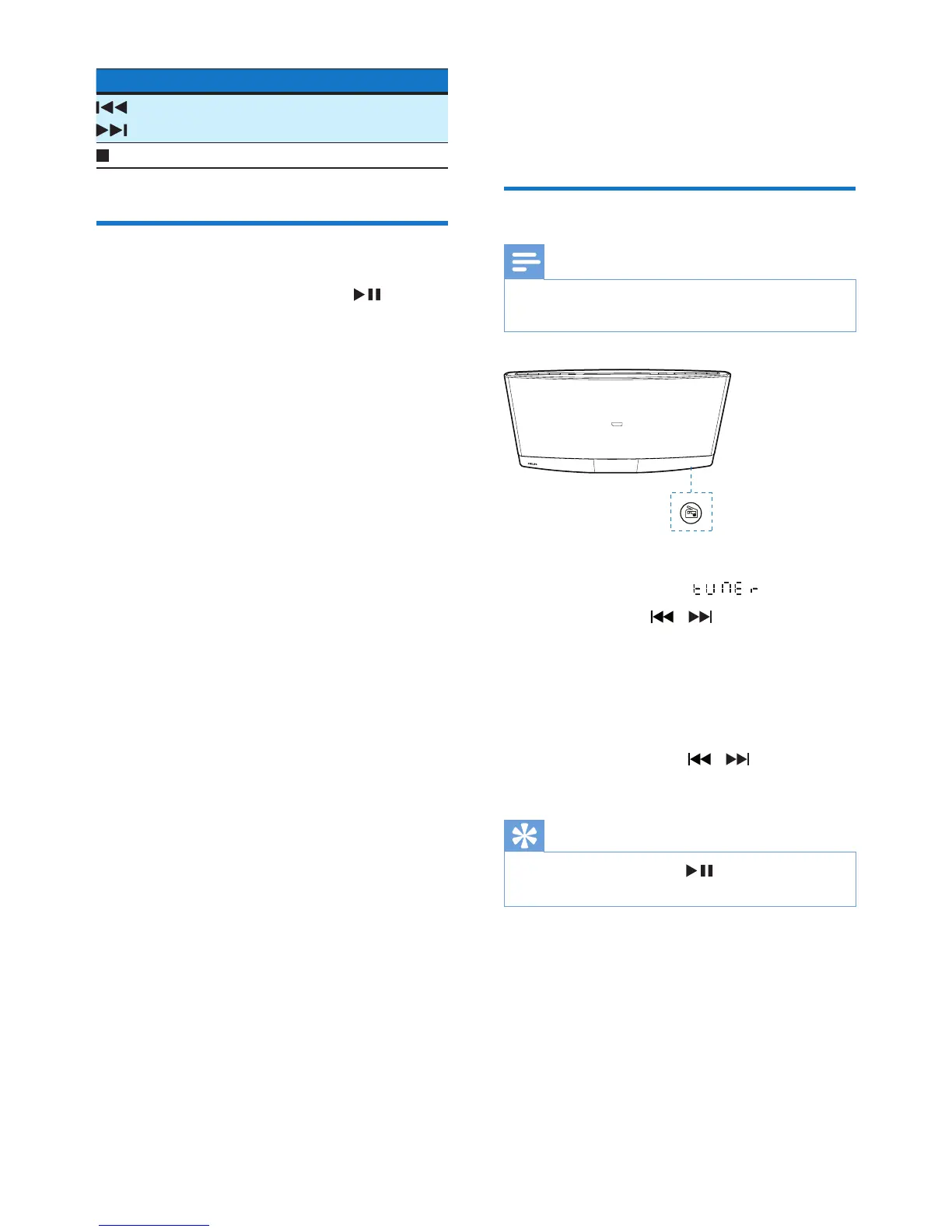
1 Press FM or SOURCE repeatedly to
switch the source to .
2 Press and hold / untilthefrequency
starts to change.
» The product automatically tunes to the
previous or next station with strong
reception.
• Totunetoastationataspecic
frequency,press / repeatedly
untilitsfrequencyisdisplayed.
Tip
• In FM mode, you can press to switch the sound
setting between stereo and monophonic.



 To Next Page