11EN
5 Use more of
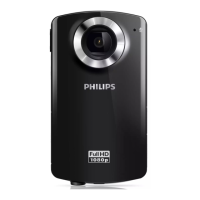
your camcorder
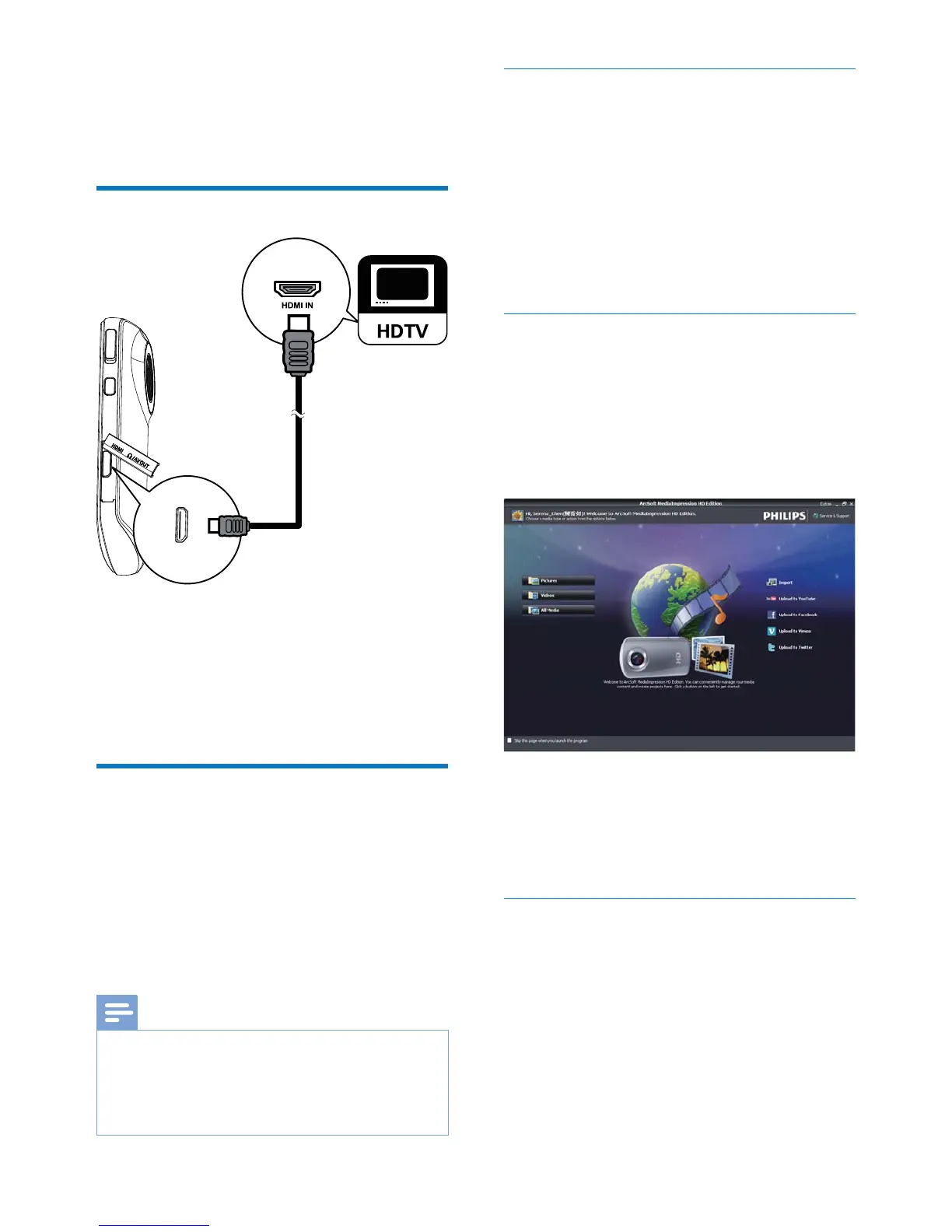
View video or pictures on TV
1 Connect an HDMI cable (not supplied) to:
the HDMI socket on the camcorder
(requiring a mini HDMI connector)
the HDMI input socket on an HDTV
2
Install and use the camcorder
software
With the software (ArcSoft MediaImpression
HD Edition) available in the internal memory
or upload your pictures/videos to the Internet
easily.
Note
The software supplied only works on PCs that operate
Microsoft
®
Windows
®
iMovie software to import and edit your pictures/
videos directly.
Install the camcorder software
1
2 If the software does not install
Setup icon
at My Computer\Removable Disk.
3
installation of the software.
Install and use the camcorder
software
1 Start\(All) Programs\
ArcSoft MediaImpression HD Edition.
» The main screen of the software is
displayed.
2 Click an option to select the corresponding
operation.
3
complete the operation.
Transfer video/pictures to a PC/Mac
1 Connect the camcorder to a PC/Mac
battery').
» It may take some time for the PC/Mac
2 Find your video/pictures at My Computer\
Removable Disc\DCIM\100MEDIA.


 To Next Page