6 EN
e
mode.
f MICRO SD
Connect a Micro SD card.
g
/
Navigate left/right in a menu.
Select a menu option.
picture/video clip.
settings menu.
h USB connector
i
Eject the USB connector.
j Tripod socket
k Hand strap hole
l HDMI
Connect to a TV through an HDMI
cable with a mini HDMI connector.
m
Turn on/off the camcorder.
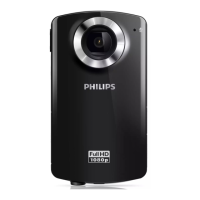
n Lens
o Built-in microphone
p Mode switch button
Switch between picture and video
recording modes.


 To Next Page