9EN
4 Use your
camcorder
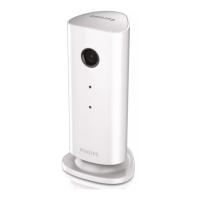
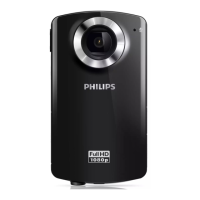
Record video
1
Switch the mode switch button to .
» The selected resolution and remaining
recording time are displayed on the
display panel.
2 Hold the camcorder steadily and aim the
lens as needed.
3 Press the shutter button to start recording.
» A red time indicator is displayed on
the display panel.
» The status indicator on the shutter
4 Press the shutter button again to end
recording.
» [Recording saved!]
Take pictures
1
Switch the mode switch button to .
»
of pictures that can be taken are
displayed on the display panel.
2 Hold the camcorder steadily and aim the
lens as needed.
3 Press the shutter button down halfway to
adjust the focus.
4 Press the shutter button down completely
to take a picture.
» [Picture saved!]
Play
1
to enter
play mode.
» The last recorded video clip is played
automatically.
2 Press / to select a picture or video
clip for play.
3
to start play.
1 /
2 Press + to enter deletion mode.
3 Press to highlight [Yes]
deletion operation.
» [Deleted!]
Preview
-.
»
on each page.
+/-/
/ .
Options during video play
Fast forward/reverse
/ .
/ .
Adjust volume level
+/-.


 To Next Page