EasyManua.ls Logo

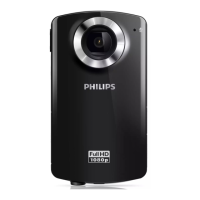
Philips CAM102 - Functional Overview; Shutter Button

Philips CAM102
20 pages
Print Icon
To Next Page IconTo Next Page
To Previous Page IconTo Previous Page
Loading...
5EN
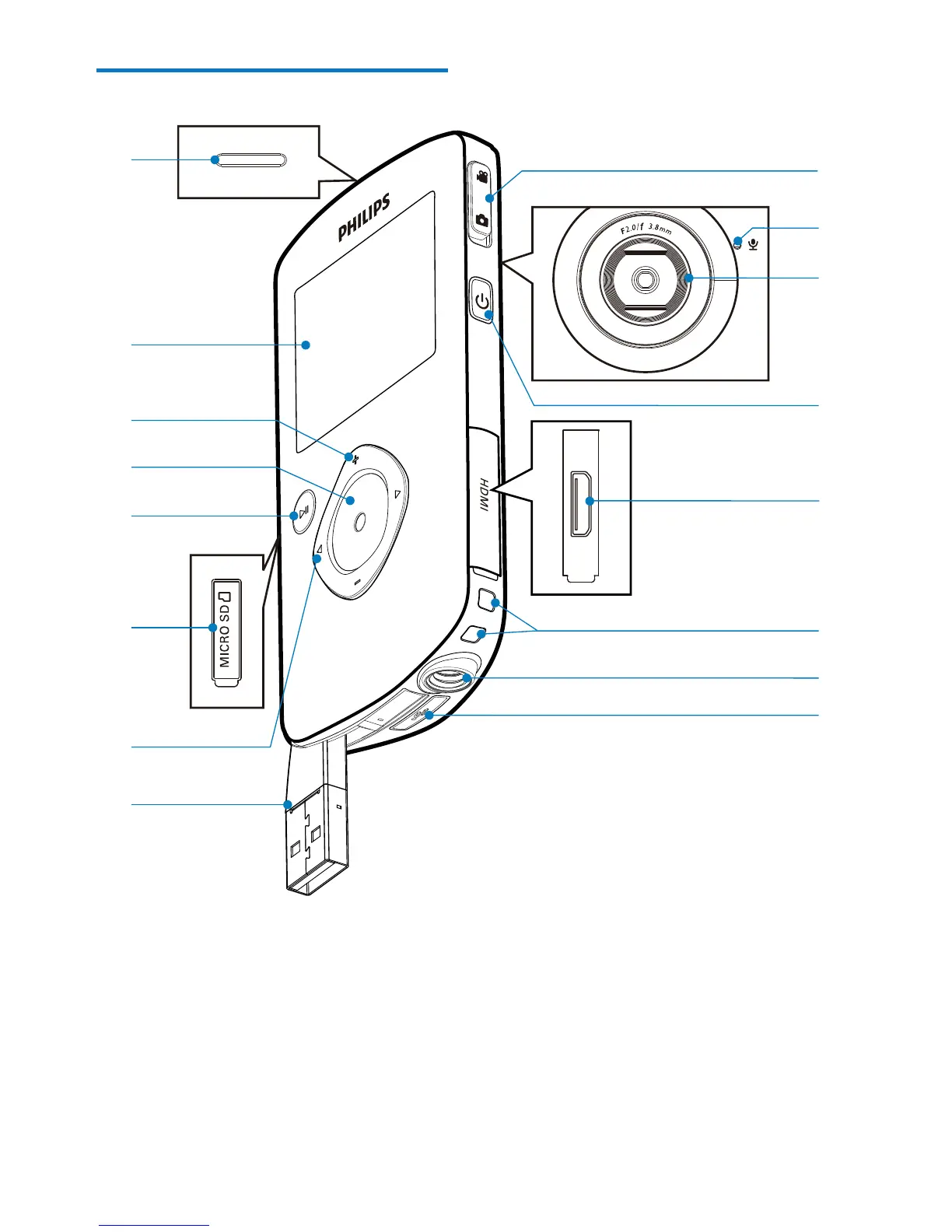
Functional overview
a Built-in speaker
b Display panel
c +/-
 
 Navigate up/down in a menu.
 Change a value in the settings menu.
 
a
b
c
d
e
f
g
h
o
n
m
l
k
j
i
p
 
on the display panel.
d Shutter button
 
start/stop video recording.
 
mode.

Related product manuals