Calibration
1MAN0158-H11 04-2005 CSIP Level 1 CardioMD Service Manual 4-29
Procedure Details
Ew1, ew2, ew3 are set to the values entered for
the isotope peaks.
DetectorNum is set to either 1 or 2, depend-
ing on which of the detectors the table is ac-
quired for.
7. Click Continue.
8. When prompted, click OK to accept auto-
mated motions.
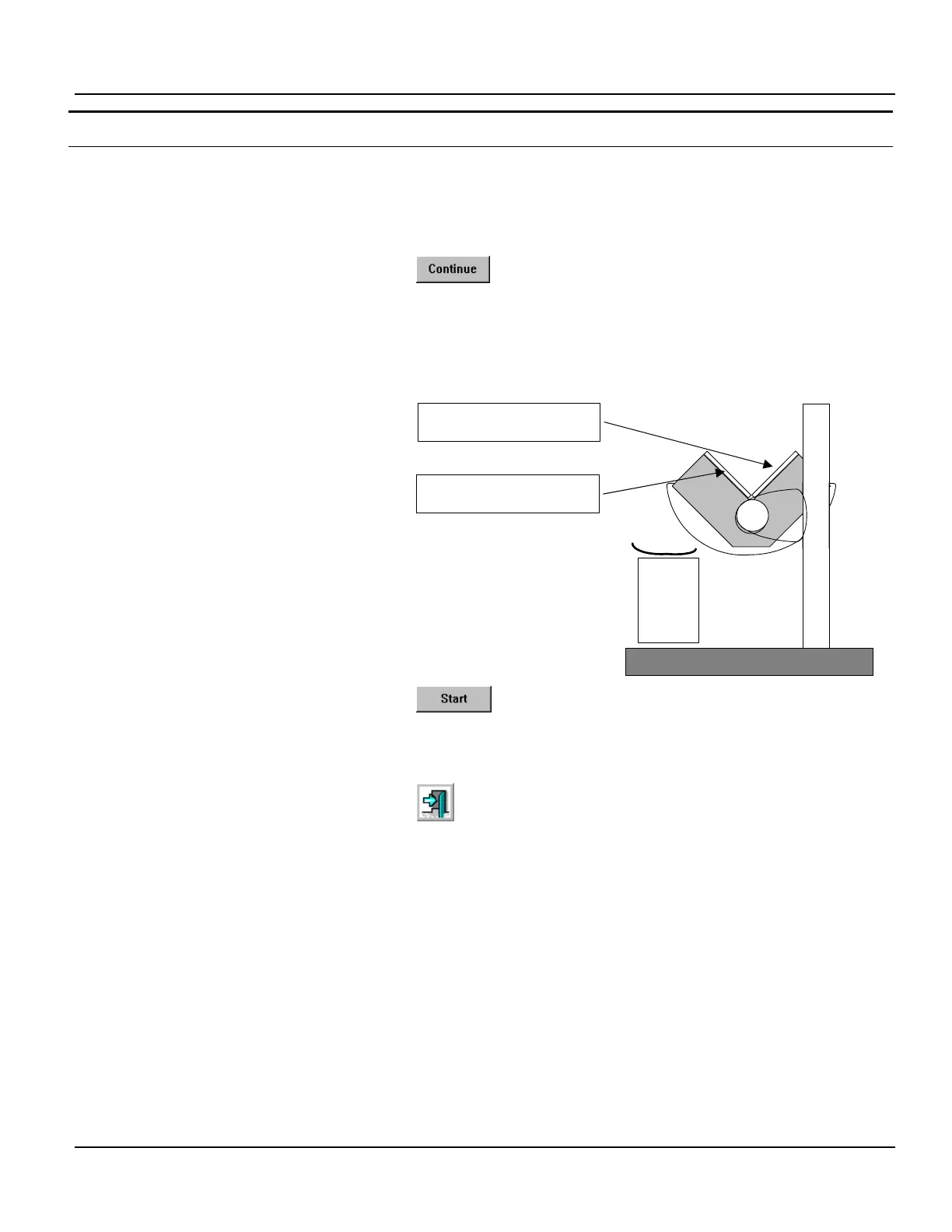
The detectors are automatically positioned for
extrinsic uniformity calibration of the selected
detector.
9. Place a sheet source or a flood phantom
filled with the appropriate isotope and uni-
formly mixed on the surface of the colli-
mator on the detector.
10. Verify that the count rate is less than 40
kc/s.
Note. When the CardioMD AC option is
mounted on the system, it is not possible to
use this calibration position. See Chapter 7
CardioMD AC Option of the CardioMD Op-
erator’s Manual for further information.
11. Click Start to start the uniformity calibra-
tion.
When the calibration is completed, the table is
automatically stored.
12. Click Exit to close the Uniformity Calibra-
tion page.
13. Repeat this procedure to calibrate the other
detector.
Detector angle = 135°
2
1
Place flood phantom or sheet
source here for detector 1
Place flood phantom or sheet
source here for detector 2



 To Next Page