CH. VOL.
Reminder 27
The channel number will remain on the screen at all times when
you set REMINDER to ON. The exception is when closed cap-
tioning is selected.
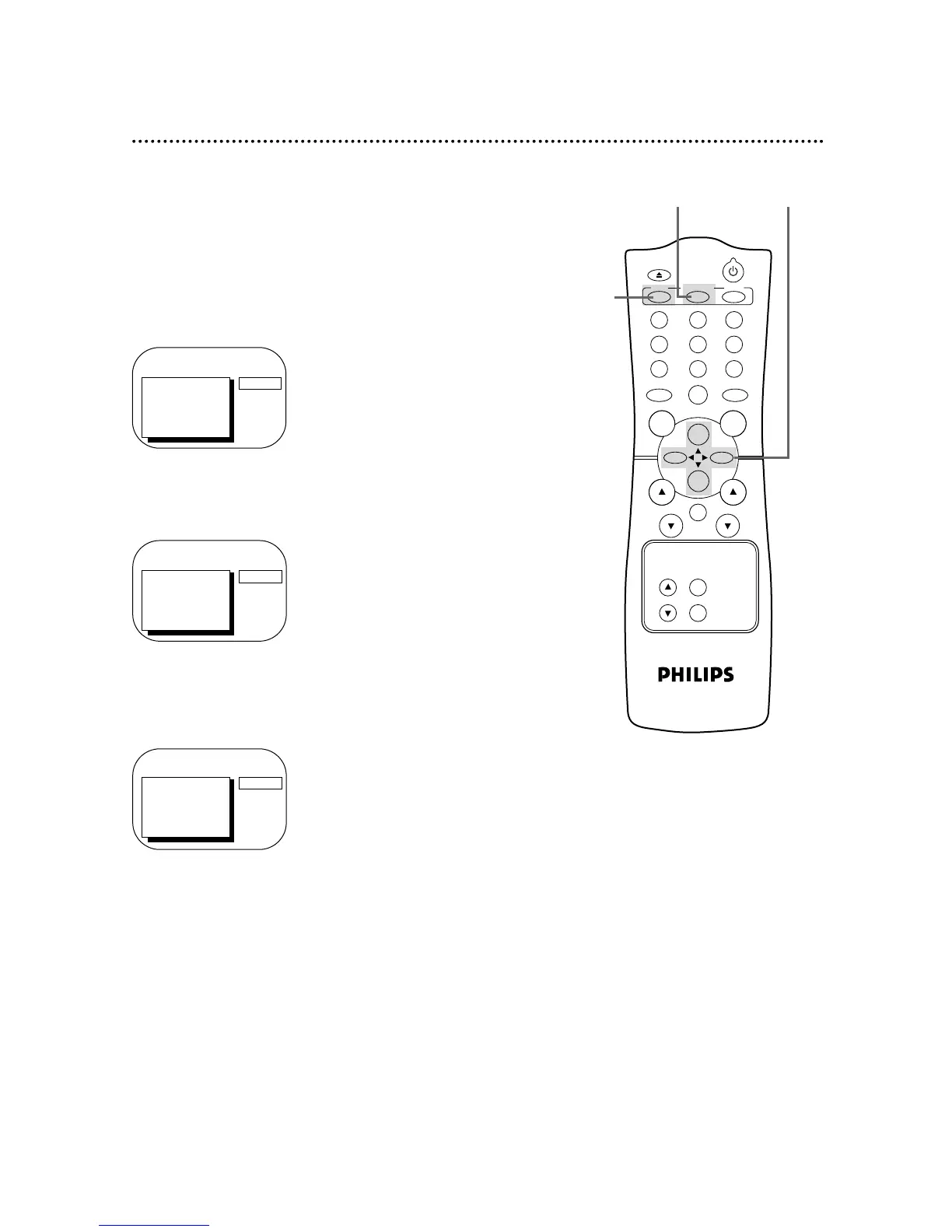
Set REMINDER to ON or OFF by following the steps below.
1
Press the MENU button.
2
Press the PLAY/▲ button or the STOP/▼ button to select
REMINDER.
3
Press the REW(ind)/{ button or the F.FWD/B button to
select ON or OFF. Each press of the REW(ind)/{ button or
the F.FWD/B button turns REMINDER ON or OFF.
4
Press the STATUS/EXIT button.
TO ADJUST PRESS { / B
CH12
> REMINDER
BRIGHTNESS
PICTURE
COLOR
TINT
SHARPNESS
ON
1
4
2-3
TO ADJUST PRESS { / B
> REMINDER
BRIGHTNESS
PICTURE
COLOR
TINT
SHARPNESS
OFF
> PRIM. SETUP
VCR PROGRAM
VCR SETUP
CAPTION
REMINDER
BRIGHTNESS
PRESS B











 To Next Page