CH. VOL.
Closed Caption (cont’d) 51
• You cannot view closed captions dur-
ing recording or tape playback if
COUNTER ONLY is ON. Details are
on page 26.
• Abbreviations, symbols, and other
grammatical shortcuts are often used
in order to keep pace with the on-
screen action. This does not indicate
a problem with the TV/VCR.
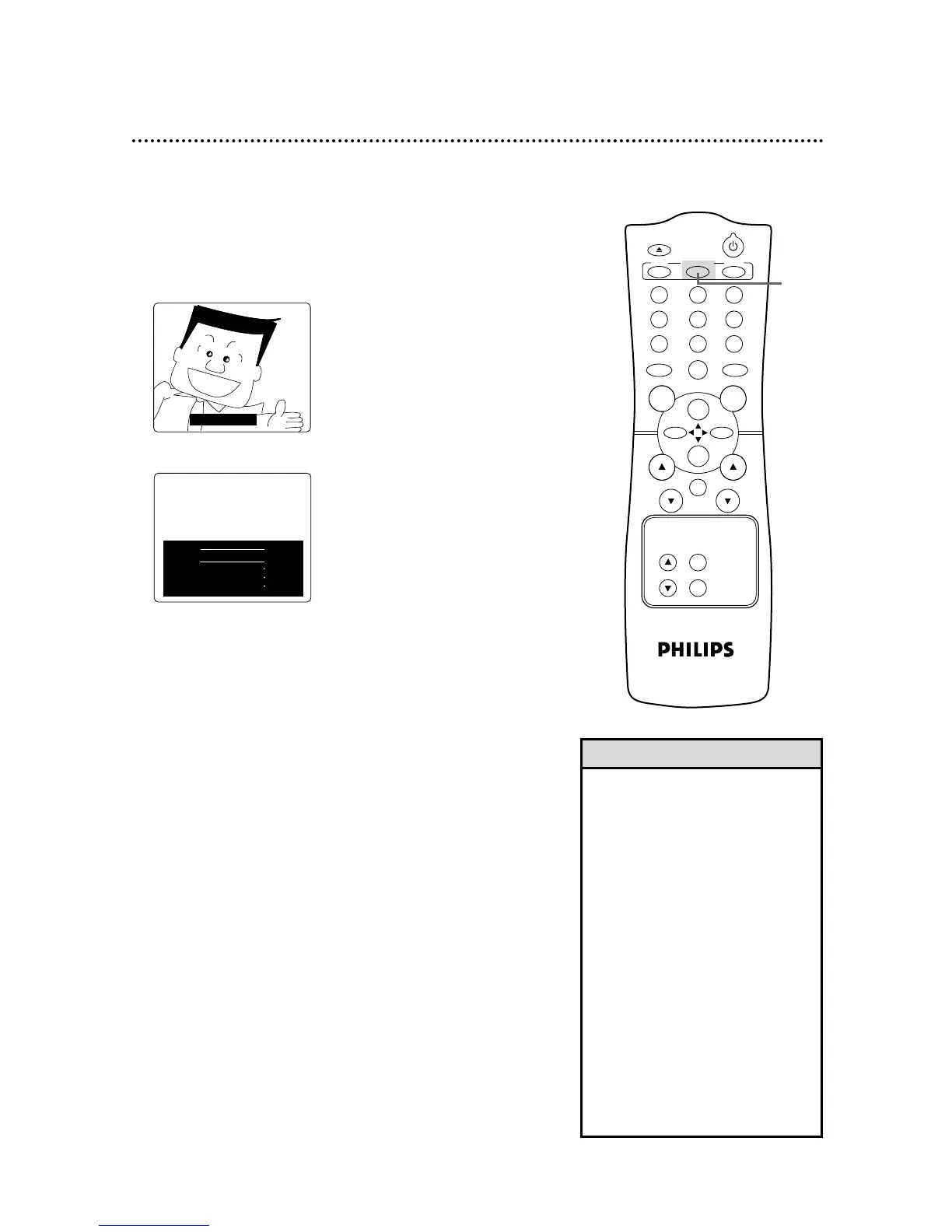
• To cancel closed captions, follow
steps 1-2 on page 50. At step 3,
press the REW(ind)/{ button or the
F.FWD/B button to select OFF.
Press the STATUS/EXIT button.
• When you change channels, the
closed captions may be delayed for a
few seconds.
• When you adjust the volume or mute
the volume, closed captions may be
delayed for a few seconds. Details
are on page 49.
Helpful Hints









 To Next Page