Use more of your phone
18
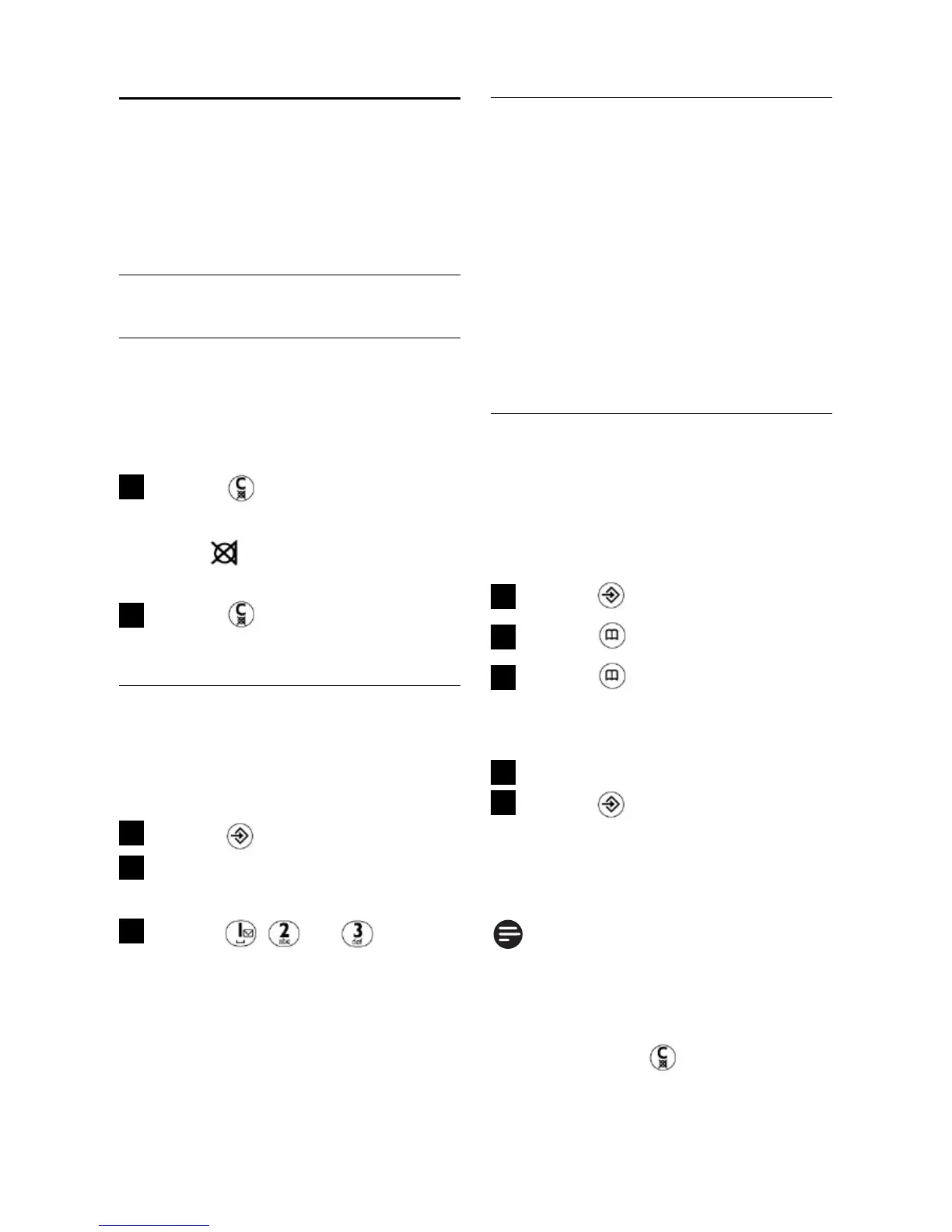
5.2 Phonebook
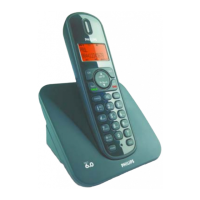
You can store up to 20
phonebook entries into 20
different memory locations in
your handset. Each phone
number can have a maximum
of 24 digits. If you have more
than one handset, each handset
has its own phonebook.
5.2.1 How to store a
number in the
phonebook
In idle mode:
Press
Press
Press repeatedly to
select your desired
memory location number
Enter the phone number
Press to save the
number
•
The number is saved in the
selected memory location.
Note
If the memory location is
occupied, the number stored in
this location will be displayed.
You can press to edit the
phone number.
5
4
3
2
1
5 Use more of
your phone
5.1 Call in progress
5.1.1 Mute/Unmute
microphone
During a call:
Press
• The microphone is turned off
and is shown on the
display.
Press again to turn on
the microphone
5.1.2 How to adjust
earpiece volume
During a call:
Press
The current earpiece
volume level is displayed
Press , or to
select your desired
earpiece volume level
•
The phone will go back to call
connection screen.
3
2
1
2
1



 To Next Page