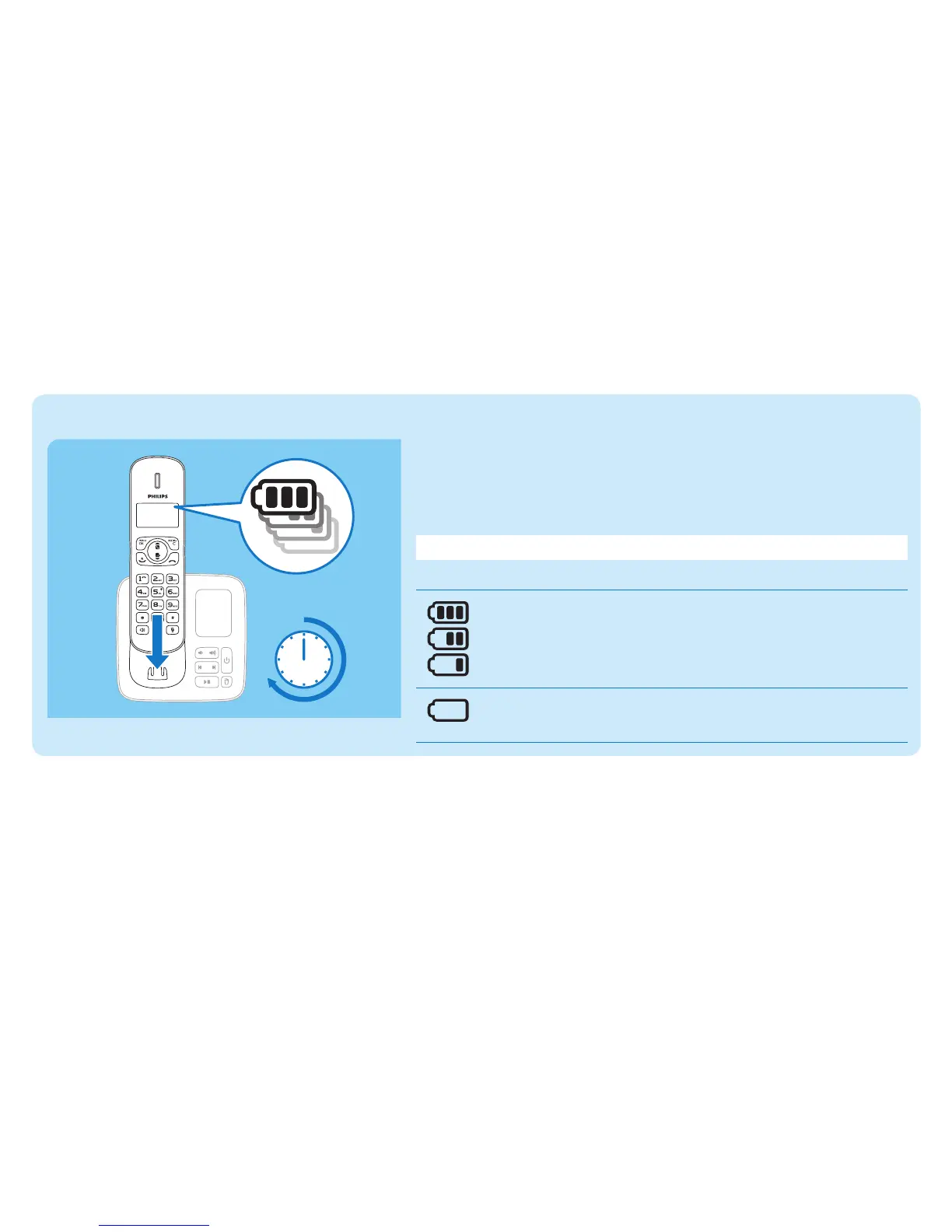
Charge your phone
Charge 8 hours
Place the handset on the base station to charge the handset. When
the handset is placed correctly on the base station, you hear a docking
sound.
» The handset starts charging.
NoteChargethebatteriesfor8hoursbeforerstuse.
Check the battery level
When the handset is off the base station/charger, the bars
indicate the battery level (full, medium and low).
When the handset is on the base station/charger, the bars
ashuntilchargingcompletes.
Theemptybatteryiconashesandyouhearanalerttone.
The battery is low and needs recharging.



 To Next Page