15EN
Set the languages for on-screen items
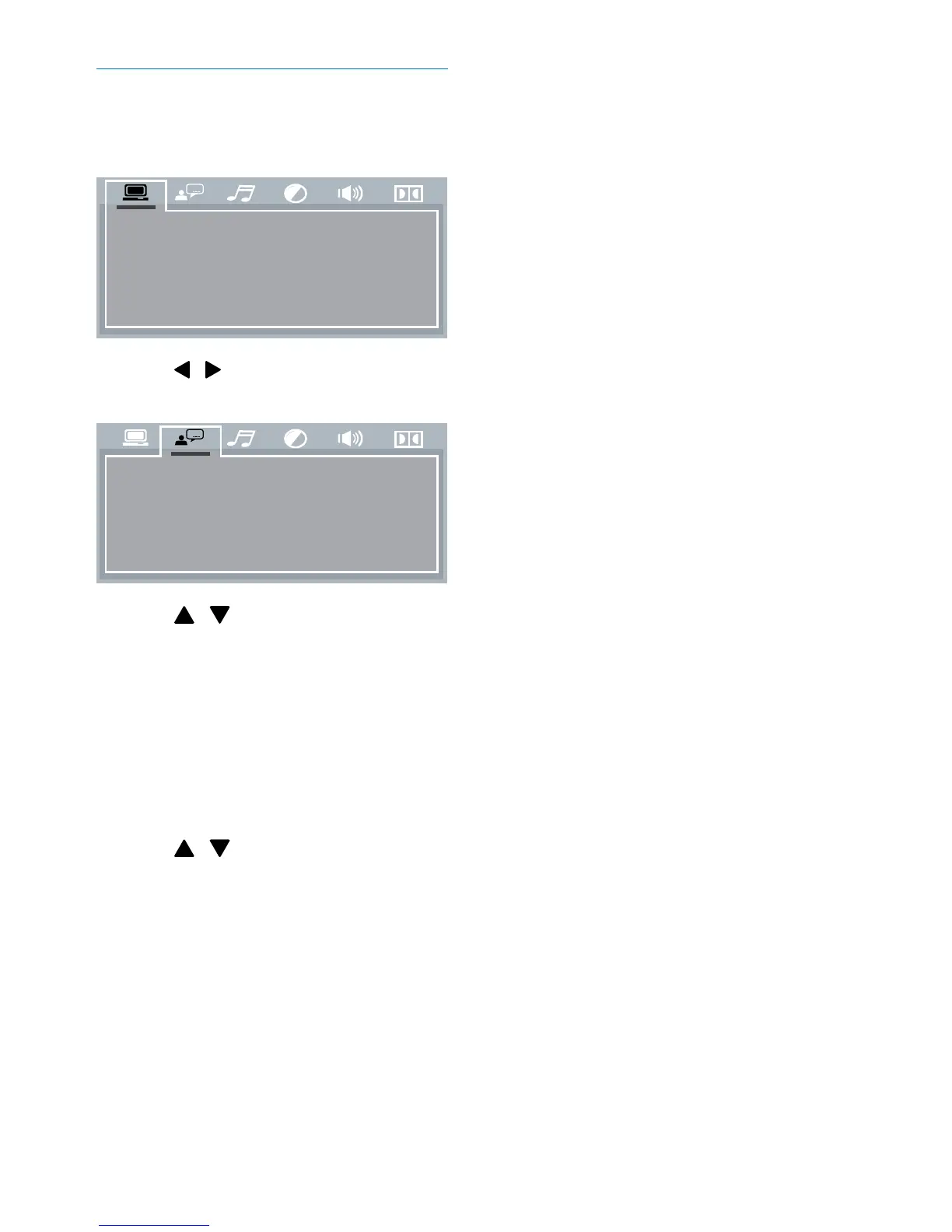
1 Press SETUP to access the menus for
audio and video output settings.
2 Press / repeatedly until the following
tab is displayed.
3 Press / to select [OSD
LANGUAGE] (on-screen display
language)/[MENU LANG] (menu
language), and then press OK to display
the lower level options.
• [OSD LANGUAGE] (on-screen
display language): Select a language for
on-screen menus.
• [MENU LANG] (menu language):
Select a language for disc menu.
4 Press / to select an option and then
press OK.
5 Press SETUP to exit the menus.
TV S YS TE M
VIDEO
TV T YP E
PASS WORD
RATING
DEFAULT
OSD LANGUAGE
AUDIO LANG
SUBTITLE LANG
MENU LANG



 To Next Page