21EN
7 Listen to an
external device
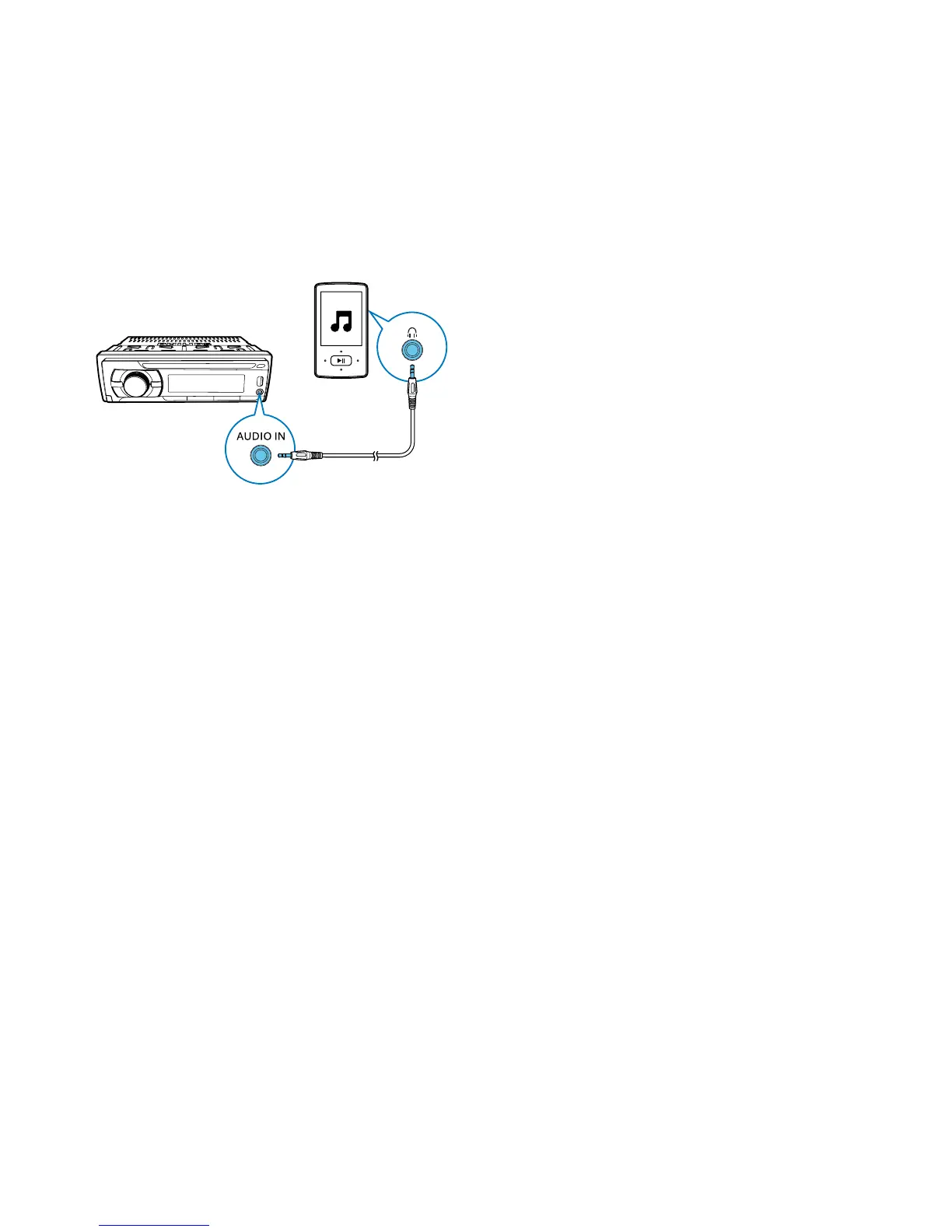
You can use the system to amplify the audio
input from an external device, for example,
MP3 player.
1 Switch the source to [AUDIO IN].
2 Connect an audio input cable with a
3.5mm connector on both ends to
• the AUDIO IN socket on the system,
and
• the audio output socket (usually the
headphone socket) on the external
device.
3 Play audio on the external device.



 To Next Page