20 EN
Store radio stations manually
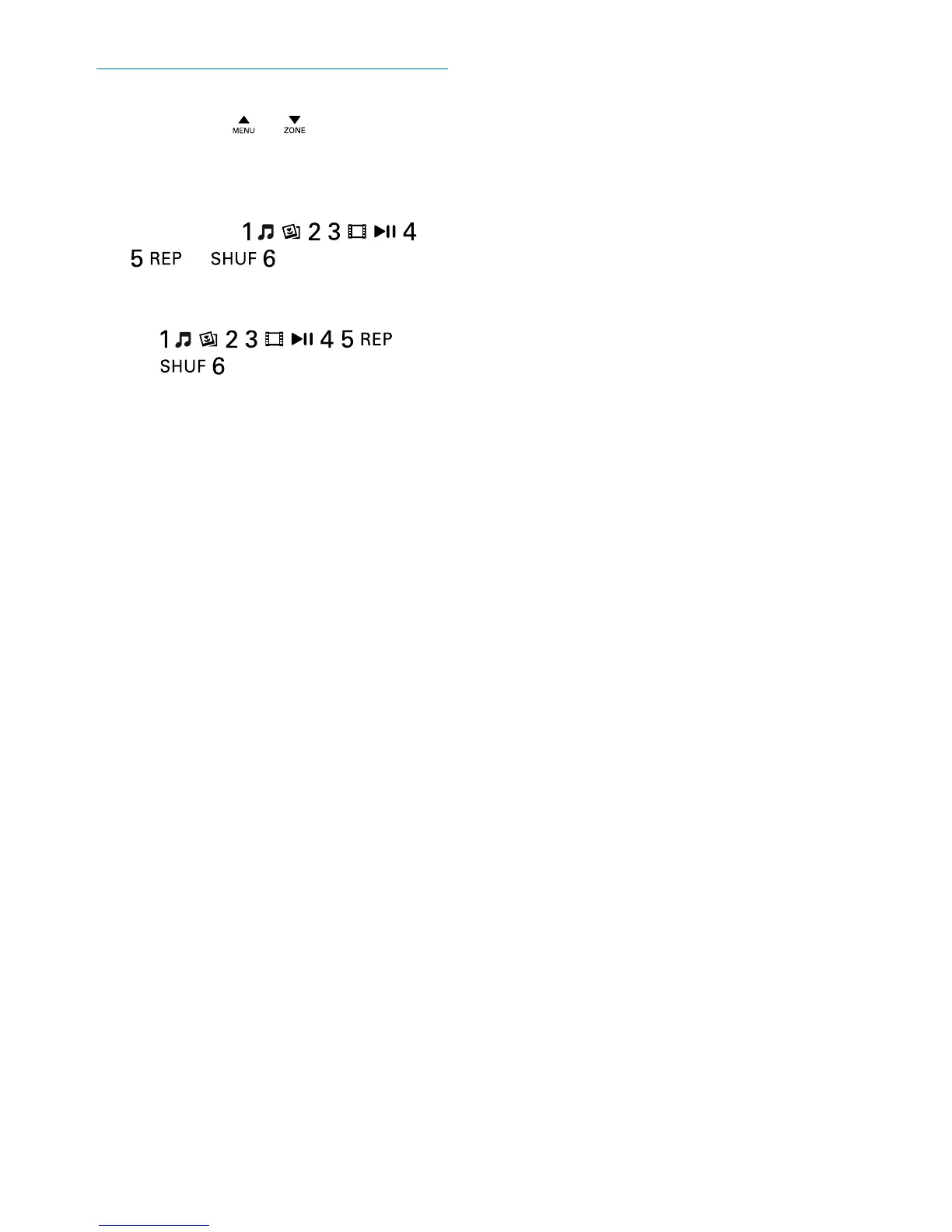
1 Press BAND, , or repeatedly to
select a radio band.
2 Tune to the radio station that you want to
store.
3 Press and hold , , , ,
, or to store the radio
station at the selected channel.
• To select a stored radio station, press
, , , , , or
.



 To Next Page