16 EN
5 Play from hard
media
You can use this system to listen to audio, watch
videos, and view photos that are stored on a
compatible disc or USB storage device.
Note
•
Before use, check for compatible media.
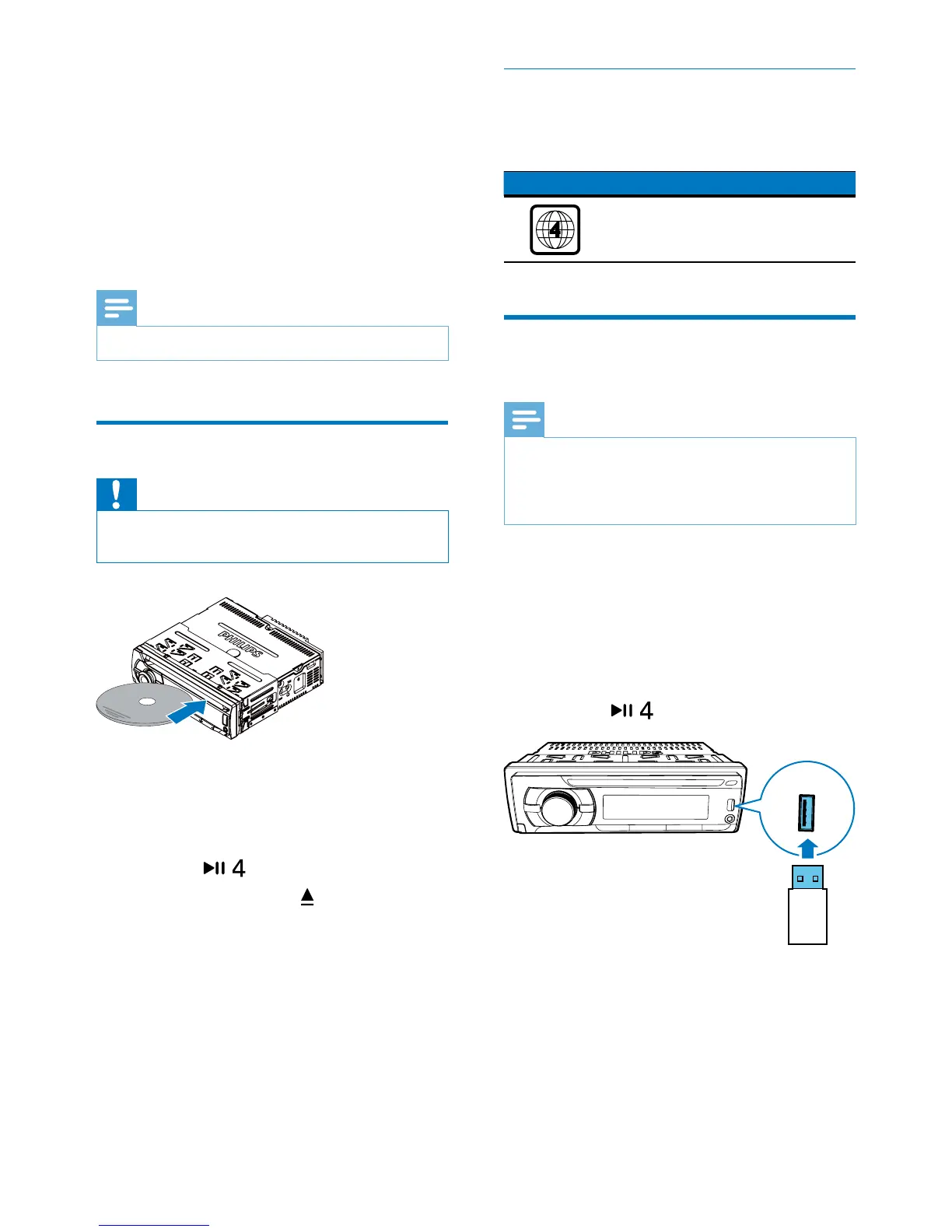
Load a disc
Caution
•
Never insert any object other than a disc of 12 cm
diameter into the disc slot.
1 Insert the disc into the disc slot with the
label side facing up.
» Play starts automatically.
• If play does not start automatically,
press
to start play.
2 To eject the disc, press .
» When the disc is ejected, the system
switches to the previous source or
radio mode.
Region Code
You can play DVD discs marked with the
following region code.
DVD region code Countries
Latin America
Connect a USB storage
device
Note
•
Make sure that the USB storage device contains
compatible les.
• NTFS (New Technology File System) le system is not
supported.
1 Push the USB socket cover upwards to
open it.
2 Connect the USB storage device to the
USB socket.
» Play starts automatically.
• If play does not start automatically,
press
to start play.
• To remove the USB storage device,
switch the system to another source
rst.



 To Next Page