10 EN
4 Using the Tower Fan
Turningonando
1 Put the plug in the power socket.
2 Touch the button on the appliance or the remote control to switch on the
Tower Fan. The appliance beeps.
3 Touch the button again to switch o the Tower Fan.
Caution:
•
When the Tower Fan continuously runs for 15 hours, it will be shut down
automatically for protection.
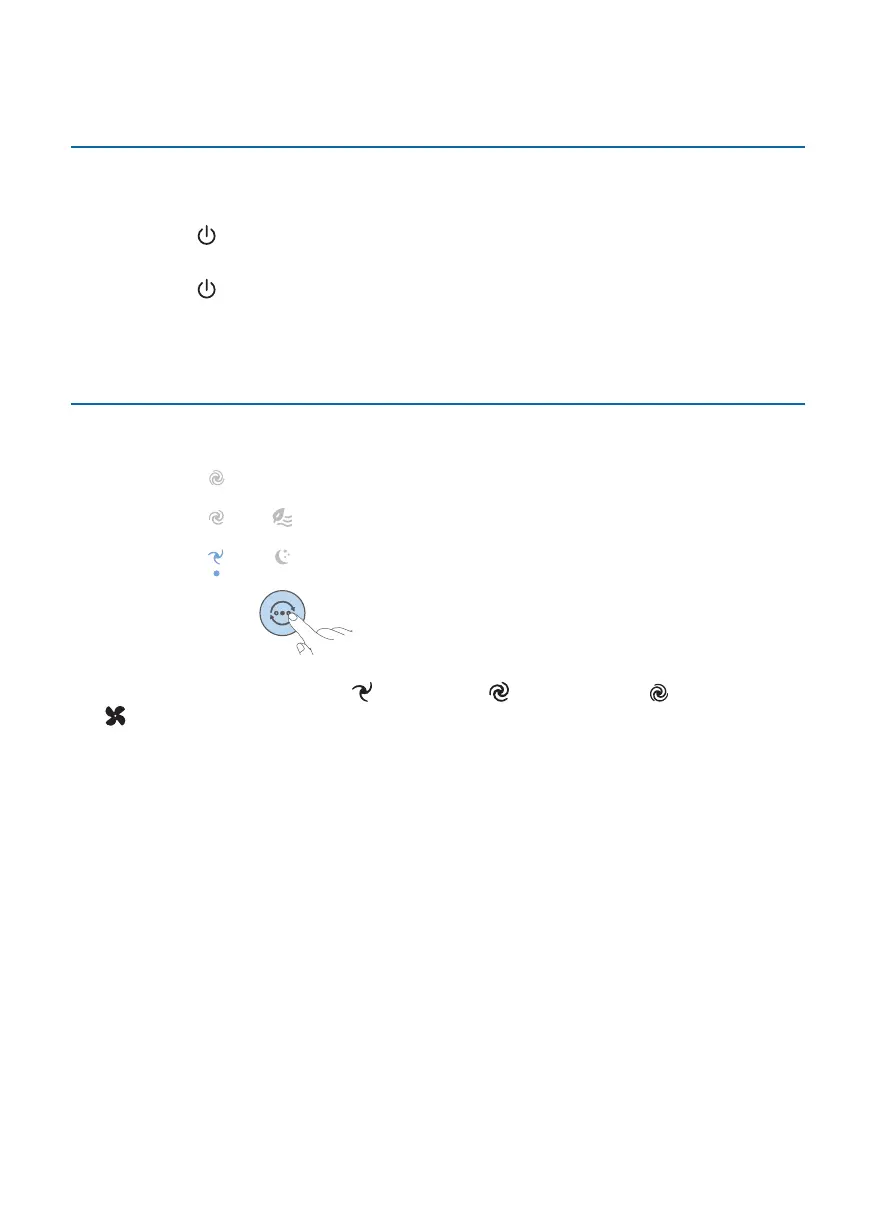
Normal mode: Changing the fan speed manually
You can choose the fan speed 1 , fan speed 2 , or fan speed 3 by touching
the button on the appliance or press the +/- button on the remote control
manually.



 To Next Page