12 EN
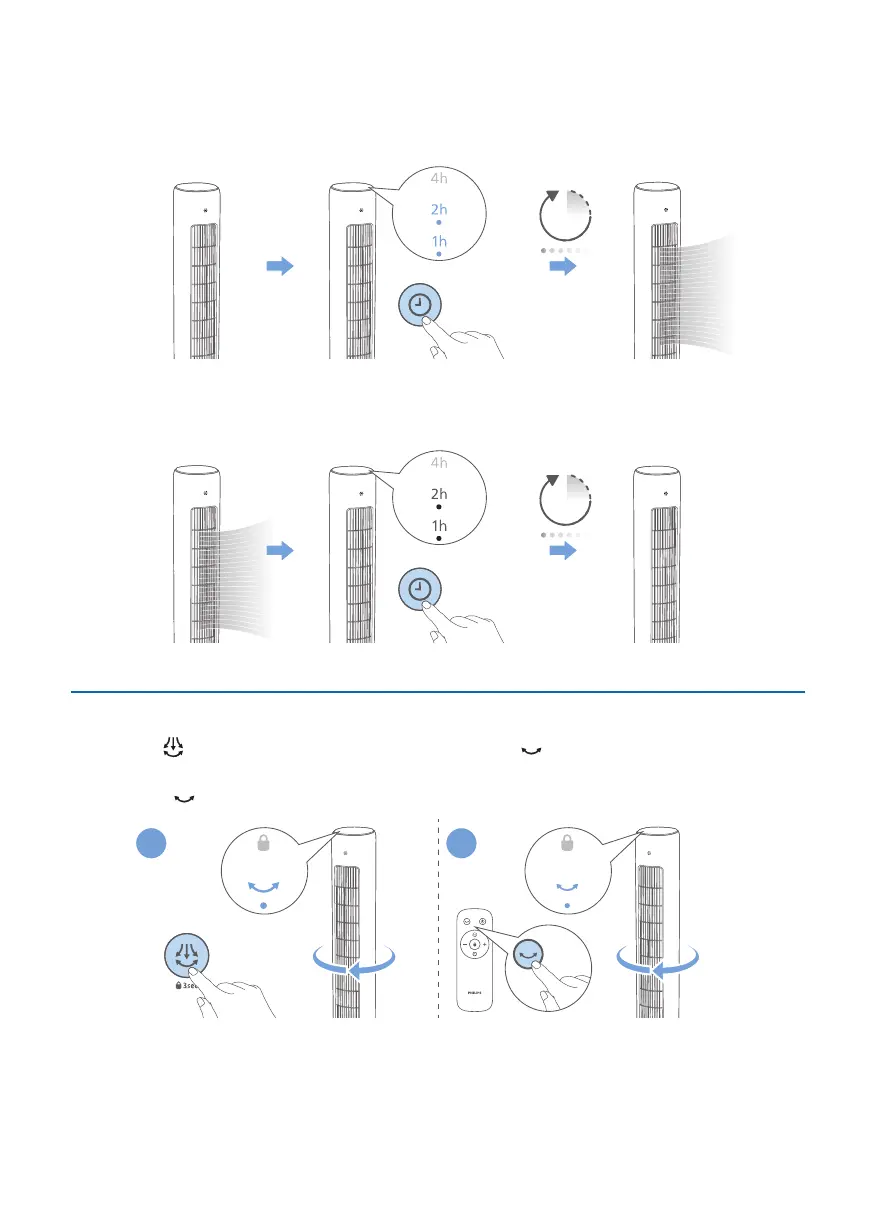
After the set timer has ended:
WhentheTowerFaniso
•
The Tower Fan will be turned on automatically.
1h.2h.3h.
4h.5h.6h.7h.
3h
When the Tower Fan is on
•
The Tower Fan will be o automatically.
1h.2h.3h.
4h.5h.6h.7h.
3h
Rotation
Touch the button on the appliance, or press the button on the remote
control to activate the rotation feature in your Tower fan.
» The indicator lights up�
A B



 To Next Page