33EN
16 Baby monitor
You can use your phone as a baby monitor.
The handset can be set as a baby unit. It sends
an alert to the parent unit (which can be an
additional handset or an external line) if the
sound level exceeds the set limit.
Caution
• Make sure the baby unit and the cord are always out of
reach of the baby.
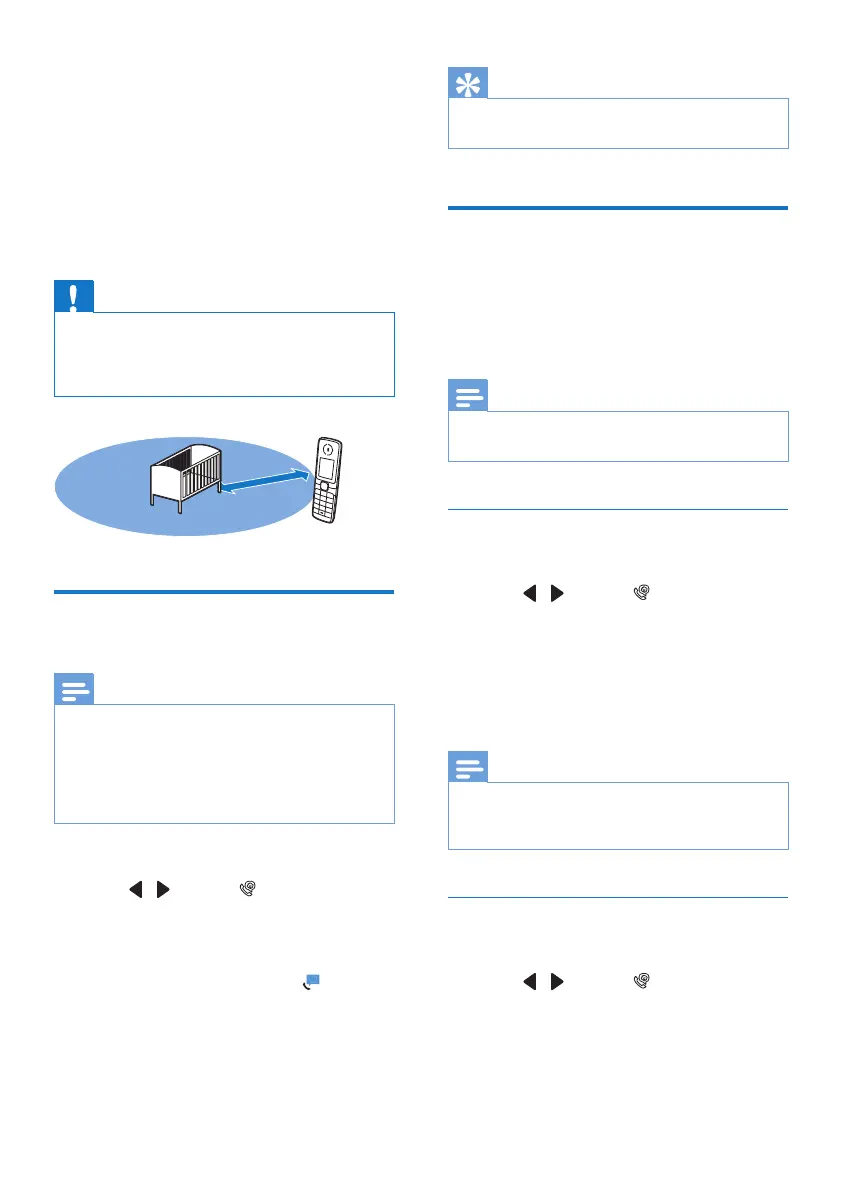
• Place the baby unit at least 1 meter/3 feet but not
more than 2 meters/6 feet away from the baby.
Activate/Deactivate the baby
unit
Note
• When activating the baby monitor for the rst time, a
notication message is displayed to set the parent unit
(see 'Set the parent unit' on page 33).
• Make sure that the selected baby unit and parent
handset unit are both Philips D63 models in order to
have this feature functioning properly.
1 Select [Menu].
2 Press / to select , then press
[Select].
3 Select [Activate], then press [OK] to
conrm.
» The baby unit is activated. is
displayed.
1-2m
Tip
• To deactivate the baby monitor, or to exit from baby
monitor mode, press [Off].
Set the parent unit
The baby unit can send alert to other D63
handsets registered on the same base or to
the external line. External line can be a mobile
phone or another xed line outside the house.
Note
• Make sure that any prex digits and/or country code
are included when you send an alert.
Send to other handsets
1 Select [Menu].
2 Press / to select , then press
[Select].
3 Select [Send alert to] > [Connected line],
then press [OK] to conrm.
4 Select a handset, then press [OK] to
conrm.
Note
• Make sure that the distance between the baby unit and
the parent unit is at least 1.5 meter away from each
other to prevent the howling effect.
Send to an external line
1 Select [Menu].
2 Press / to select , then press
[Select].
3 Select [Send alert to] > [External line],
then press [OK] to conrm.



 To Next Page