12
English
HEADPHONES
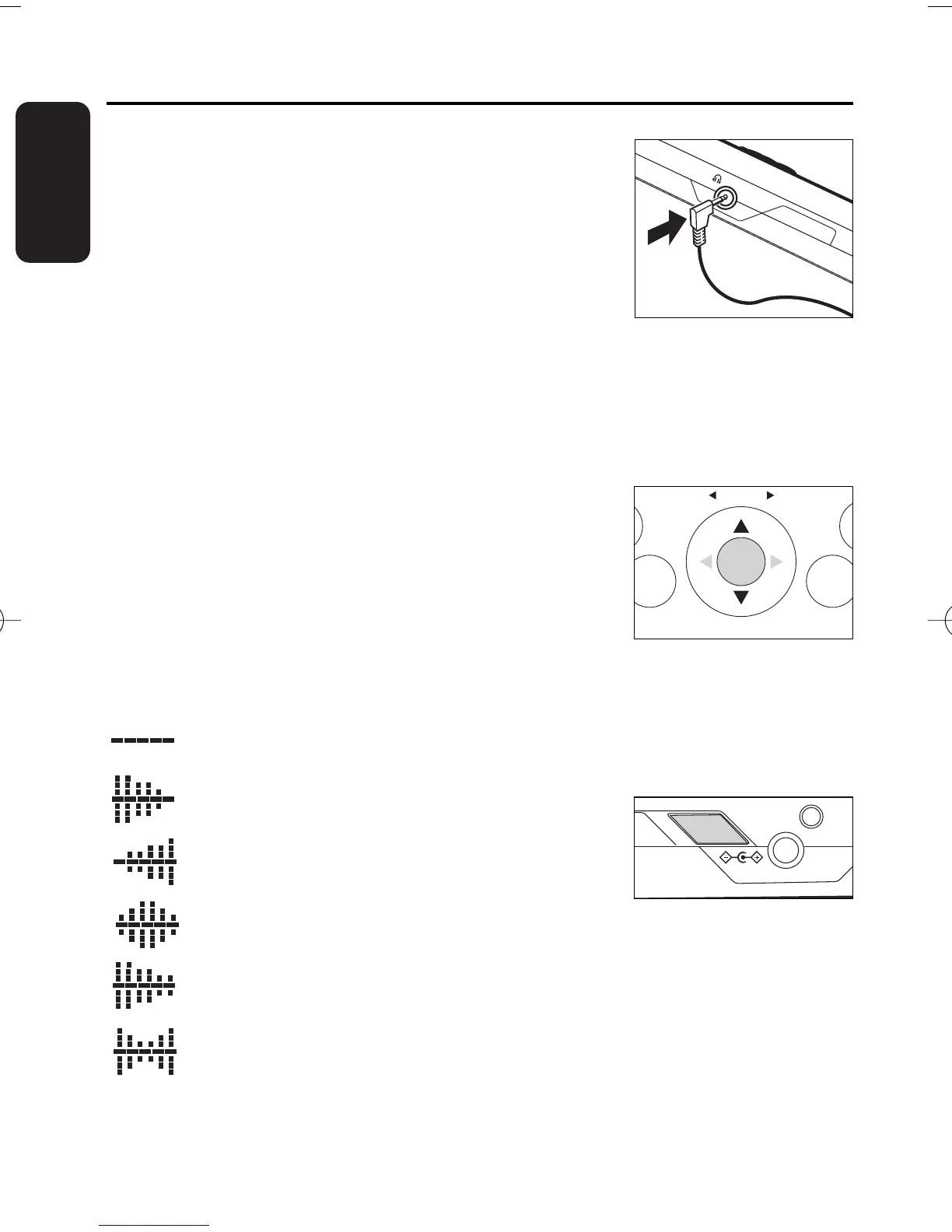
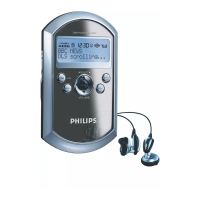
• Connect the supplied headphones to the
p socket of the radio.
• The headphone cable also serves as an aerial. To get
optimal signal reception, avoid coiling the headphone cord.
Take care when using headphones
Hearing safety: Listen at a moderate volume. Using headphones at high volume can
impair your hearing.
Traffic safety: do not use headphones while driving or cycling as you may cause an
accident.
ADJUSTING THE VOLUME
•
Adjust the volume by pushing VOLUME 3/4 on the
navigator control.
ADJUSTING THE EQ SETTINGS (DAB ONLY)
By pressing EQ, you can select one of 6 preset equalizer sound options.
Flat - no eq applied
Bass - boosts bass and mid frequencies
Monitor - boosts treble and mid frequencies
Studio - boosts mid frequencies
Club - boosts bass frequencies with some treble
Arena - boosts bass and treble frequencies
Basic functions


 To Next Page