RECALLING A PRESET
1 Press PRESET.
™
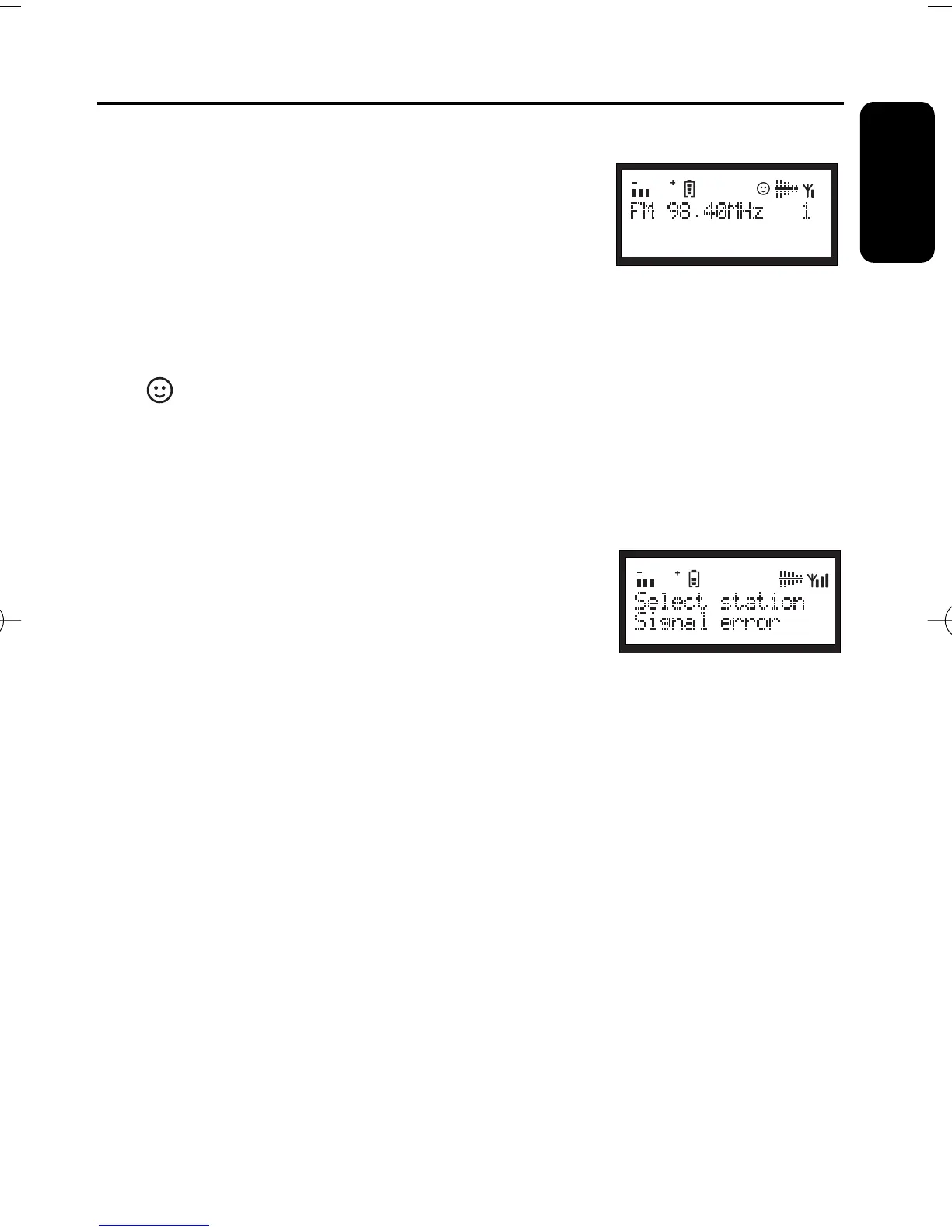
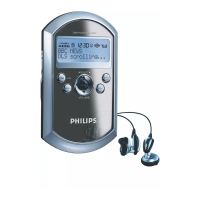
Display shows: current station name at the top display
line and available presets at the bottom.
2
Push left/right
SELECT 1/ 2 once or more to find your
desired preset.
3 Press ENTER to confirm.
™
Your desired preset radio station plays.
™
appears.
VIEWING THE SERVICE INFO (DAB ONLY)
You can view the DAB service info in the following 7 information modes.
•
To scroll through the information options, press INFO repeatedly until your desired
option appears.
1 DLS Dynamic Label Segments.
Displays the scrolling broadcasting
text (default setting).
2 Signal error Displays signal errors.
3 Bitrate mode Displays the transmission rate of broadcasting
data in bits per second.
4 Channel & frequency Displays the channel and frequency of your current service.
5 Clock Shows the time of the current multiplex.
6 Multiplex name Specifies the multiplex of the current service.
(A multiplex is a group of stations broadcast by a multiplex
operator.)
7 Program type Describes content type.
17
Features
English


 To Next Page