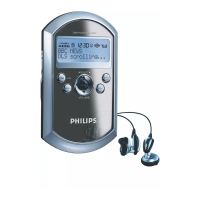
In FM mode
To select a station after you have tuned the radio :
• Press ENTER.
™
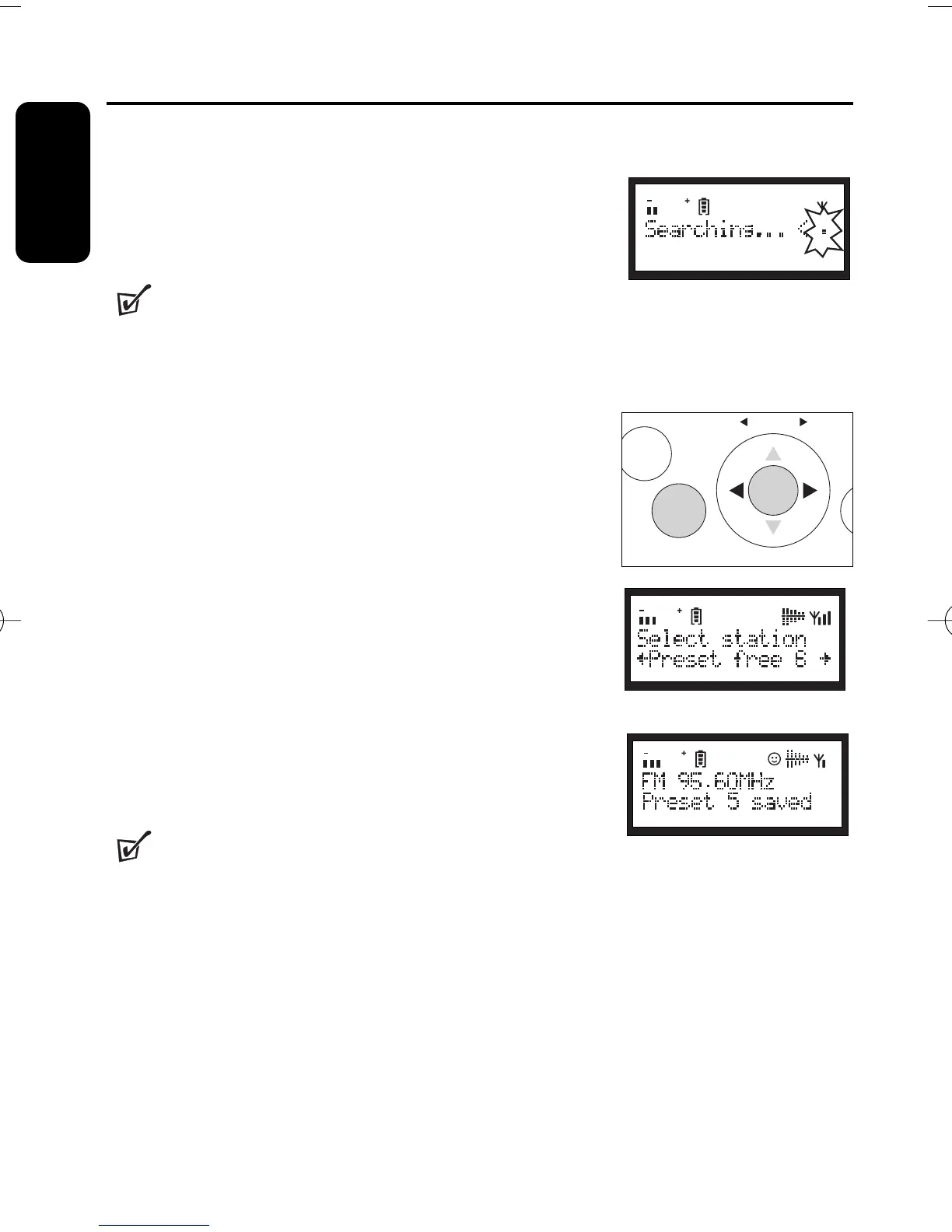
Display shows Searching ... . To select another station,
press ENTER repeatedly.
Helpful Hints :
–
If no station is selected or no action is executed for more than 5
seconds, the last selected station will continue to play.
SAVING & RECALLING PRESETS
With stations saved as presets, you can quickly access your
desired station after the radio is switched on.
Saving a preset
1
During playing a station, press PRESET.
™
Display shows: current station name at the top display
line and free locations at the bottom.
2
Push left/right
SELECT 1/ 2
to find a free location to
store your new station. E.g. Preset 1 free.
3 Press and hold PRESET.
™
Display: Preset X saved when a station is successfully
saved (where X denotes a preset station number).
Helpful Hints :
–
In the DAB mode, you must save a preset after the stations are
sorted by favourites. You can save your favourite stations as presets.
16
Features
English


 To Next Page