Remote control
Direction of Use
5
6
7
8
9
10
11
12
13
14
15
16
17
AUDIO
ForVCD,selectstereo,mono-leftor
mono-right channel.
ForDVD/DivXvideo,selectanaudio
language.
/
Search in a track or disc.
Formenus,navigateleft/right.
Tune to a radio station.
Rotate a picture.
OK
Con¿rm a selection.
SLOW/ ZOOM
Formenus:navigateup/down.
Invert a picture.
(
SLOW ) For video discs: select a
slow play mode.
(
ZOOM ) For video: zoom in/out.
DBB/LOUDNESS
Turn on or off automatic loudness
control.
Turn on or off dynamic bass
enhancement.
Startorpauseplay.
VOL +/-
Adjust volume.
Adjust time.
Stop play.
Erase a program.
MUTE
Mute or restore volume.
CLOCK
Set the clock.
View the clock.
SLEEP/TIMER
Set the sleep timer.
Set the alarm timer.
SUBTITLE
Select a subtitle language.
GOTO
During disc play, specify a position to
start play.
ANGLE/PROG
Select a DVD camera angle.
Program tracks.
Program titles/chapters for DVD play.
Program radio stations.
Numeric keypad
Select a title/chapter/track directly.
/
Skip to the previous/next track.
Skip to the previous/next title or
chapter.
Select a preset radio station.
DSC
Select a preset sound setting.
MODE/DIM
Select repeat/shufÀeplaymodes.
Select a brightness level for the
display screen.
SYSTEM MENU
Access or exit the system setup
menu.
18
19
20
21
22
23
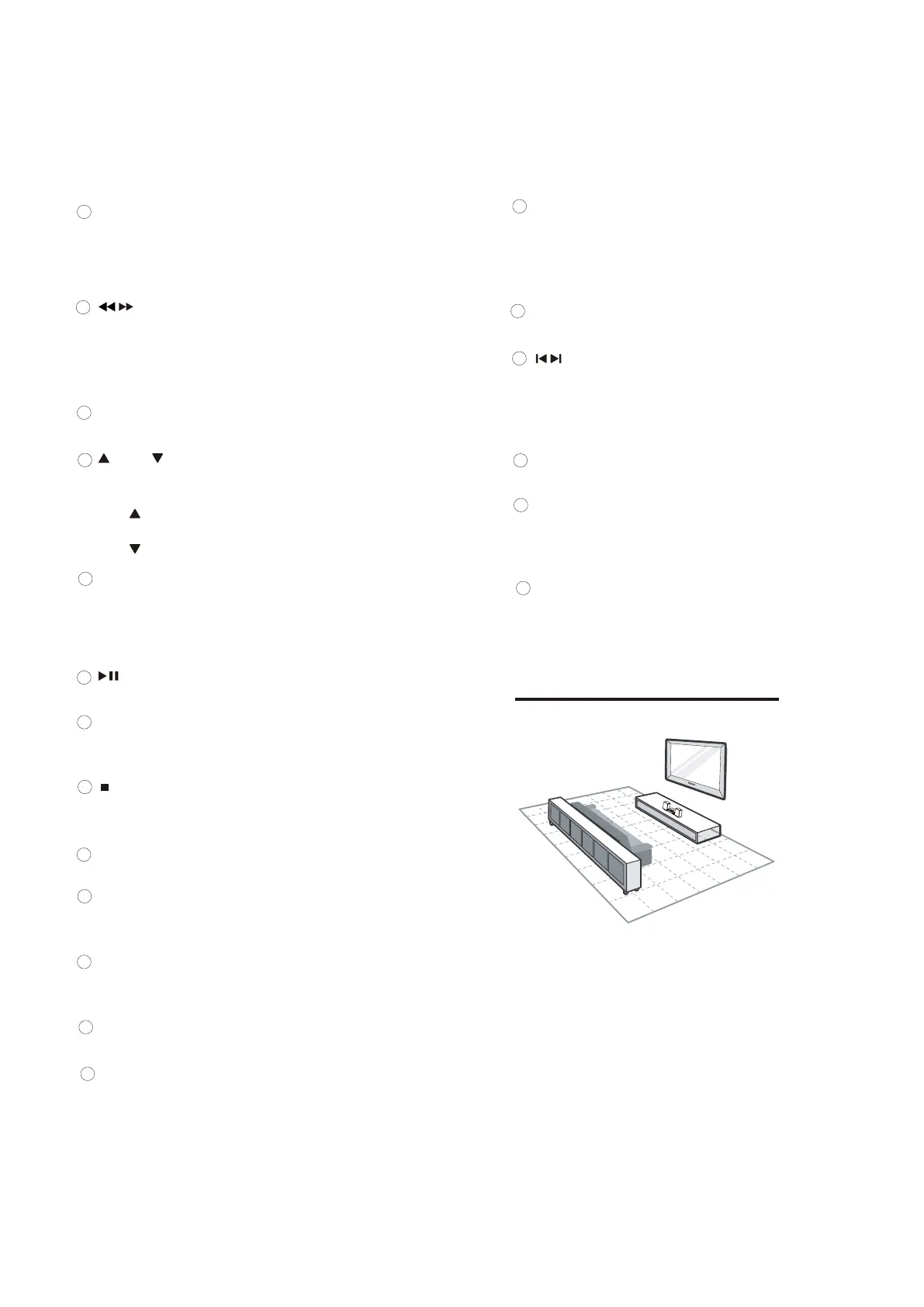
3 Connect
Place the unit
1 Place the unit near to the TV.
2 Place the left and right speakers at equal
distance from the TV and at an angle
of approximately 45 degrees from the
listening position.
7-2



 To Next Page