22
• [PCM] – If the connected device
cannot decode multichannel audio,
select this option.
• [All] – If the connected device
supports multi-channel audio
formats, select this option.
[Night Mode]
Make loud sound level softer and soft sound
level louder so that you can watch the DVD
movies at a low volume, without disturbing
others.
• [On] – enjoy quiet viewing at night
(DVDs only).
• [Off] – enjoy surround sound with
its full dynamic range.
Video setup
On the [Video Setup] page, you can set the
following options:
[TV System]
Change this setting if the video does not
appear correctly. By default, this setting
matches the most common setting for TVs in
your country.
• [NTSC] - For TV with NTSC color
system.
• [PAL] - For TV with PAL color
system.
• [Multi] - For TV that is compatible
with both PAL and NTSC.
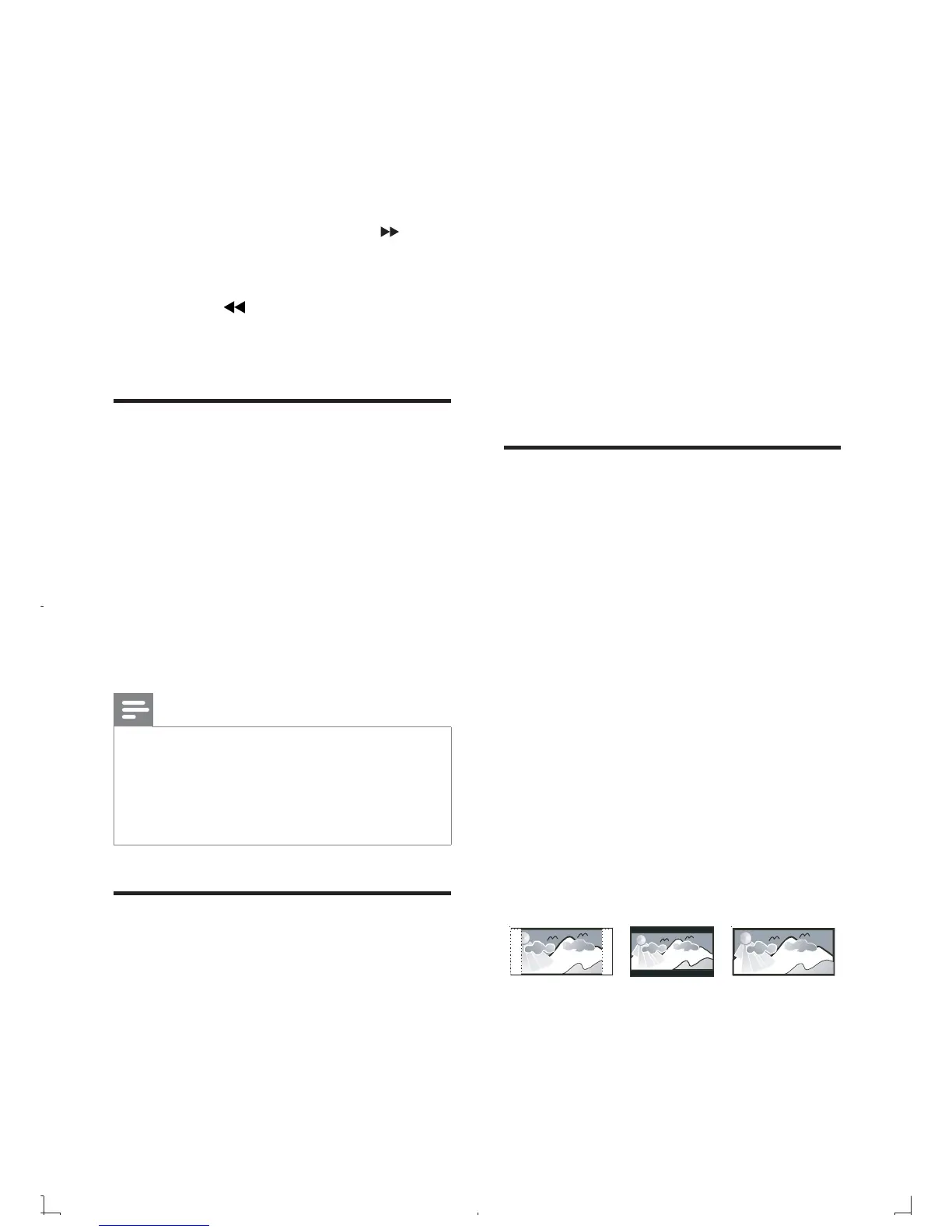
[TV Display]
The TV format determines the aspect ratio of
display according to the type of TV you have
connected.
• [4:3 Pan Scan] – For 4:3 screen TV:
full-height display with the trimmed
sides.
4:3 Letter Box (LB)
4:3 Pan Scan (PS)
16:9 (Wide Screen)
9 Adjust settings
1 Press SYSTEM MENU .
2 Select a setup page.
3 Select an option and then press .
4 Select a setting and then press OK .
To return to the previous menu, •
press
.
To exit the menu, press • SYSTEM
MENU .
General setup
On the [General Setup] page, you can set the
following options:
[OSD language]
Select the preferred language for on-screen
display.
[DivX® VOD Code]
Display the DivX® registration code.
[DivX Deactivation]
Deactivate the authorization to current user.
Note
Enter this DivX registration code when you •
rent or purchase a video from http://vod.divx.
com/. The DivX videos rented or purchased
through the DivX® VOD (Video On
Demand) service can be played only on the
device to which it is registered.
Audio setup
On the [Audio Setup] page, you can set the
following options:
[Digital Output]
Select audio formats supported by the
connected device.
• [Off] – Turn off the digital output.
EN



 To Next Page