8 EN
2 Your Micro
System
Congratulations on your purchase, and
support that Philips offers, register your product
at www.philips.com/welcome.
Introduction
With this unit, you can:
enjoy audio from discs, iPod/iPhone, USB
devices, and other external devices
listen to FM radio
You can enrich sound output with these sound
effects:
Digital Sound Control (DSC)
Dynamic Bass Boost (DBB)
What's in the box
Check and identify the contents of your
package:
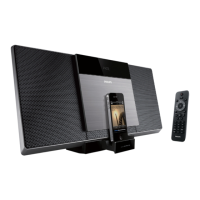
Main unit
Remote control
Power adapter
2 X AAA batteries
Mounting kit (2 dowels and 2 screws)
User manual
Quick start guide
Wall mounting instructions
If you contact Philips, you will be asked for the
model and serial number of this apparatus. The
model number and serial number are on the
bottom of the apparatus. Write the numbers
here:
Model No. __________________________
Serial No. ___________________________
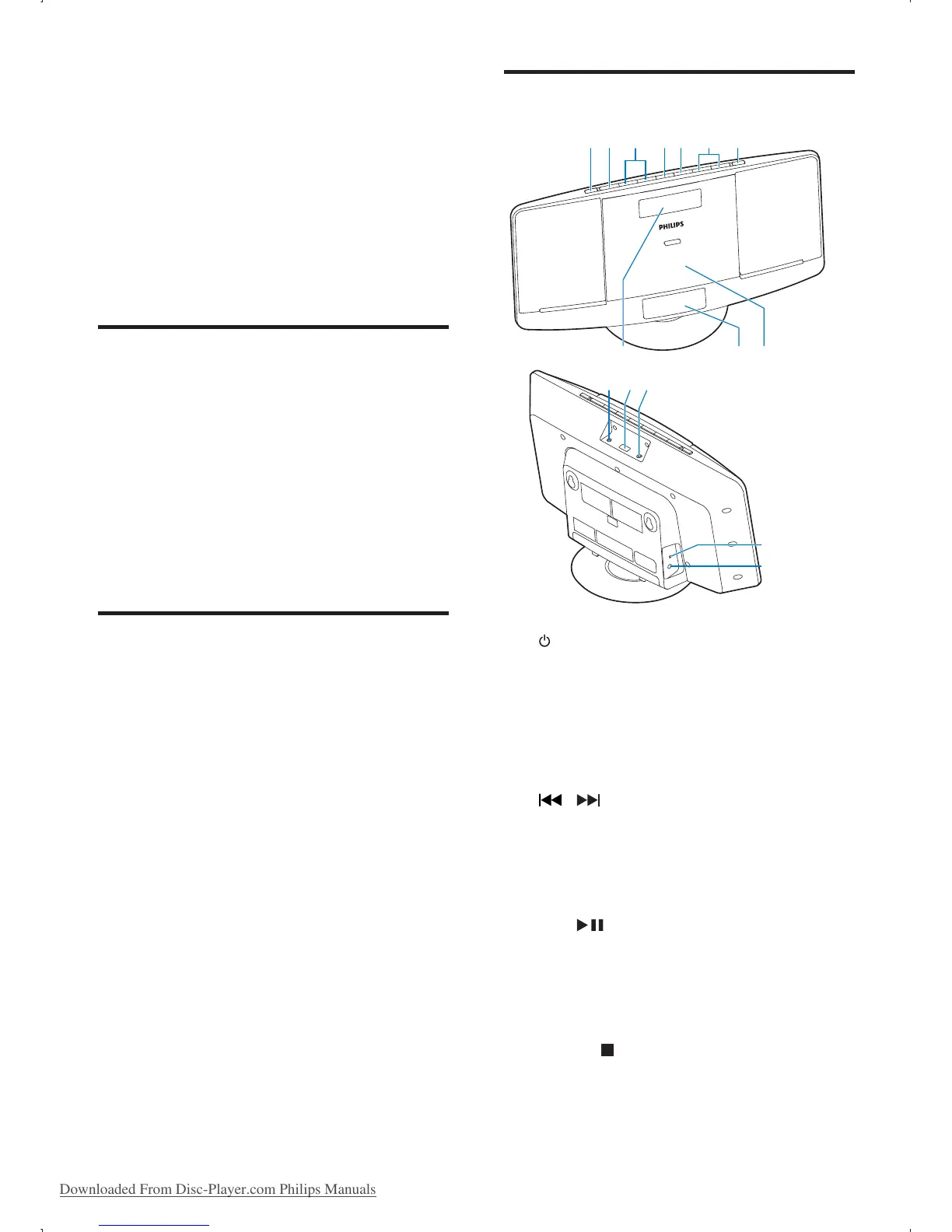
Overview of the main unit
a
Turn the unit on/off.
Switch to standby mode.
b SOURCE
Select a source: CD, FM, USB, Dock, or
MP3 LINK.
c
/
Skip to the previous or next track.
Search within a track or disc.
Tune to radio stations.
Adjust time.
d OK/
Switch between mono and stereo
broadcast.
Start or pause play.
e MENU/
Access iPod/iPhone menu.
Stop play or erase a program.
ab c de f g
hij
klm
n
o
Downloaded From Disc-Player.com Philips Manuals



 To Next Page