11
4 Play disc
1 Press CD to select the disc source.
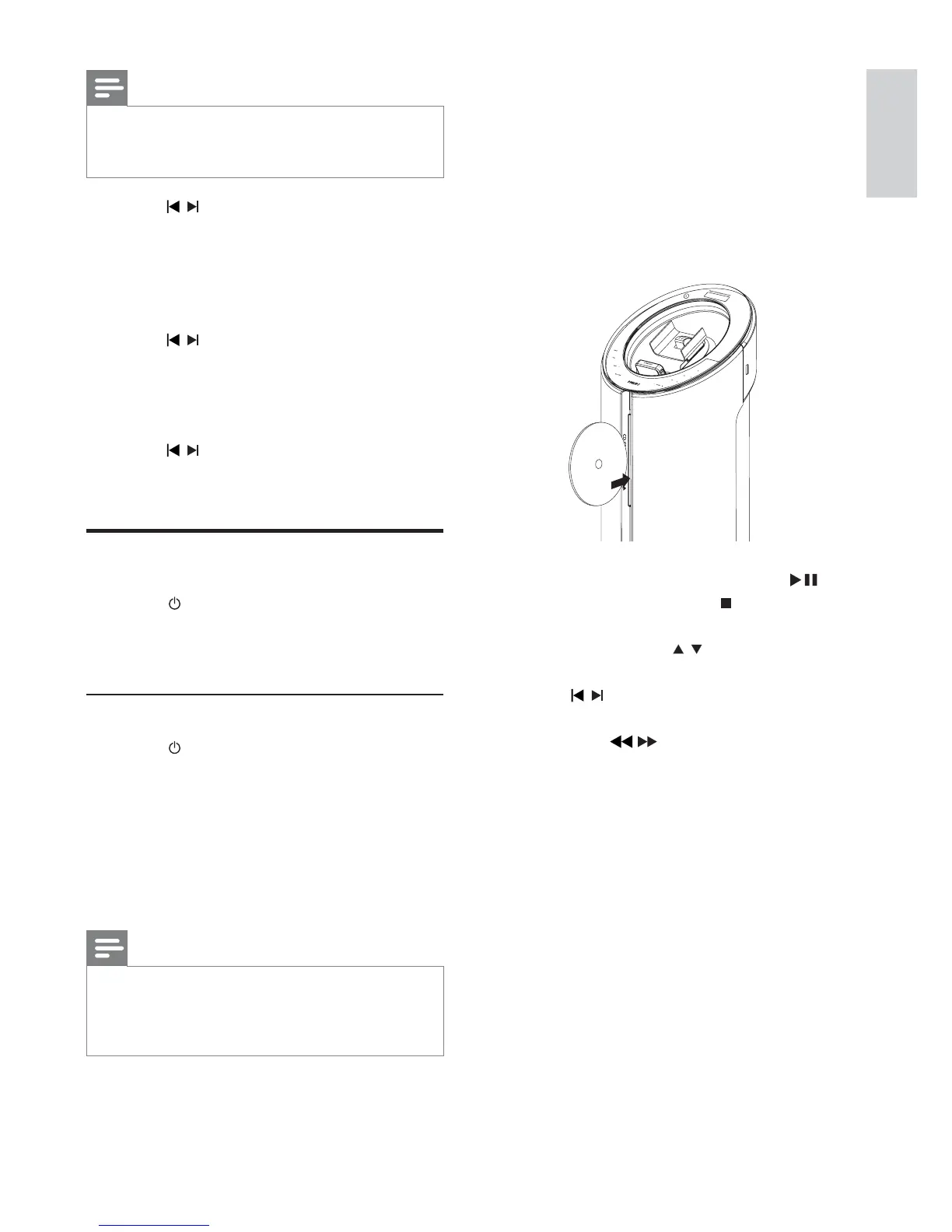
2 Insert a disc into the disc compartment
with the printed side facing right.
Play starts automatically.»
To pause/resume play, press
.
To stop play, press
.
For MP3/WMA disc: to select an
album, press
/ .
7RVNLSWRDWUDFNÀOHFKDSWHUSUHVV
/ .
To fast backward/forward, press and
hold
/ .
P
r
i
n
t
e
d
S
i
d
e
Note
In Eco Power Standby mode, press CLOCK to
VKRZFORFNÀUVWWKHQSUHVVDQGKROGCLOCK
to proceed clock setting.
2 Press / to select 12 hour or 24 hour
format.
3 Press PROG/CLOCK.
The hour digits are displayed and begin »
to blink.
4 Press / to set the hour.
5 Press PROG/CLOCK.
The minute digits are displayed and »
begin to blink.
6 Press / to set the minute.
7 Press PROG/CLOCKWRFRQÀUP
Turn on
1
Press .
The unit switches to the last selected »
source.
Switch to standby
1 Press to switch the unit to standby
mode.
The backlight on the display panel is »
reduced.
The clock (if set) appears on the »
display panel.
You can charge the iPhone/iPod.»
Note
If no button is pressed over 15 minutes in
Standby mode, the apparatus goes to Eco
Power Standby mode automatically and the
backlight on the display turns off.
English
EN



 To Next Page