13
7 Play iPhone/iPod
You can enjoy audio from iPhone/iPod through
this unit.
Compatible iPod/iPhone
Apple iPod and iPhone models with a 30-pin
dock connector:
iPod classic, iPod touch, iPod nano, iPod
5th generation (video).
iPhone, iPhone 3G.
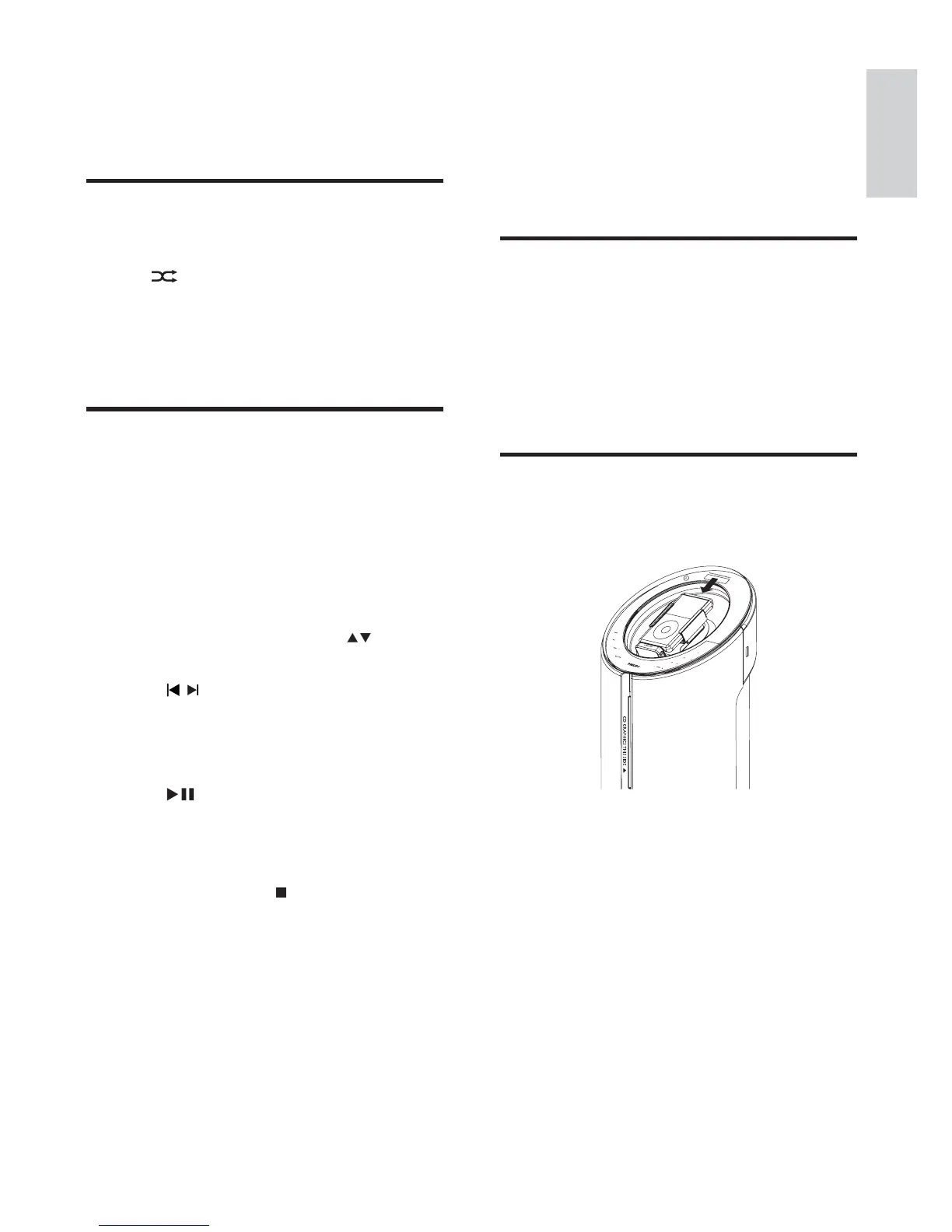
Load the iPhone/iPod
1
Place the iPhone/iPod in the dock.
2 To return to normal play, press REPEAT
repeatedly until the repeat mode is no
longer displayed.
Random play
1
Press SHUFFLE.
»
is displayed. All tracks are played in
a random sequence.
2 To return to normal play, press SHUFFLE
again.
Program tracks
You can program a maximum of 20 tracks.
1 At CD/USB mode, at the stop position,
press PROG/CLOCK to activate the
program mode.
[PROG] (program) blinks on the »
display.
2 For MP3/WMA tracks, press to select
an album.
3 Press / to select a track number, then
press PROG/CLOCKWRFRQÀUP
4 Repeat steps 2 to 3 to program more
tracks.
5 Press to play the programmed tracks.
During play, [PROG] (program) is »
displayed.
To erase the program, in the stop
position, press
.
To review the program, in the stop
position, press and hold PROG/
CLOCK for more than 2 seconds.
English
EN



 To Next Page